
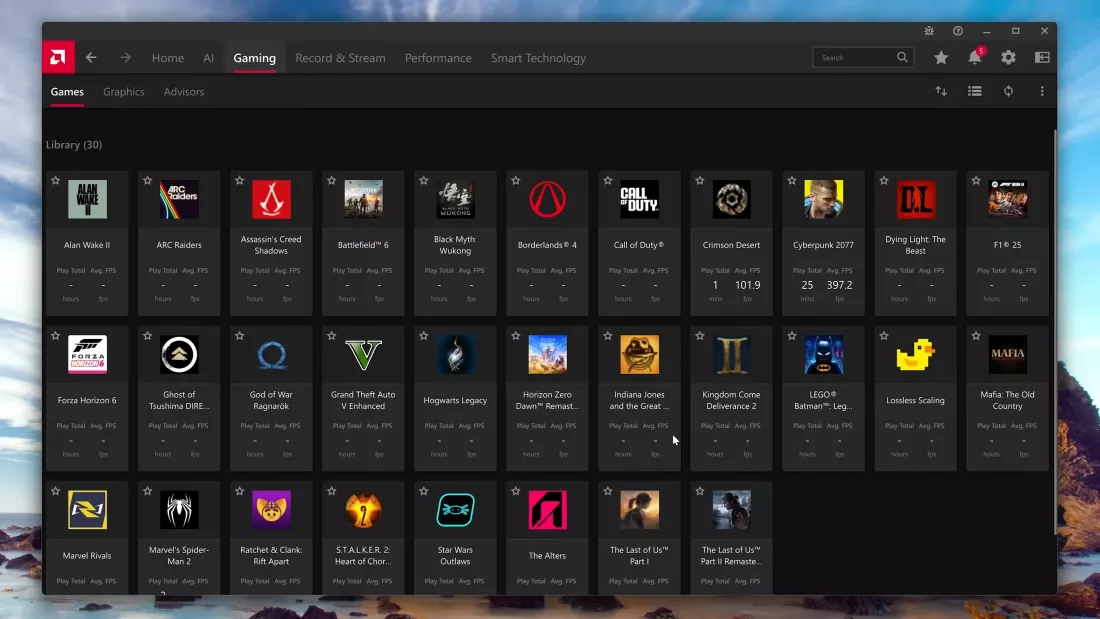
AMD has published a configuration guide for its Adrenalin Edition software that changes how users should approach GPU settings. This advice matters because incorrect defaults can degrade image quality and add input lag in modern games. We recommend following these steps to ensure your RDNA 3 or RDNA 4 hardware performs as intended.
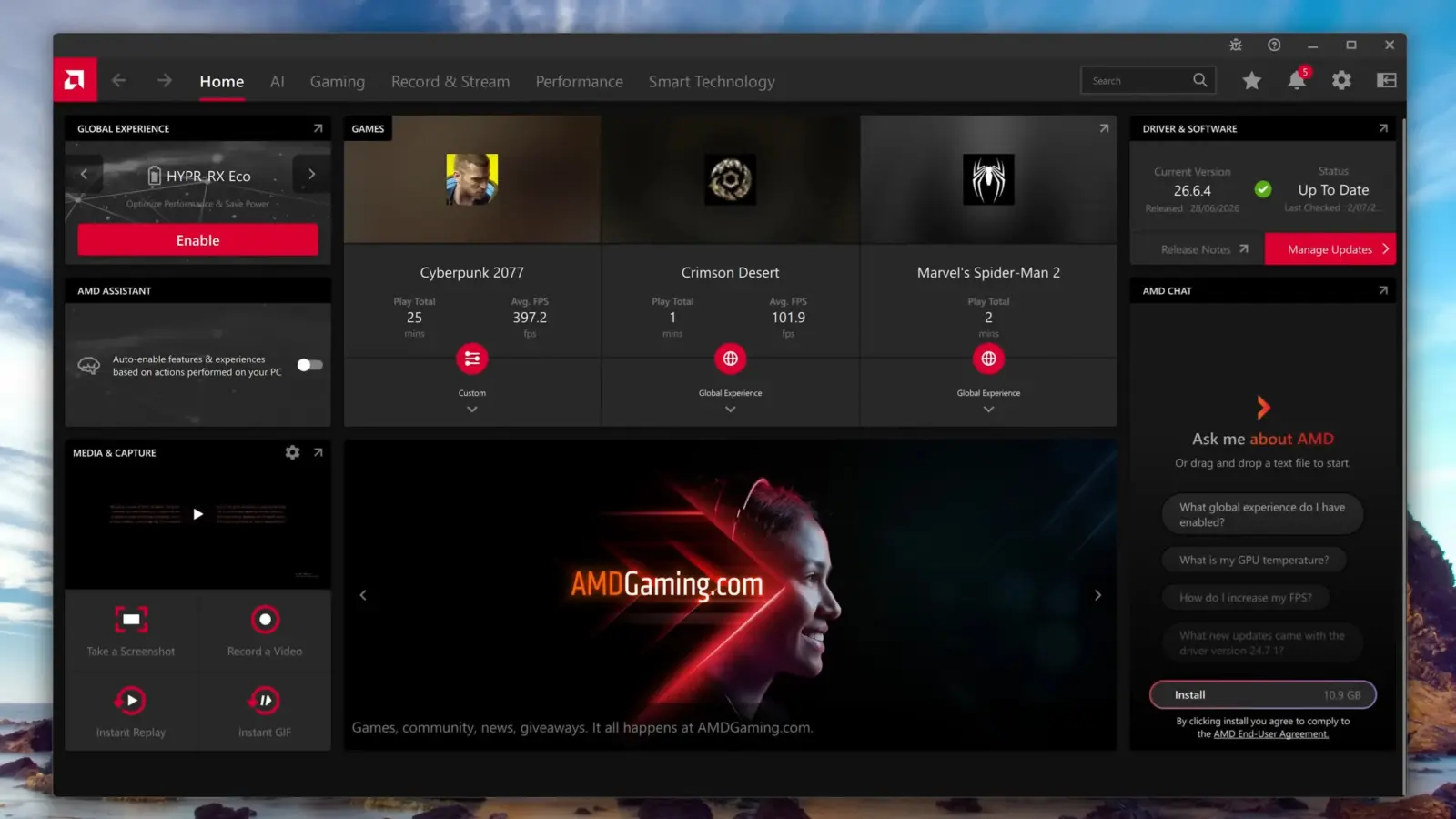
Optimize RDNA 3 and RDNA 4 graphics cards with driver-level FSR 4 and FreeSync settings
The guide targets PC gamers using AMD graphics cards who want to optimize their experience without manual tinkering. It focuses on driver-level implementations of FSR 4 to enhance upscaling and frame generation. Users should prioritize display settings that support FreeSync or Variable Refresh Rate for smoother visuals.
Key display recommendations include disabling GPU Scaling unless you require integer scaling for specific resolutions. You should set the RGB pixel format to 4:4:4 Full RGB to preserve color accuracy in games. The guide explicitly advises against enabling Hypr-RX, Radeon Super Resolution, and AMD Fluid Motion Frames for optimal results.
Recording settings now favor the AV1 codec for high-quality clips while keeping H.264 for broader compatibility. Users sharing to YouTube should cap their recording frame rate at 60 FPS to match platform standards. Optional features like Radeon Anti-Lag and Image Sharpening 2 require per-game testing to determine their actual benefit.
The core takeaway is that AMD wants users to rely on driver-level FSR 4 and standard display protocols rather than legacy enhancement tools. This approach simplifies optimization for RDNA 3 and RDNA 4 owners. We suggest applying these settings to reduce configuration friction and improve visual fidelity.
Discussion
0 comments
Log in to join the thread with a thoughtful take, question, or correction.