
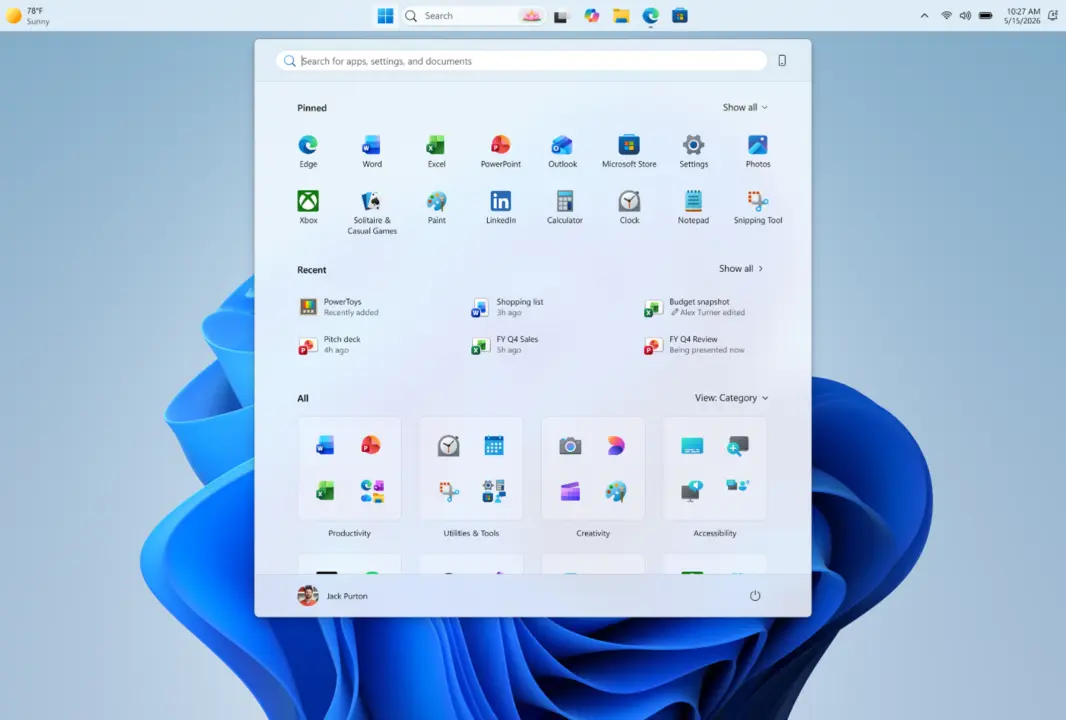
Microsoft has added new taskbar customization options to Windows 11 Insider builds. Users can now move the taskbar to any side of the screen: top, bottom, left, or right. The changes are rolling out via the Experimental channel.
Taskbar now movable to any side
The taskbar icon alignment adapts to the chosen position. On horizontal taskbars, icons can be centered or left-aligned. On vertical taskbars, icons can be centered or top-aligned. A smaller taskbar option reduces the height and icon size for compact displays. System flyouts like Start and Search adjust to match the taskbar placement. When using a vertical taskbar with 'Never combine' and labels enabled, each window appears separately.
The new features are currently available in Insider builds. Microsoft has not announced a timeline for a wider release.
These changes bring back taskbar customizations that were present in Windows 10. The update focuses on giving users more control over the taskbar layout and appearance.
Discussion
0 comments
Log in to join the thread with a thoughtful take, question, or correction.