
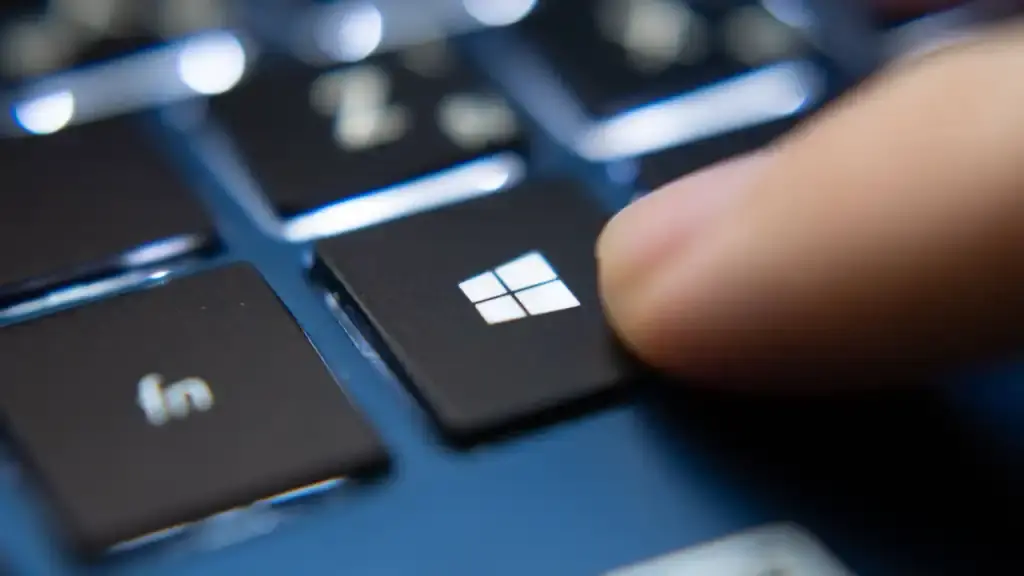
Windows users can easily revert their graphics drivers using a simple key combination without having to restart their computer. The shortcut is useful as it helps users restore their screens quickly in case they freeze or turn black without having to reboot the whole system.
Press Windows + Ctrl + Shift + B to reset the graphics driver
This allows users to quickly fix any graphical issue that may be hindering their work as soon as it arises. It works by using the key combination Windows + Ctrl + Shift + B.
By pressing these four keys simultaneously, the Desktop Window Manager will be reset. Doing so will restart the graphics driver without having to reboot the system.
During the process, users will notice a beep sound and a brief flash of the screen. This graphics driver reset will solve any display issues caused by software.
It won't help if there's any physical damage to monitors or if the GPU hardware is faulty. Previously, we have been following Windows updates and reported on Windows 11 shortcut makes accessing AppData easier.
The graphics driver reset key combination is a quick fix that users can use as an alternative to restarting their system if the display issues are not severe. It's a handy solution for simple software conflicts without losing any data.

Discussion
0 comments
Log in to join the thread with a thoughtful take, question, or correction.