
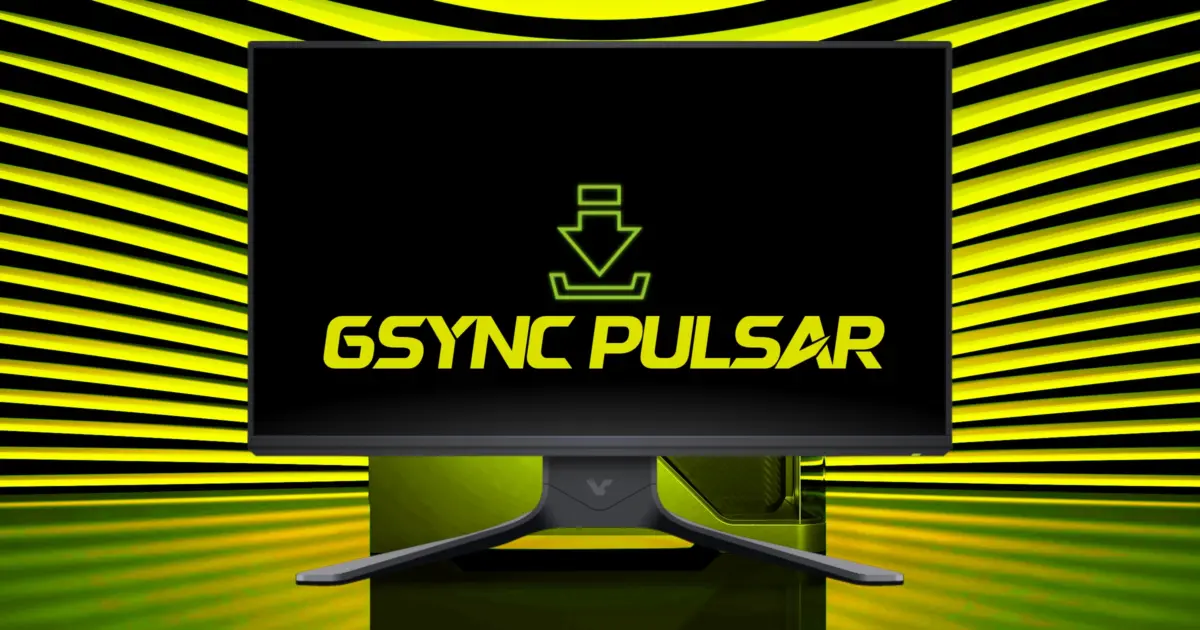
NVIDIA has pushed GeForce Hotfix Driver 617.70 to address two particular display issues that are interfering with gaming on high refresh rate. If you have a 360Hz G-SYNC Pulsar monitor, this is important to help return your frame rates that dipped down to 320 FPS as well as lower your input latency. If you're using a QHD 360Hz monitor, then this patch will also help with temporary black screens that interfere with your gameplay. You can grab the separate download for the Windows 10 and Windows 11 hotfix.
This is a hotfix based on the GeForce 617.42 WHQL base driver. It's focused on some particular issues with RTX 30 and RTX 40 series GPUs and their high refresh rate monitors. NVIDIA solved a particular issue with the frame rate being limited to about 320 FPS on G-SYNC Pulsar displays. They also fixed some occasional black flashes with gameplay on your QHD 360Hz monitor (4846825).
NVIDIA says that this driver only fixes some instances of this black screen issue. They're still looking into other cases where it's still happening. NVIDIA recommends adjusting Power Management Mode to Prefer Maximum Performance in NVIDIA Control Panel as a workaround if you're seeing black screens for now. This should help stabilize things while they get the software fix in place.
That other issue with G-SYNC and Pulsar not working when your monitor goes to sleep isn't addressed here. NVIDIA has replicated it on their end, though. They didn't mention a release date for their fix. That one isn't fixed with this hotfix. If you need to have your instantaneous wake functionality, you may still have some interruptions to contend with until NVIDIA gets the fix out.
- Fixed Issue: G-SYNC Pulsar 360Hz monitors limited to ~320 FPS with increased latency
- Fixed Issue: Temporary black screens/flashes during gameplay on QHD 360Hz monitors (Issue 4846825)
- Base Driver: GeForce 617.42 WHQL
- Workaround: Set Power Management Mode to Prefer Maximum Performance in NVIDIA Control Panel
Discussion
0 comments
Log in to join the thread with a thoughtful take, question, or correction.