
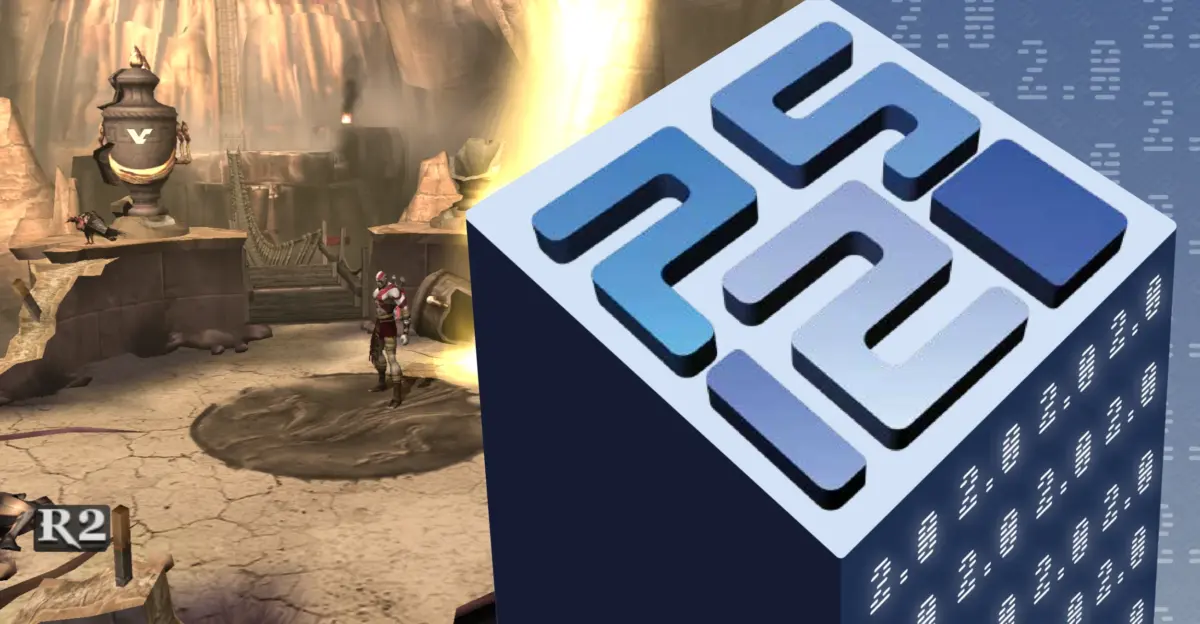
PCSX2 version 2.8 has arrived nearly six months after the previous release, bringing significant performance gains to PlayStation 2 emulation on Windows. This update matters because it shifts the default rendering engine to Direct3D 12, which aims to lower GPU overhead and improve frame rates for players using NVIDIA and AMD graphics cards. Users with mid-range hardware may notice smoother gameplay in titles that previously struggled with rendering bottlenecks.
Direct3D 12 becomes default renderer for NVIDIA and AMD GPUs
The emulator now defaults to Direct3D 12 for most NVIDIA and AMD systems, replacing Vulkan as the primary recommendation. Developers state that this renderer has reached performance and compatibility parity with Vulkan, offering a more stable experience for the majority of users. This change simplifies setup for those who do not wish to manually configure advanced graphics options.
Performance improvements stem from new channel shuffle handling and optional draw buffering. The team eliminated many texture copies and render pass transitions, which directly reduces the workload on the graphics processor. In specific tests, draw calls dropped from 5,624 to 2,828 in Need for Speed: Underground 2 and from 4,956 to 2,976 in Need for Speed: Carbon. Manhunt 2 saw texture copies fall from 425 to just eight, while Time Crisis 3 gained approximately 30 percent performance improvement.
PCSX2 has updated its recommended hardware requirements to a new 'Heavy' tier. This tier lists a Core i5-12400 or Ryzen 5 5600 paired with a GeForce RTX 4060 8GB, Radeon RX 6600 XT, or Intel Arc B580. These specifications reflect the increased efficiency of the new rendering path and the demands of optimized emulation. The update is available now for Windows users looking to enhance their PS2 library.
We looked at earlier PCSX2 performance patches while tracking emulator development. The release marks a significant step in optimizing the emulator for modern graphics APIs. Players can expect better stability and higher frame rates in supported titles without needing to tweak advanced settings manually.

Discussion
0 comments
Log in to join the thread with a thoughtful take, question, or correction.