
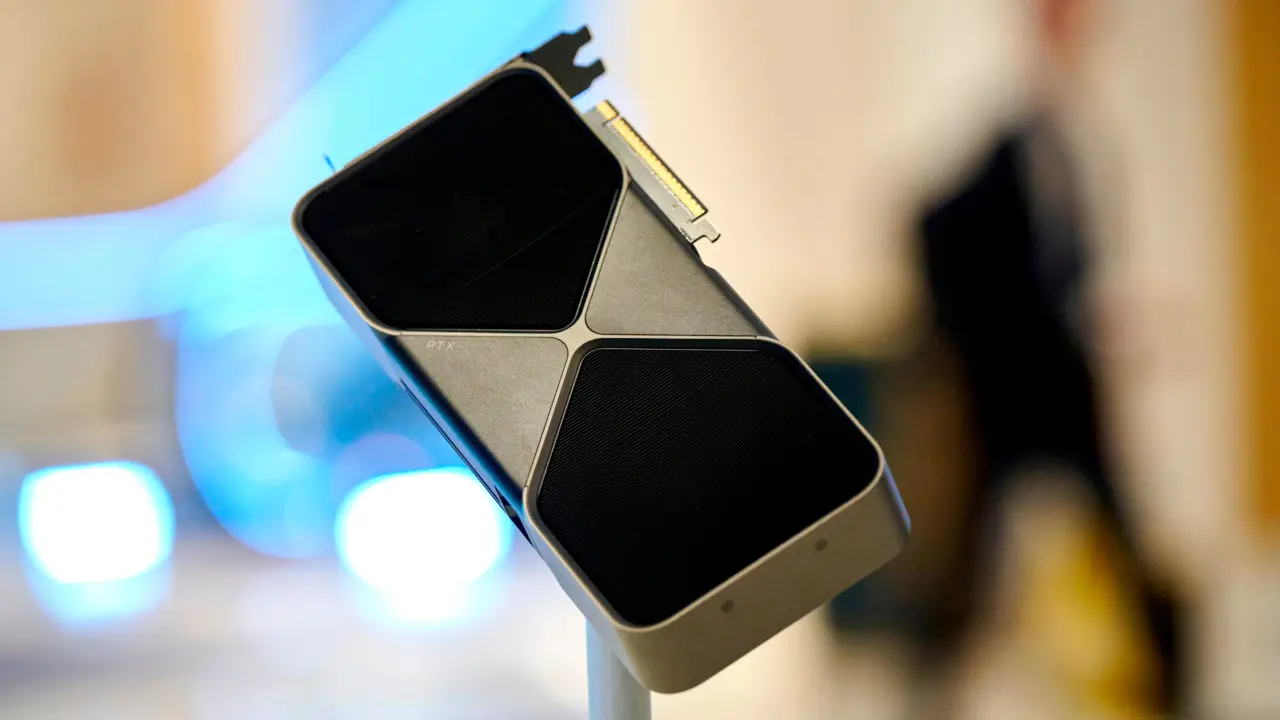
Nvidia keeps its Blackwell GPU sensor data locked behind strict software barriers, but a community developer has found a way to bypass those restrictions. This matters because enthusiasts and builders need accurate memory thermal readings to keep high-end graphics cards from overheating during intense workloads. A new plugin named Hotspot.dll finally exposes the hidden VRAM telemetry that Nvidia's official drivers hide.
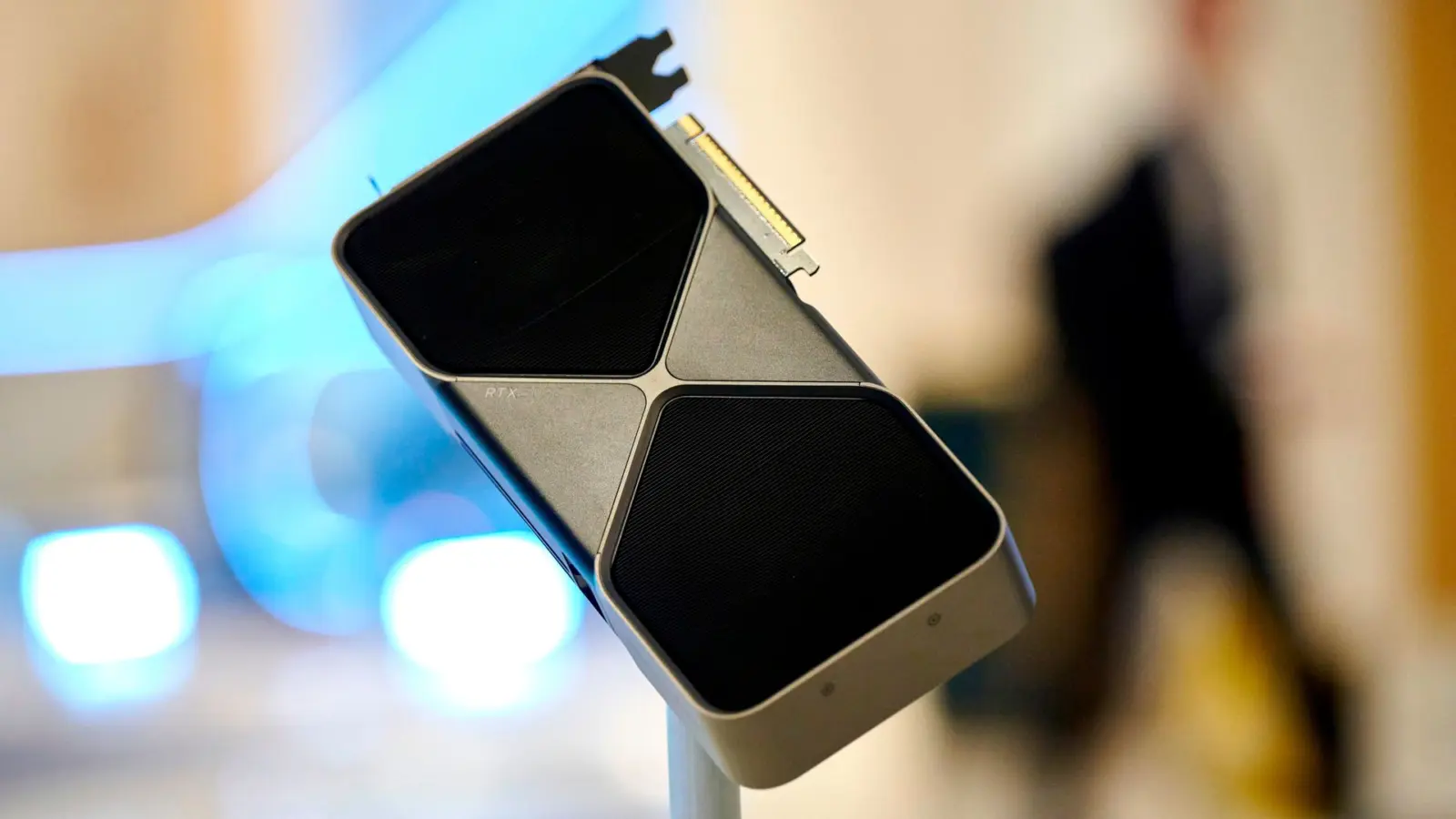
Community tool bypasses Nvidia restrictions to expose hidden VRAM thermal data
The tool works by interacting with MSI Afterburner, a popular hardware monitoring utility used by PC builders. Community developer asder00 created the plugin to unlock per-chip DRAM thermal data on Nvidia Blackwell GPUs. Nvidia typically blocks these specific sensor readings through its NVAPI restrictions, which prevents third-party developers from accessing granular hardware metrics.
- Plugin Name: Hotspot.dll
- Compatible Memory Types: GDDR6, GDDR6X, GDDR7
- Supported GPU Architectures: Blackwell, Ada Lovelace, Ampere
- HWiNFO Beta Version: v8.51-6304
The plugin supports GDDR6, GDDR6X, and GDDR7 memory types across multiple GPU generations. It functions on Blackwell architecture cards as well as previous generations like Ada Lovelace and Ampere. The latest beta version of HWiNFO, v8.51-6304, already includes support for this telemetry. This version allows users to monitor all 16 GDDR7 memory modules on the GeForce RTX 5090 individually.
We touched on NVIDIA RTX 50 SUPER Delayed as in our earlier Nvidia coverage. This new monitoring capability provides critical data for users pushing their hardware to the limit. The solution offers a practical workaround for the lack of official vendor tools.
Community developers can now access detailed VRAM temperature data without waiting for official Nvidia updates. This plugin gives users direct insight into their GPU's thermal health. The tool is currently available for those willing to install community software.
Discussion
0 comments
Log in to join the thread with a thoughtful take, question, or correction.