
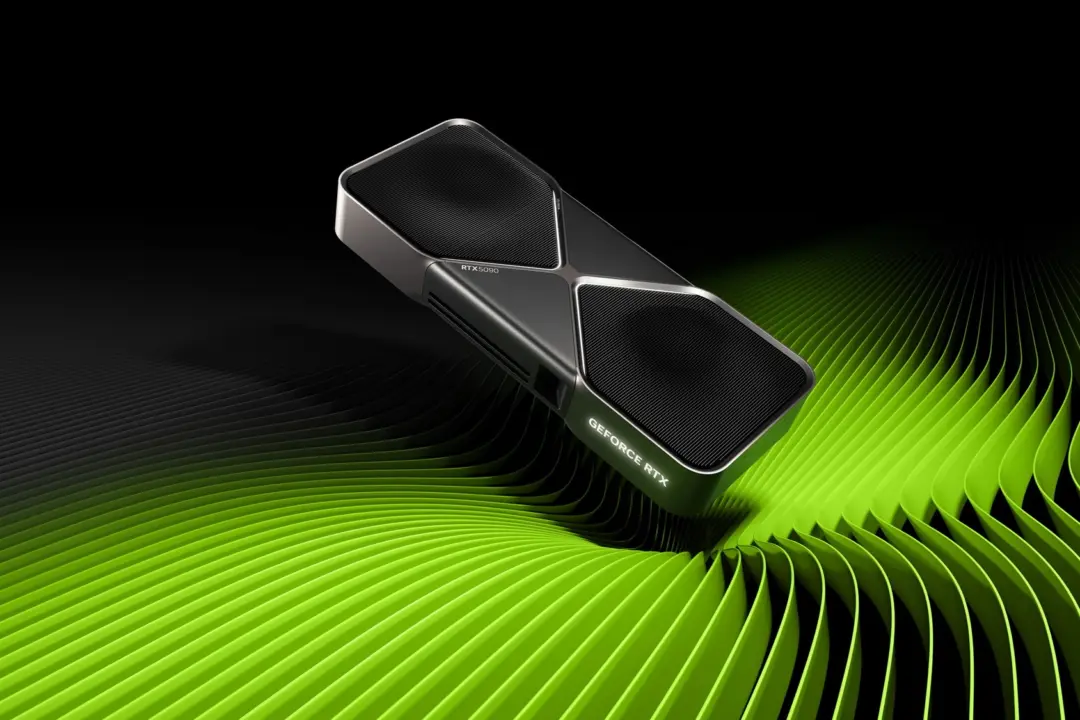
Nvidia App driver updates causing massive installation files that are taking up your SSD space on your PC. NVIDIA App's driver update process is causing massive bloating on your system's drive. If you are using the NVIDIA App to update your graphics drivers, you might be seeing your system drive unexpectedly losing over 20 GB of space.
NVIDIA App driver updates causing massive installation files that are taking up your SSD space on your PC
This bloating could cause your system to run slower and potentially cause issues with other software components. If you own a GPU, make sure you check the disk usage after updating drivers.
The problem is with NVIDIA App's process of Over-The-Air (OTA) driver installation. The NVIDIA App doesn't clean the old driver installation packages after the successful installation. The massive installation files of the drivers get added to your system drive as you update your drivers. NVIDIA confirmed that this is a bug with the current NVIDIA App version.
There are residual registry entries and components which are left behind after the update. All these system artifacts can cause conflicts and impact overall system stability. People are reporting frame drops, stuttering, and app crashes after the driver updates. You may also see rendering errors because of the instability caused by all these residual files.
NVIDIA recommends doing a manual cleanup of all these left behind files until they provide the fix. This is important to recover the wasted storage and to fix any potential conflicts in your system. NVIDIA hasn't shared any specific timeline on when they'll fix the bug. Keep an eye out for future updates on official channels that could solve this installation problem.
Discussion
0 comments
Log in to join the thread with a thoughtful take, question, or correction.