
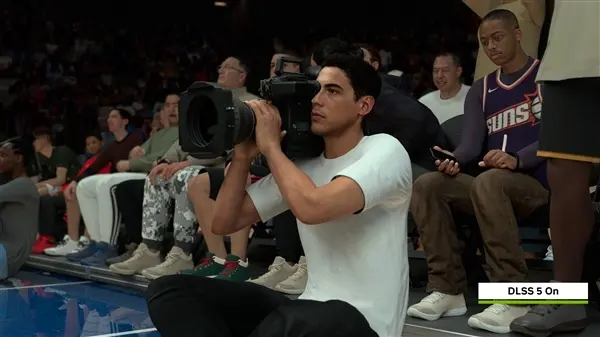
A new open-source tool named Neural Coprocessor changes how gamers can handle the heavy computational load of DLSS 5. This software allows players to offload neural network tasks to a second graphics card, which matters because single-GPU setups often suffer steep performance penalties when running these advanced upscaling features. Users with multi-GPU rigs can now maintain higher frame rates without sacrificing visual fidelity.
Open-source tool shifts neural network tasks to secondary graphics card
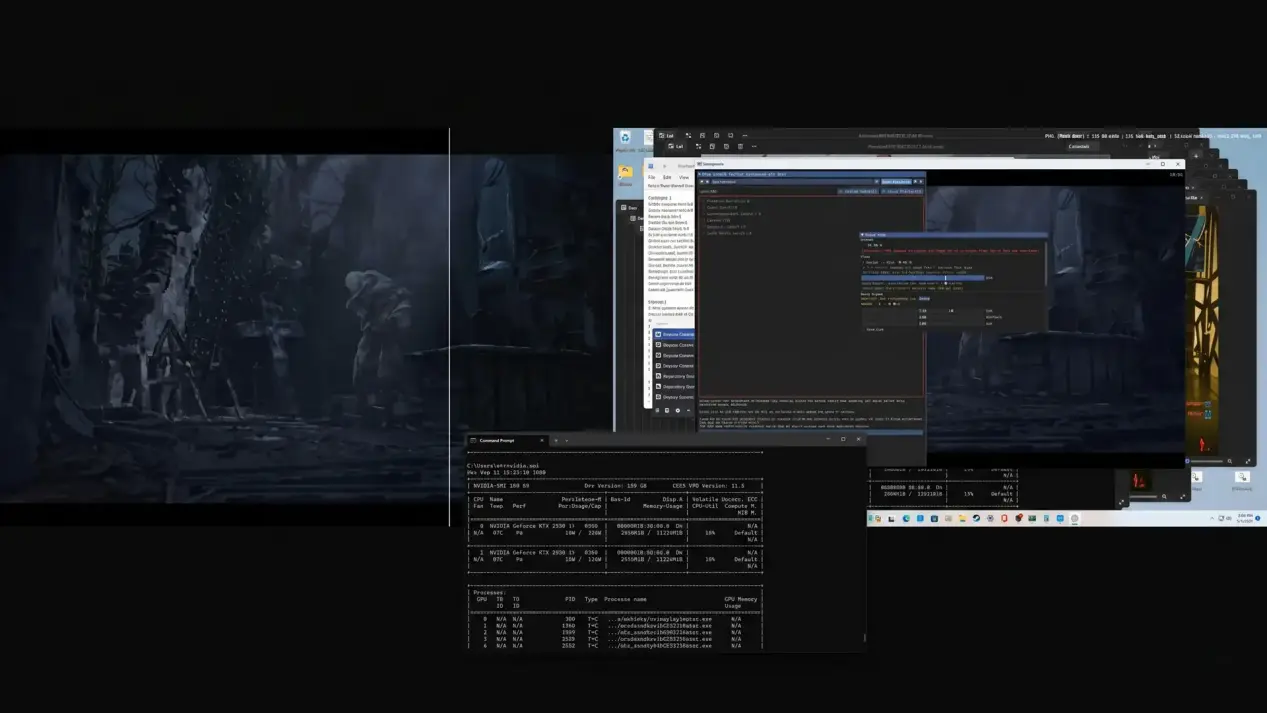
The project relies on a plugin compatible with ReShade 6.8.0 and later versions. Unlike traditional SLI technology that splits or duplicates frames during rendering, this tool intercepts completed frames using cross-adapter shared stacks. The developer maohgad-web designed the system to run the DLSS 5 neural network post-processing on a secondary GPU rather than the primary display adapter.
- Plugin Version: ReShade 6.8.0+
- Test Game: Blood of the Dawnwalker
- Test GPU: GeForce RTX 5060 Ti 16GB
- Resolution: 1920×1080
- DLAA Performance Loss (Dual Card): 0%
Testing on the title Blood of the Dawnwalker utilized two GeForce RTX 5060 Ti 16GB graphics cards at a 1920×1080 resolution. The results showed that DLAA mode experienced zero performance loss, maintaining frame rates between 67 and 70 FPS. In Quality mode, the system dropped only 8 percent, reaching 91 FPS, while Ultra Performance mode saw a 9 percent loss, hitting 157 FPS compared to the single-card baseline.
The workload transfer provides significant thermal benefits for the primary graphics card. Data indicates that primary GPU temperatures dropped by 10 to 21 degrees Celsius when the secondary card handled the neural network tasks. This cooling effect helps prevent thermal throttling during intensive gaming sessions that previously demanded maximum resources from a single chip.
The Neural Coprocessor project remains in an open-source research phase with notable limitations. Users must connect two monitors or operate within specific windowed modes to utilize the feature effectively. The tool does not replace standard hardware configurations but offers a software-based workaround for specific high-end rendering requirements.
Discussion
0 comments
Log in to join the thread with a thoughtful take, question, or correction.