
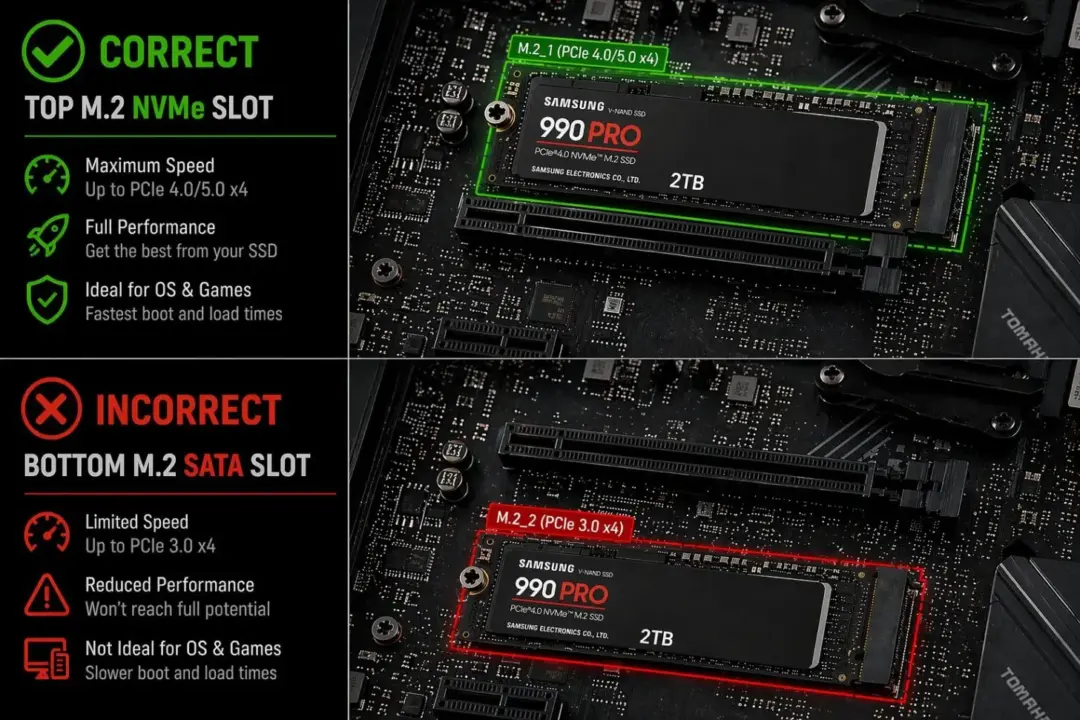
Crucial released the T710 2 TB M.2 solid state drive. The drive uses the NVMe protocol over a PCIe Gen4 or Gen5 interface. PCIe Gen5 This hardware targets modern Intel LGA 1700 and AMD AM5 platforms. The product fits into standard M.2 slots on motherboards like the ASUS TUF Gaming Z790-PRO WIFI, MSI MPG B550 Gaming Plus, and Gigabyte X870E AORUS ELITE WIFI7 ICE.
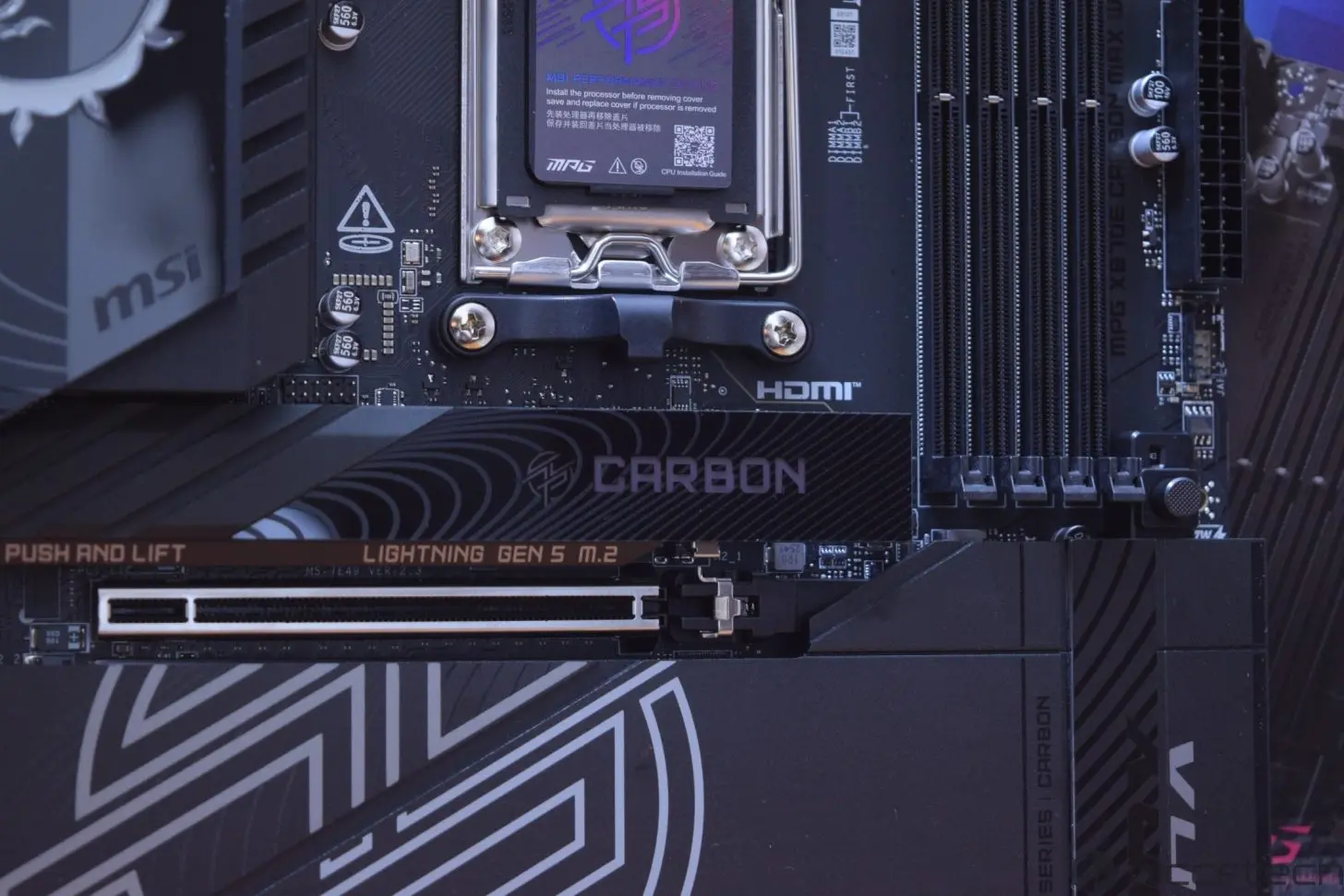
The top M.2 slot on most mainboards connects directly to the CPU. This direct connection provides the highest speed potential for the drive. The T710 2 TB SSD works well with Microsoft DirectStorage API. This API optimizes data transfer for fast PCIe NVMe drives. The drive supports the high bandwidth required by modern gaming workloads.
Users must ensure the SSD receives adequate cooling. A quality heatsink or thermal pad combo prevents thermal throttling. This requirement is especially critical for fast PCIe Gen5 SSDs. The M.2 form factor itself does not guarantee performance. The actual speed depends on the motherboard slot and system configuration.
Check your motherboard manual for the optimal CPU-connected slot
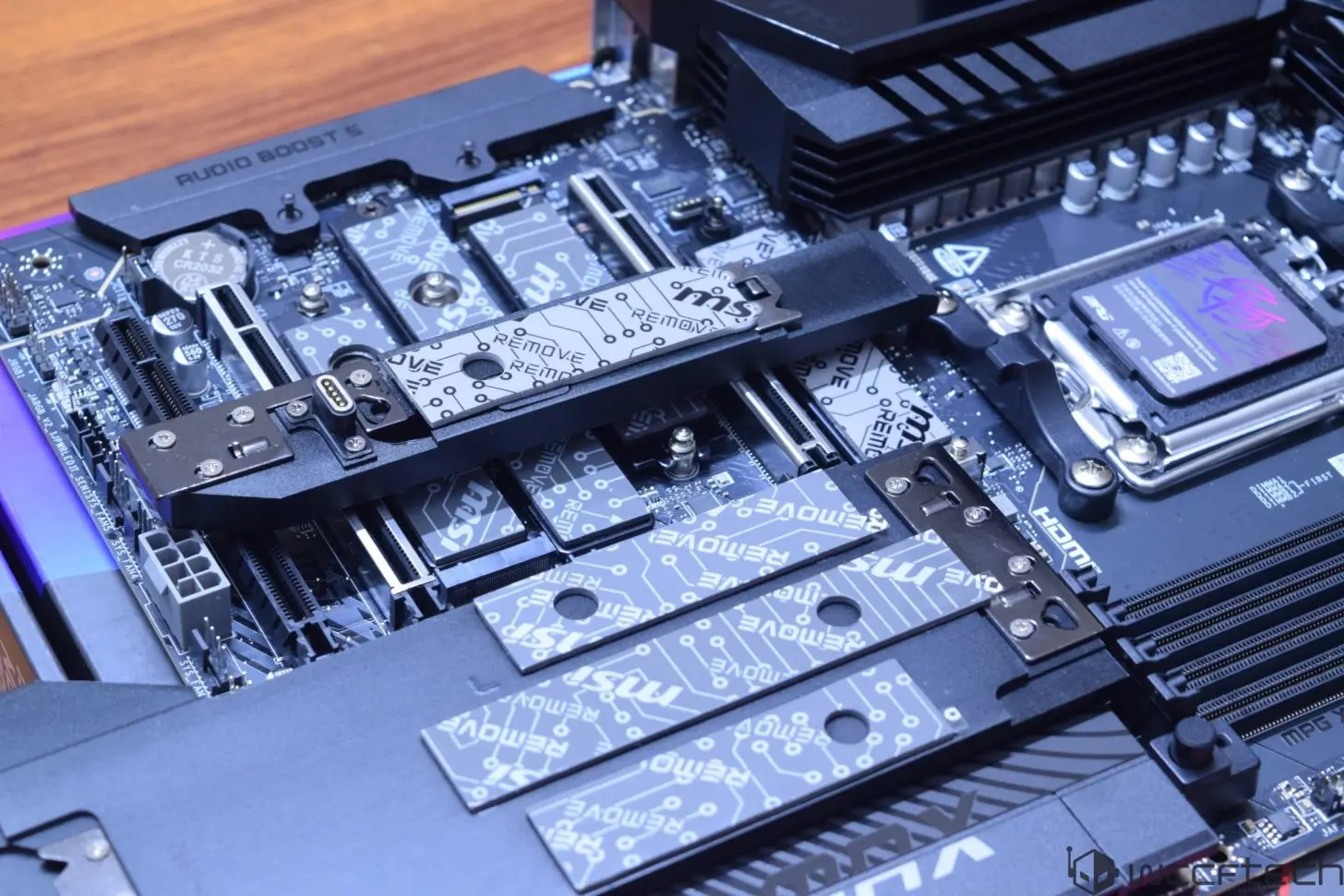
Chipset-connected slots share bandwidth with other devices. These slots may not match the speed of CPU-connected slots. The performance difference between slots might be negligible for gaming. The Crucial T710 2 TB SSD delivers high throughput on compatible systems. Builders should consult their motherboard manual to identify the optimal slot.
Source: Wccftech


Discussion
0 comments
Log in to join the thread with a thoughtful take, question, or correction.