
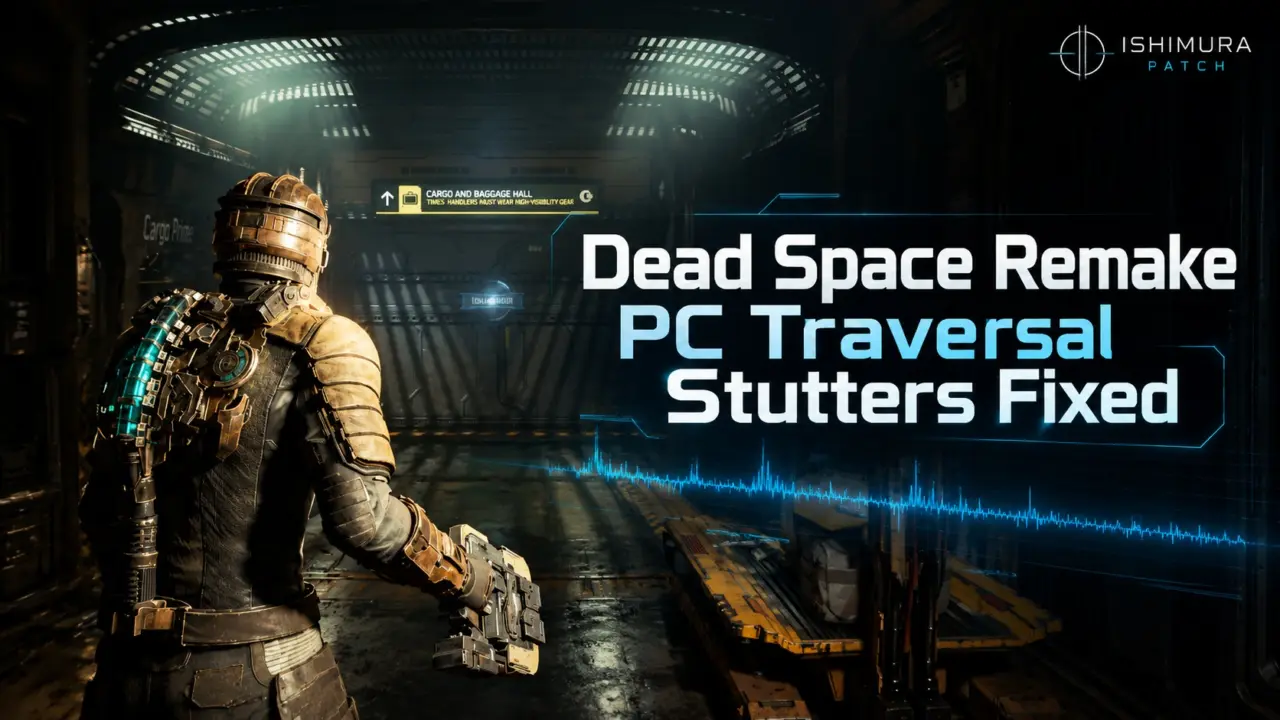
For PC users Dead Space Remake has a patch available to help prevent the Ishimura from being a stuttering mess. There's a community patch called Ishimura Patch that removes the stuttering issues from traversal in the game since it launched. The reason why this is so important is it's going to bring the horror gameplay pacing back to the way it's supposed to be. Previously, due to extreme frame-time stutters during character movement it messed up the horror experience.
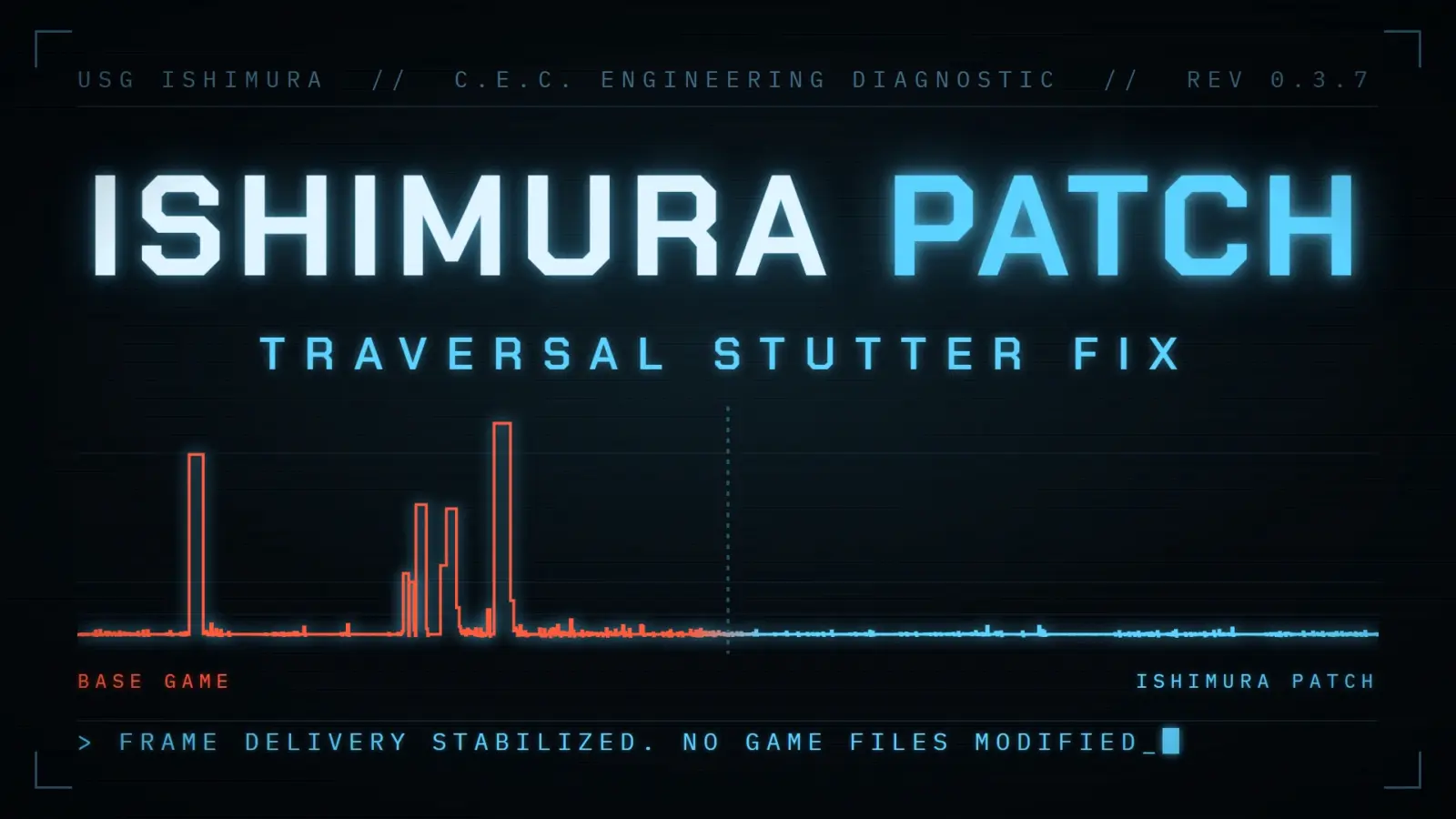
Community patch restores smooth horror pacing by fixing engine stutter
The fix is aimed at the GPU memory management of the Frostbite game engine. It had issues where it had to handle hundreds of small memory allocation requests in each frame. The game developer lukeman3000 has taken to preallocating bigger chunks of GPU memory to then slice it up when needed.
This is to help cut down on that sync work that's needed. This particular mod fixed the stuttering problems specifically with the stuff that happens when you're moving through tight corridors or using objects.
Using an Intel Core i7-14700K / NVIDIA GeForce RTX 4090 desktop test system we had to benchmark the game and when using Ishimura Patch the average FPS is up 4.3% from 292.8 to 305.3 FPS. The 1% Low FPS is up 87.8% from 83.9 to 157.6. And the big one is 0.1% Low FPS which is up 176.2% from 35.7 to 98.6.
The worst frame times with Ishimura Patch installed is significantly lower, it's down from a nasty 45 ms or so to 14 ms. If you look at initial dev testing it was a much bigger difference in that it cut a bad 106 ms spike down to 13 ms. The mod is a beta right now so you might get different gains depending on your hardware or how much VRAM you have. For example, users with less VRAM might be different than someone with a top-tier graphics card.
In order to install the mod you need to rename the winmm.dll file to dinput8.dll to get it to work with EA App. You need to disable NVIDIA Smooth Motion since it will cause crashes if you use this mod. There's no confirmation on if it'll work with AMD Fluid Motion Frames 2.
The dev hasn't tried it on AMD GPUs. If you use AFMF 2 then use caution until you can get independent verification.
Discussion
0 comments
Log in to join the thread with a thoughtful take, question, or correction.