
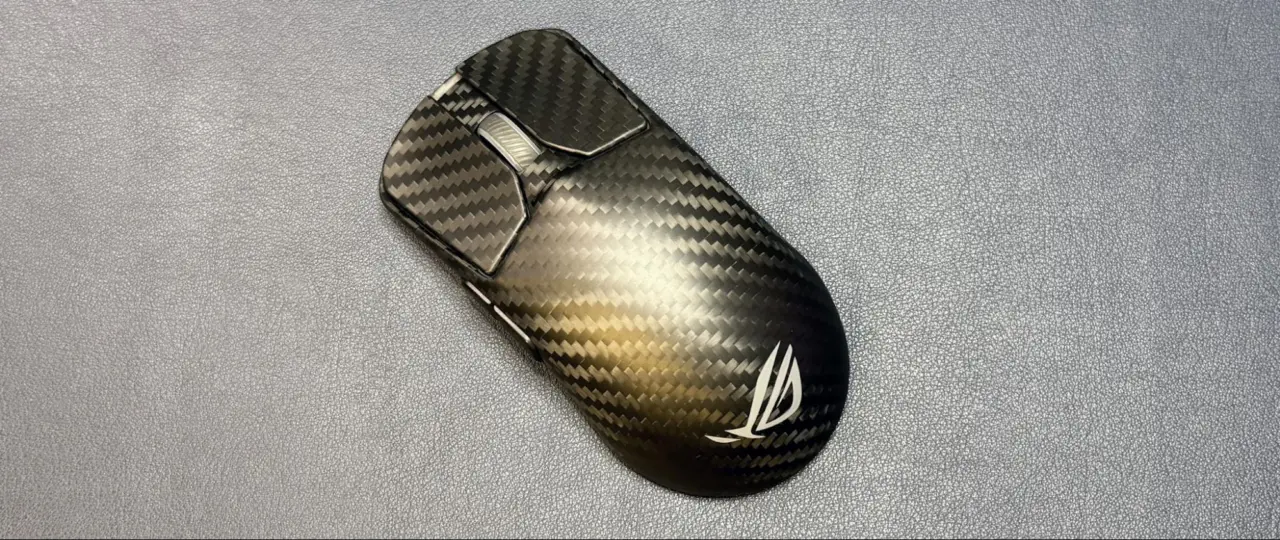
An 8,000 Hz polling rate on gaming mice cuts communication latency to 0.125 milliseconds, but most buyers likely cannot notice the improvement over the standard 1,000 Hz rate. This shift in hardware capability forces a choice between peak responsiveness and practical battery life. For most users, maintaining a 1,000 Hz polling rate is sufficient unless the goal is to maximize performance in high-level competitive gaming.
High polling rates drain batteries and increase CPU usage with little perceptible benefit
Polling rate defines how often a mouse reports its position to the computer. The industry standard has settled at 1,000 Hz for gaming and 125 Hz for general office use. Modern esports peripherals now frequently support the higher 8,000 Hz option, including budget models like the Redragon M916 ULT.
- Polling Rate: 8,000 Hz
- Latency: 0.125 ms
- Standard Gaming Polling Rate: 1,000 Hz
- Standard Non-Gaming Polling Rate: 125 Hz
At 8,000 Hz, the mouse communicates with the PC once every 0.125 milliseconds. This is eight times faster than the 1,000 Hz standard, which updates every 1 millisecond. The average gamer can detect lag in the millisecond range, but distinguishing between 1ms and 0.125ms is likely impossible.
Enabling 8,000 Hz polling drastically reduces battery life on wireless devices. The Corsair Sabre v2 Pro Wireless lasts 120 hours at 1,000 Hz but drops to just 21 hours at 8,000 Hz. High polling rates also increase CPU usage, which may impact performance on lower-end systems.
An analysis suggests that the average gamer likely does not require a mouse with an 8,000 Hz polling rate. Polling rate is defined as the frequency at which the mouse sends input data to the computer. The practical takeaway is that the battery and CPU costs outweigh the perceptible benefits for most users.


Discussion
0 comments
Log in to join the thread with a thoughtful take, question, or correction.