
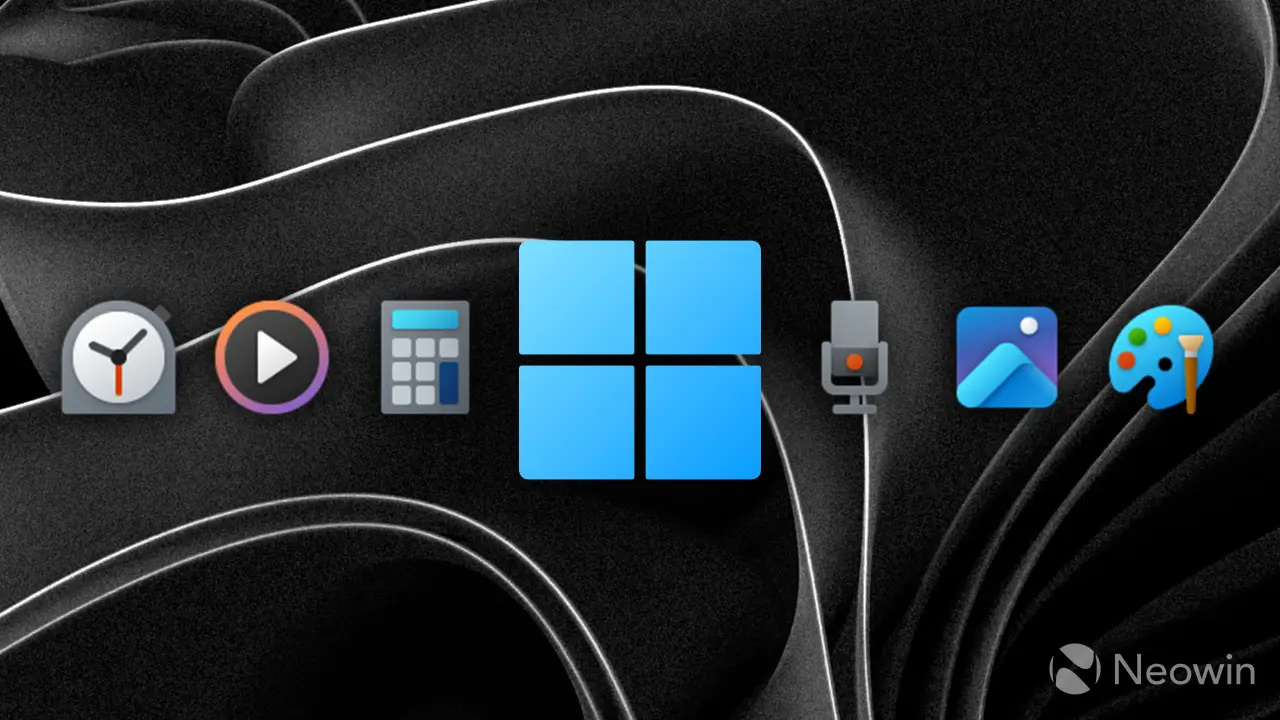
Microsoft has pushed updates to four core Windows 11 utilities, fixing bugs that disrupt daily workflows. These changes matter because they restore reliability to tools that many users rely on for quick tasks like note-taking and time management. The patches address long-standing issues with formatting and interface responsiveness.
Restoring reliability to core Windows 11 utilities
The update targets the built-in Notepad, Calculator, Media Player, and Clock applications. Microsoft distributed these fixes to Windows Insiders across Experimental, Beta, and Release Preview channels. Users on these preview builds can now access the corrected versions immediately.
Notepad gains proper markdown formatting support and handles nested lists without breaking layout. The app also resolves underscore rendering glitches and allows concurrent print jobs. Microsoft improved launch performance and fixed a bug that prevented text from displaying correctly in certain contexts.
Media Player now scans local album folders for artwork and displays a warning when libraries are disabled. Clock Focus Sessions no longer delete tasks when a session completes, and sunrise/sunset data is more accurate at high latitudes. Calculator Scientific mode corrects notation toggle resets, resolves access key conflicts, and improves screen reader compatibility.

Discussion
0 comments
Log in to join the thread with a thoughtful take, question, or correction.