
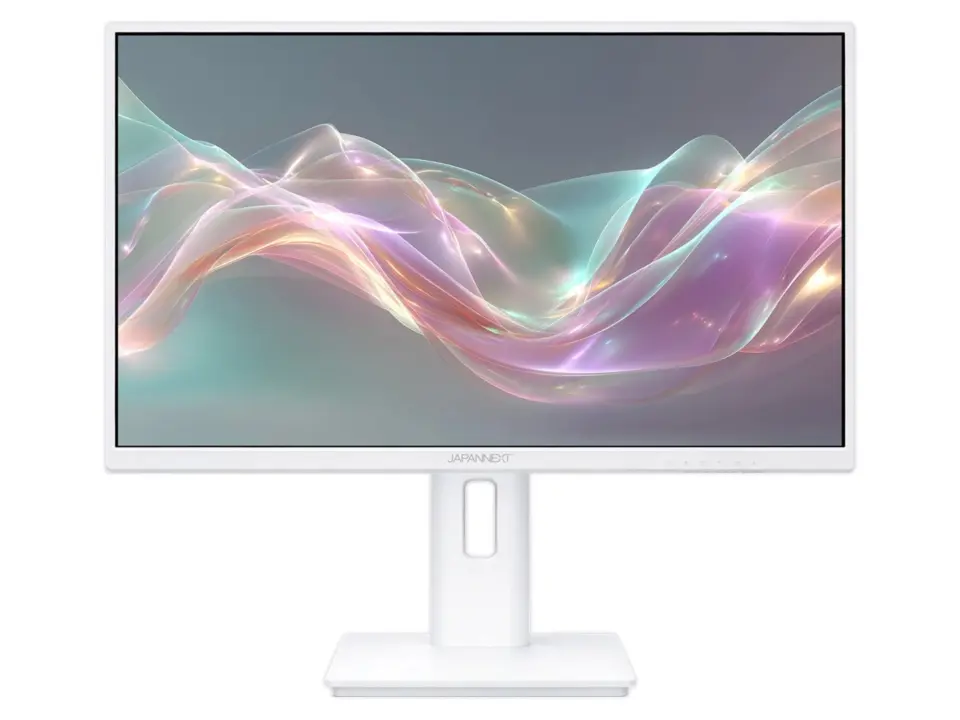
JAPANNEXT have released a new 21.5-inch touchscreen monitor with a focus on interactive use cases in smaller space environments. The JN-IPST215F-HSPC6-W introduces touchscreen functionality and variable refresh rate support to a standard office monitor. This gives users direct interactivity without a separate touch device. This simplifies the implementation of interactive kiosk or education applications.
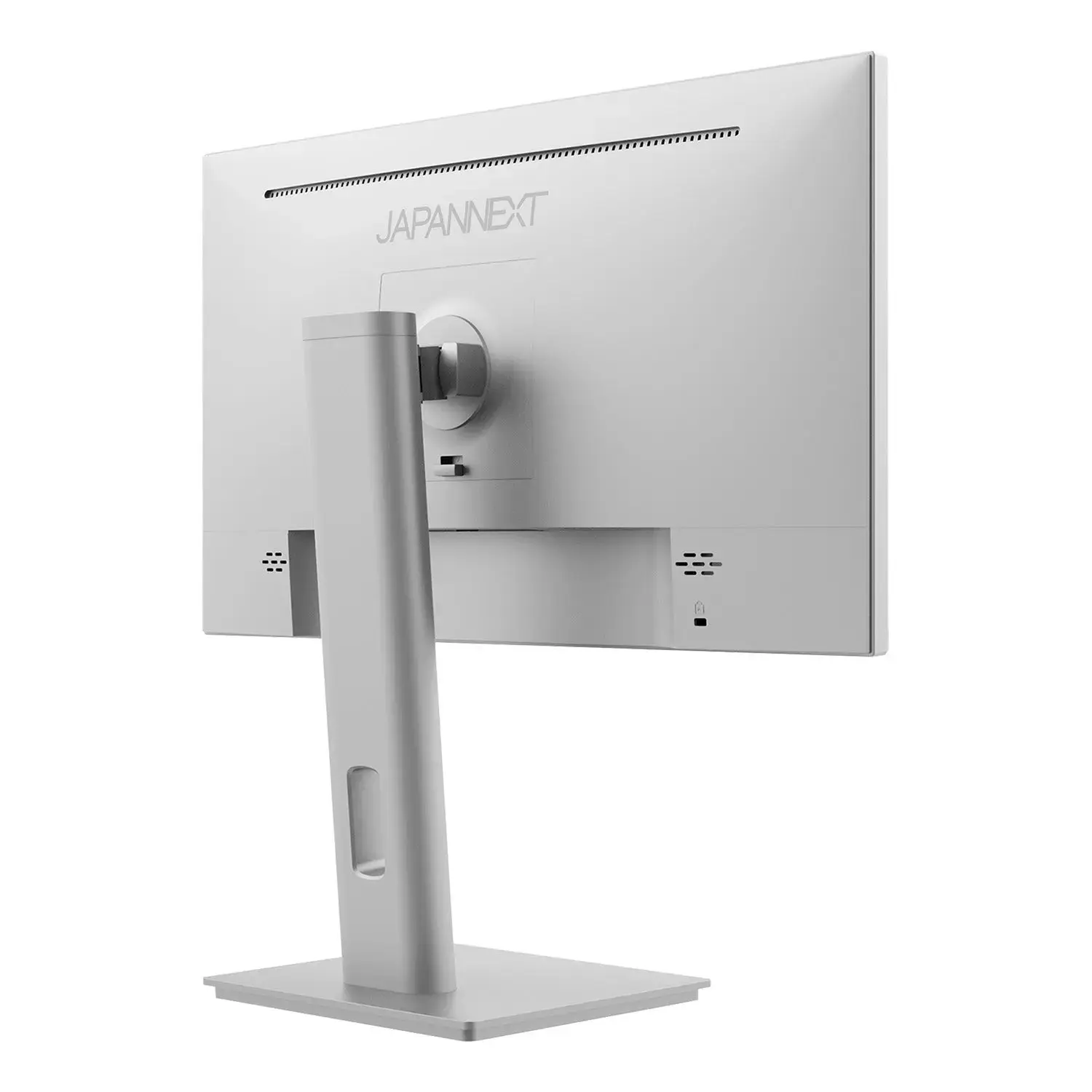
JAPANNEXT introduces a 21.5-inch touchscreen monitor featuring 75Hz VRR and USB-C connectivity for interactive office use
The ADS IPS panel provides Full HD resolution at 75Hz refresh rate. The panel covers 100% of sRGB and has a peak brightness of 220nits. The 10-point touch is meant to be able to track multiple inputs at once. This enables both single-user and multi-user interactions.
Specifications
- Panel Size: 21.5 inch
- Resolution: FHD
- Refresh Rate: 75Hz
- Touch Support: 10-point
- Connectivity: HDMI 2.0, DP 1.2, USB-C
There's an HDMI 2.0 port and DisplayPort 1.2 input for video signals. A USB-C port supports video and power delivery. The monitor has a USB-B upstream port and two USB-A ports (480Mbps downstream). This enables connecting peripherals to the monitor.
A 100x100mm VESA mounting pattern enables different mounting options like arms or wall mounts. There's a 4-way adjustable stand included for placing on a desk.
There are two 2W speakers included for basic audio playback. For example to output system sounds and media. The price is 34,980 JPY (~$222). Or approximately $222.
This makes it an affordable option for businesses or individuals that want touch interaction in a smaller size. This new release adds another interactive display option to JAPANNEXT's product range. With a focus on connectivity and touch capabilities. The VRR support sets this apart from standard office monitors which usually cap at 60Hz.
The monitor is now available in the Japanese market at the price listed above.
75hz touch for $222 is actually wild tbh 😂
Does the usb c port actually provide enough power to drive the touch controller without a separate upstream cable? The spec sheet mentions a usb b upstream port which usually implies data only.
The spec sheet lists a USB-B upstream port alongside the USB-C. Usually the USB B handles the touch data stream while the C handles display and power. You likely need both for full functionality.
I just hope the driver stack for linux doesn’t require a kernel module patch. Touch panels are usually generic but sometimes the vendor adds weird quirks.
220 nits is barely enough for a window facing desk. I would not buy this if the ambient light is high.
the two 2w speakers are going to be tragic 😬
It is not just generic touch. The ADS IPS panel is a specific type of IPS. The brightness is also quite low at 220 nits.
ngl i would grab this for a secondary kiosk setup