
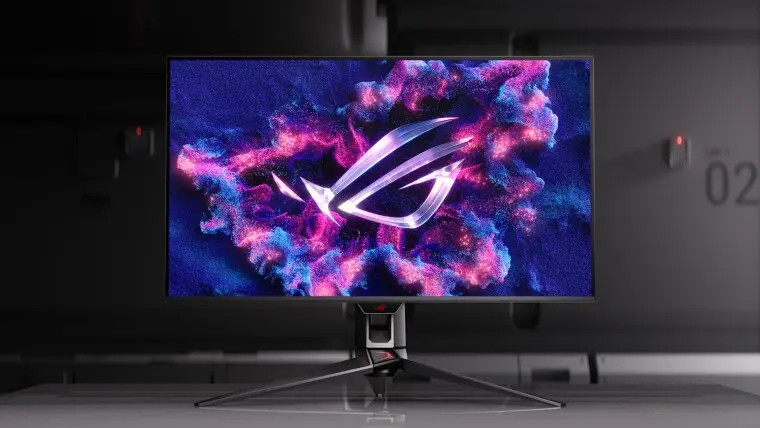
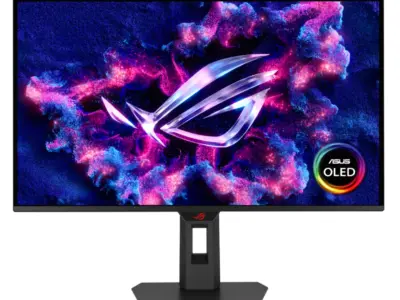
ASUS updated DisplayWidget Center to let AI agents tweak monitor settings through a new command-line interface. This shift matters because it opens the door for developers to automate display adjustments without manual input. Users who rely on custom scripts or local AI workflows can now control brightness, color modes, and OLED protection directly through code. The update targets technical users who want precise, programmatic control over their display environment.
New command line interface lets developers automate display settings
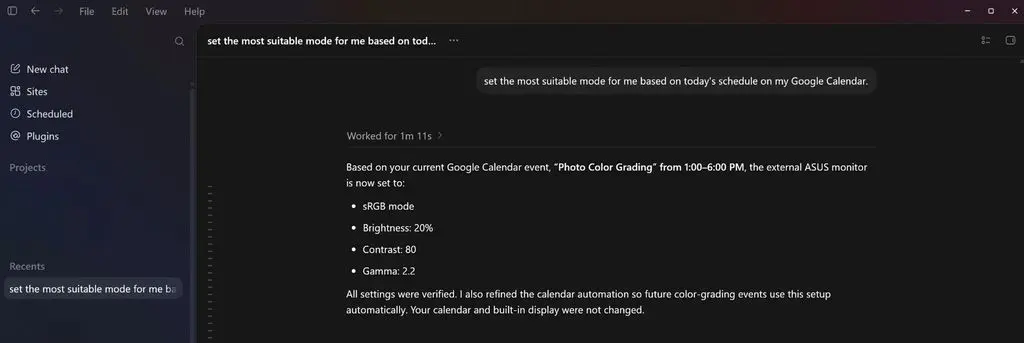
The software now supports Windows 11 and macOS, expanding its reach beyond its original platform. It includes a command-line interface that allows external tools to send commands to the application. This CLI approach enables integration with other automation systems and AI agents. The update also introduces an Agent Skill file format to standardize how these AI interactions are structured.
Two major AI features define this release: AI Visual and an upgraded AI Assistant. AI Visual automatically selects the best visual mode for ROG and TUF monitors based on what is currently on screen. The AI Assistant now processes both text and voice commands to adjust settings or answer frequently asked questions. These tools reduce the need for manual menu diving when changing display parameters.
Additional features include expanded OLED Care tools to help maintain panel health over time. App Tweaker now supports per-app display profiles, allowing different settings for different programs. ColorSync ensures consistent color output across multiple monitors connected to the same system. These updates complement the core AI capabilities by addressing common user pain points in multi-monitor setups.
Discussion
0 comments
Log in to join the thread with a thoughtful take, question, or correction.