
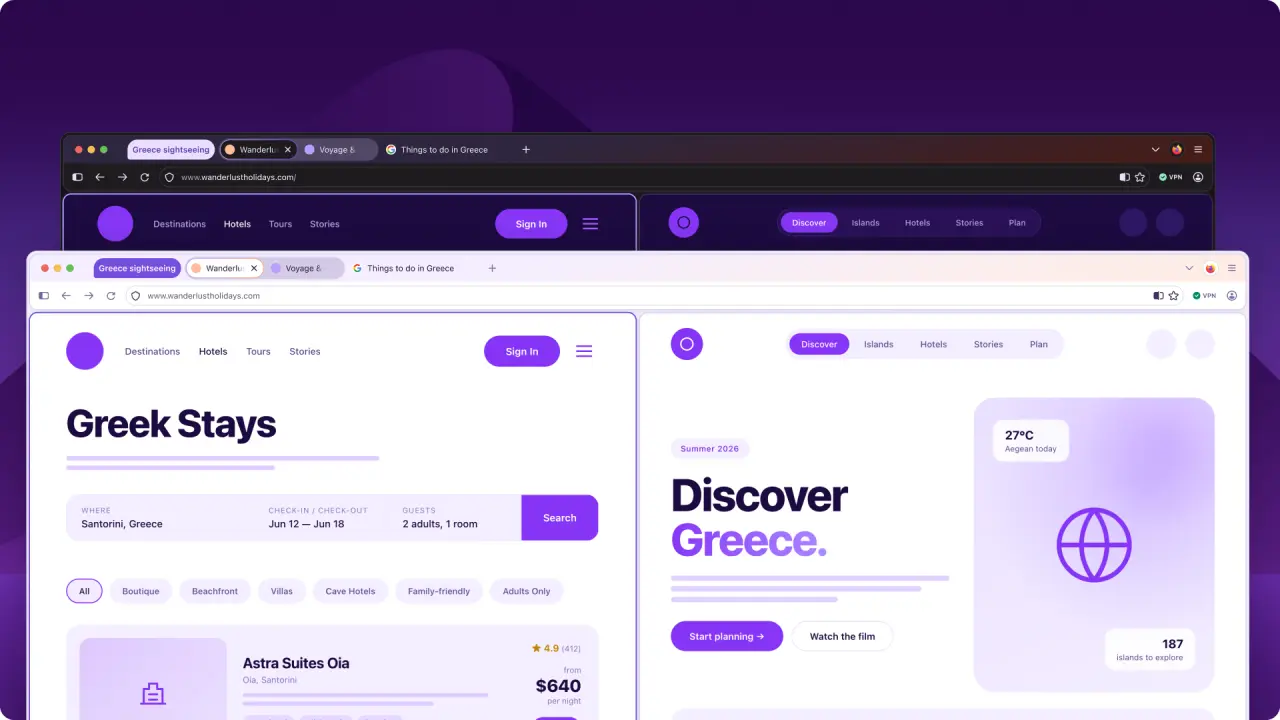
Mozilla is preparing a major update for Firefox, internally known as Project Nova. The redesign aims to modernize the browser's appearance while prioritizing privacy tools and consistent usability across platforms.
New interface features softer tabs, warmer colors, and enhanced privacy controls.
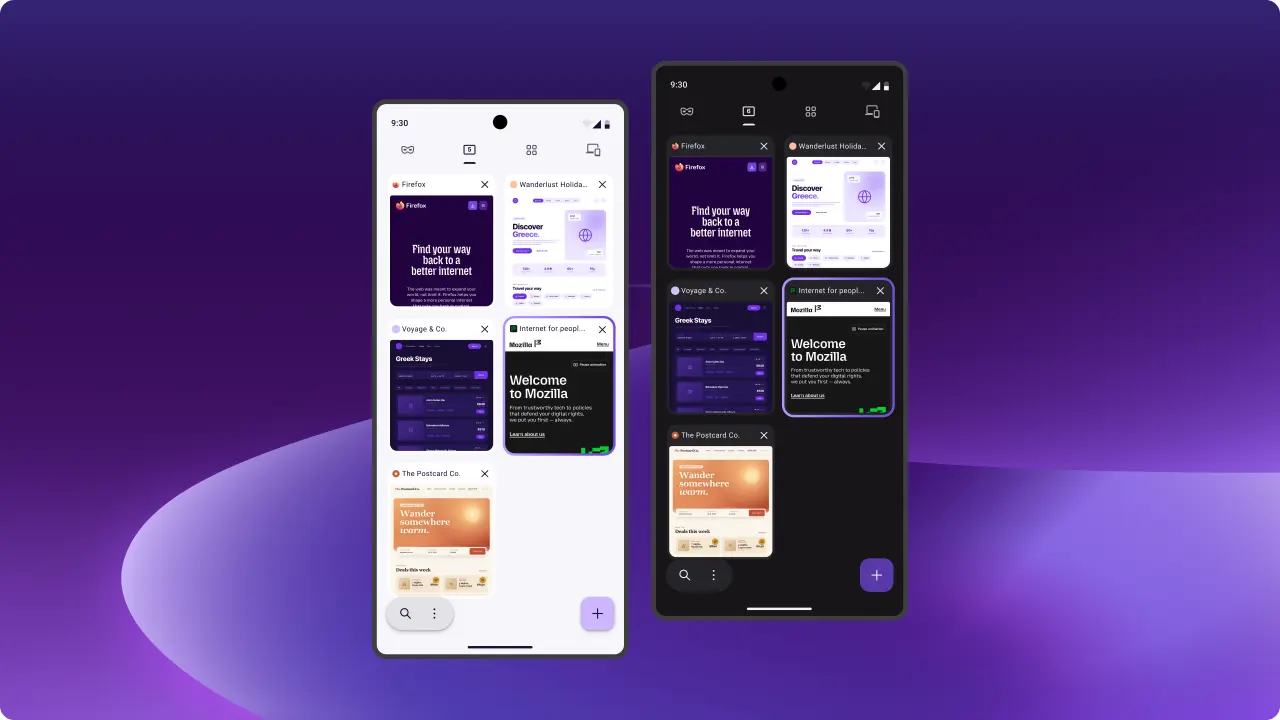
The visual overhaul introduces softer tab shapes, updated icons, and a warmer color palette inspired by fire. Mozilla plans to standardize menus, panels, and controls to create a uniform experience on both desktop and mobile devices. The update also brings workflow improvements like tab groups, split view, vertical tabs, and a new Compact mode.
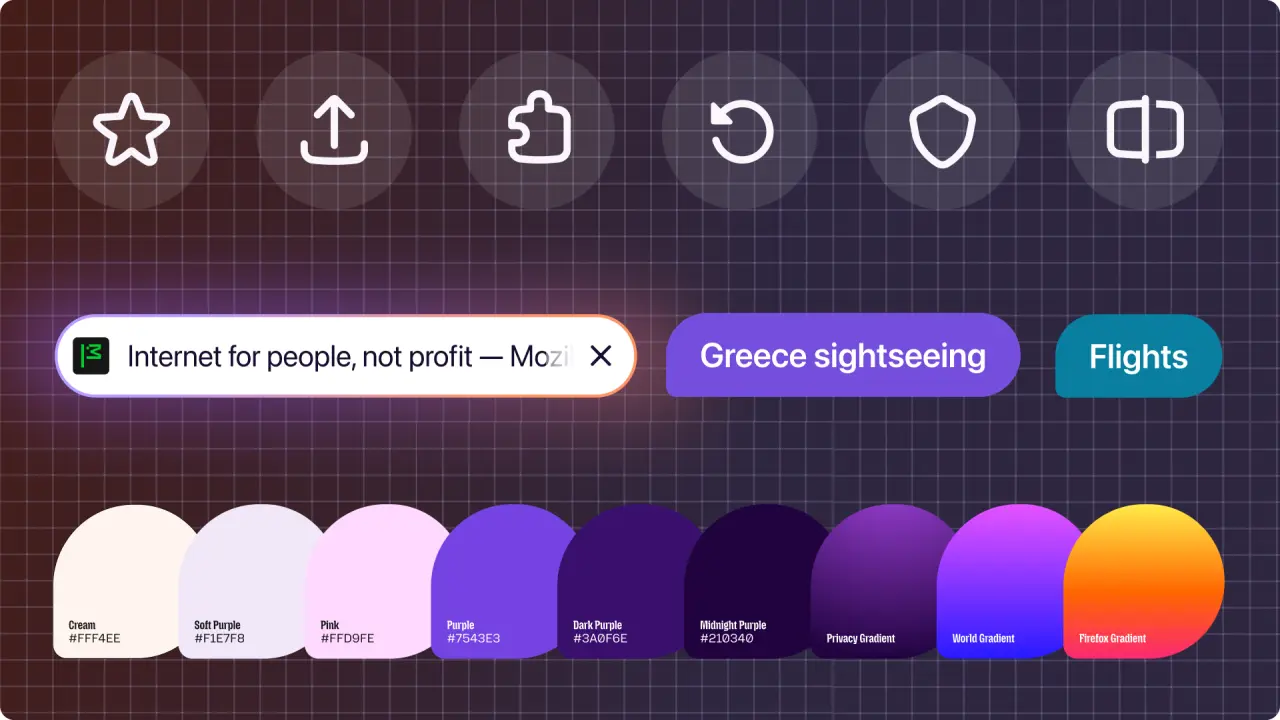
Privacy remains central to the redesign. Firefox will make its built-in VPN and private browsing mode more visible within the interface. Users can manage Enhanced Tracking Protection settings with clearer choices between privacy and usability. An AI kill switch allows users to disable artificial intelligence features entirely.
Mozilla claims that load times for key page content have improved by 9% over the past year. The update targets better readability, keyboard navigation, contrast, and visual comfort for accessibility. Project Nova is expected to roll out later this year, though Nightly builds may experience stability issues due to their experimental nature.



Discussion
0 comments
Log in to join the thread with a thoughtful take, question, or correction.