
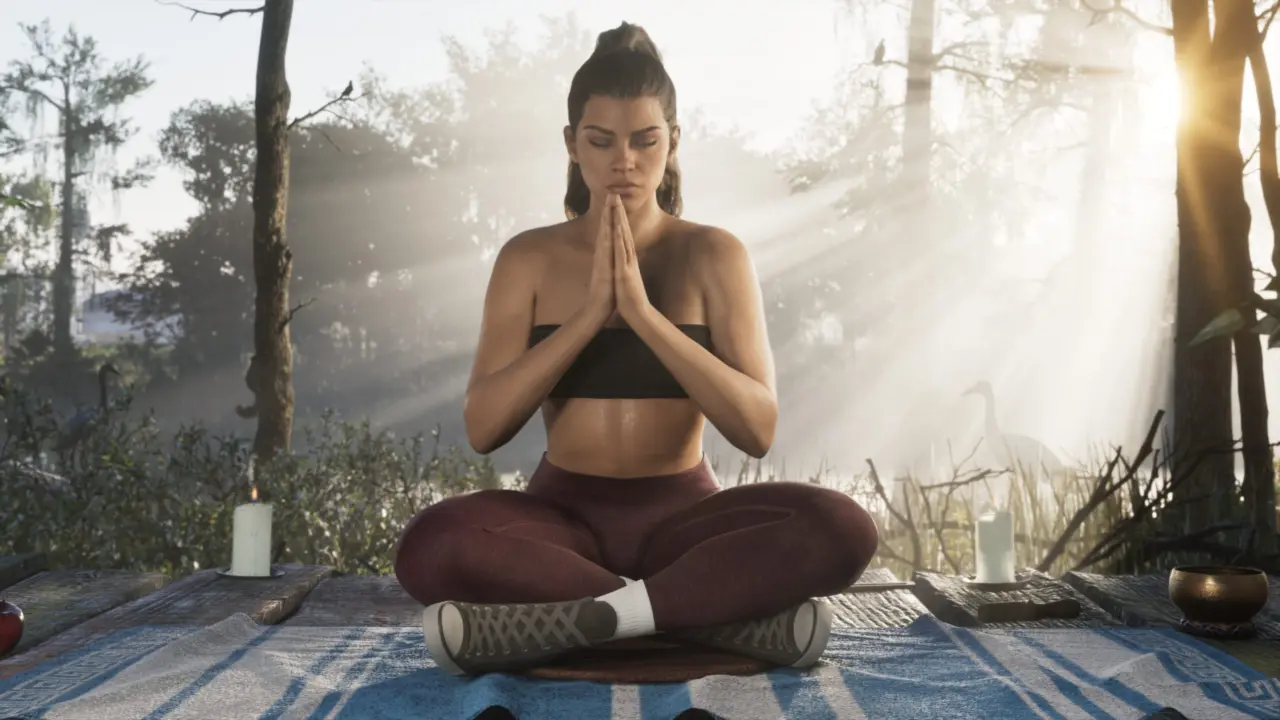
GTAVIII players (PS5 & XSX|S) discovering console HDR settings are not applied by the game… there is a disconnect where images are washed out or lacking brightness they should have and this impacts the visual quality of Rockstar Games' new game. We have a workaround to fix brightness back to the way it should be for those with high-end screens.
Analyst recommends 2,000 nit workaround for washed-out visuals
Basically it's a bug with the calibration (the game is not honoring the console HDR settings). A HDTVTest founder Vincent Teoh discovered the game isn't respecting the normal console settings. This results in mismatched peak brightness which creates a disconnect with what it says versus what you actually see.
Teoh suggest using the following: Max brightness: 2000nits, Black Levels: 20, Paper White: 35 if the screen has 1000nits or more. When you set max brightness to 1000, in reality the peak brightness is only 600nits. In addition the mid-tones of the UI are overbright (i.e. around 350 nits which should be 203nits).
If you go lower than 50 with Paper White, actual in game peak brightness will be lower even though the test pattern says it will still be at Max Brightness. Max brightness will only work in game if you set paper white to default (50) or above. Paper White is an important part of the calibration to ensure the games brightness settings are in line with the screen.
There might be a fix to the HDR calibration bug in the future if Rockstar tackle the difference between their HDR calibration window and the game itself. In the meantime players will need to manually apply these very specific settings for their experience. This is a great workaround with a stable foundation if you're looking for the right HDR experience.
In the previous GTAVIII update coverage we went over some similar balance and stability topics. This current calibration issue is another piece of technical fine tuning to have the right experience. Keep an eye out for potential fixes in future updates to address this constant issue with HDR.


Comments (0)