
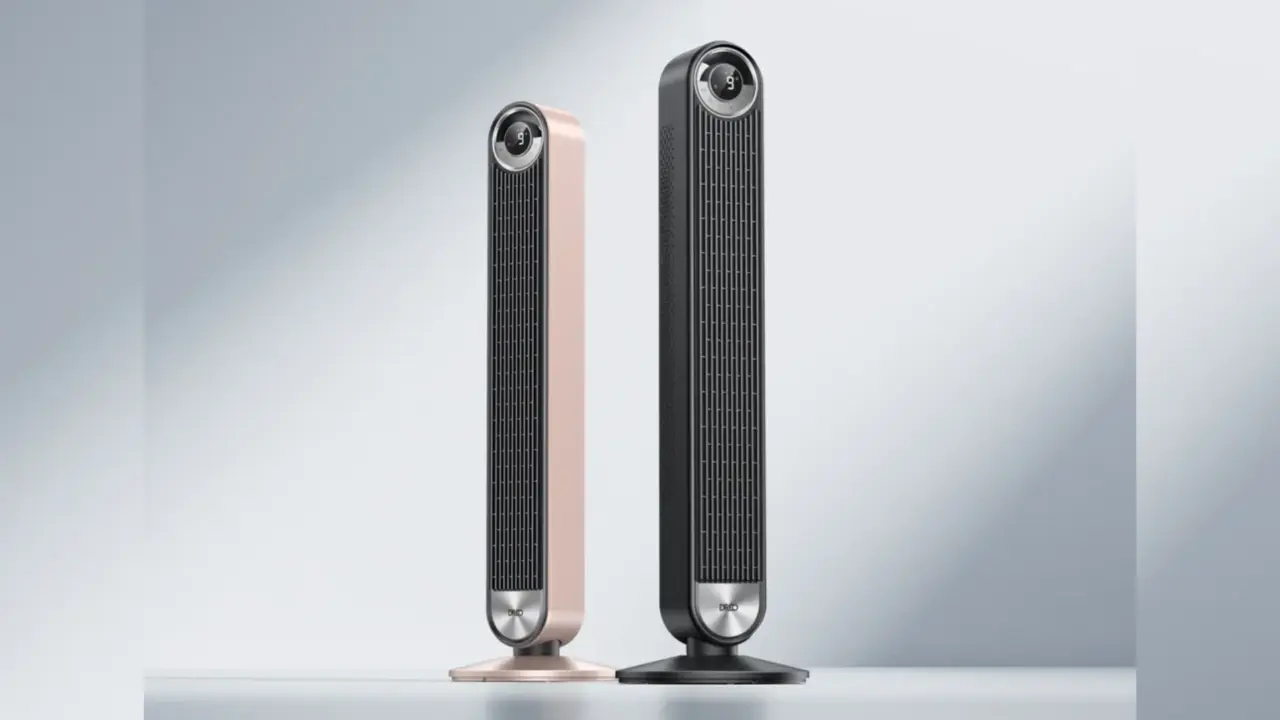
A custom modification moves a Minisforum AtomMan G7 PT mini-PC into a Dreo 519S tower fan to solve the noise problem inherent in small form factor gaming. This approach lets users keep the compact footprint of a mini-PC while offloading the heavy lifting of heat dissipation to a quieter, larger fan. It matters to readers who want high performance in a living room setting without the constant whine of internal computer fans. The build demonstrates a practical way to bypass the thermal constraints that usually force mini-PCs to run at high speeds and high decibel levels.
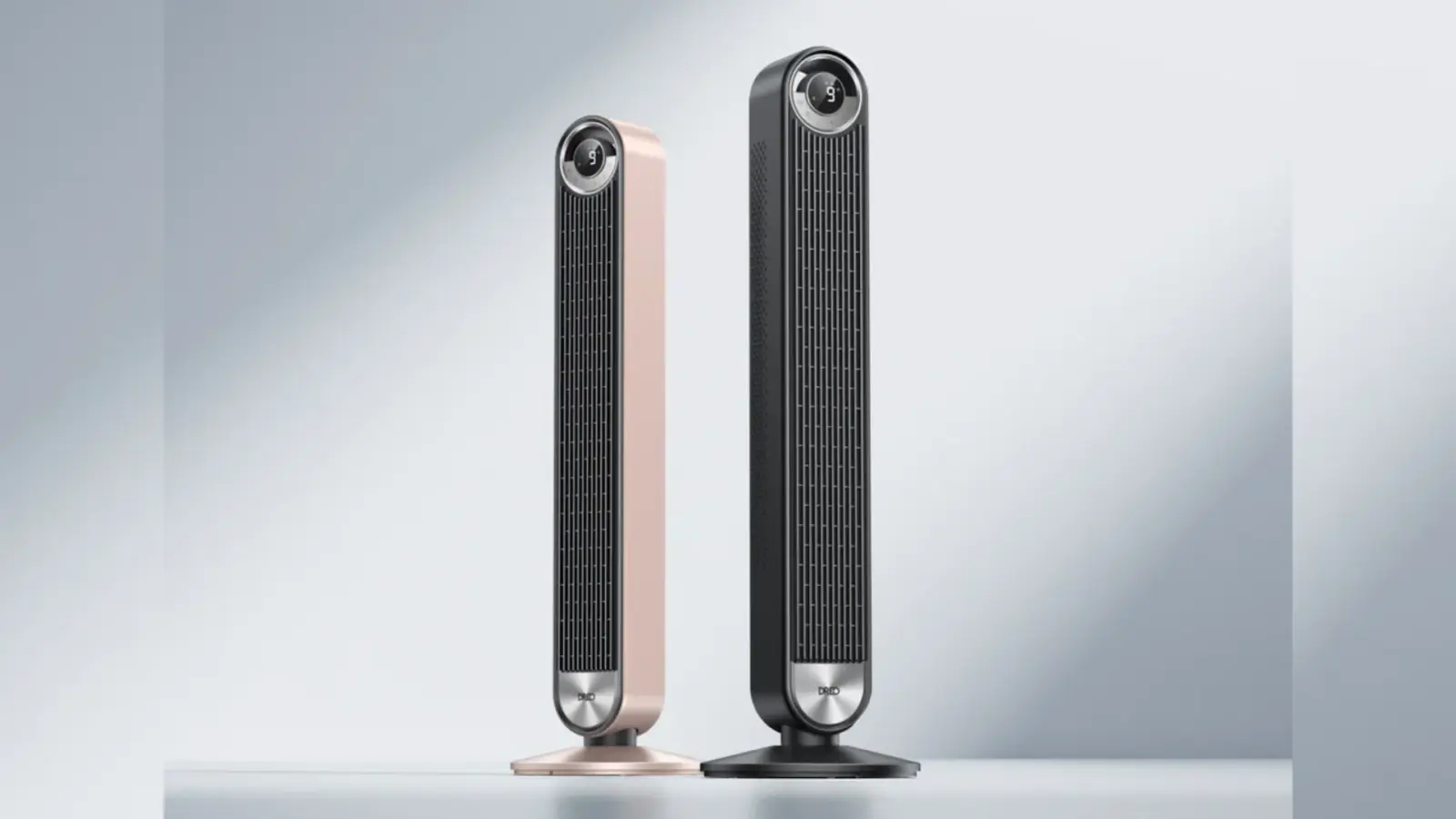
Enthusiast mounts mini-PC in tower fan to bypass thermal noise
The project relies on a specific hardware pairing between the Minisforum AtomMan G7 PT and the Dreo 519S tower fan. An enthusiast known as Zac Builds designed the integration using 3D-printed parts to create a secure mount for the mini-PC. The custom case attaches directly to the fan structure, allowing the large blades to pull air through the computer's internal heatsinks. This setup replaces the standard internal cooling method with a directed external airflow system.
Build Specifications
- Cooling Method: Custom 3D-printed case mounted to Dreo 519S Tower Fan
- Airflow Speed: 28 feet per second
- Noise Reduction: 10 to 15 dB
- Connectivity: HDMI, 5 I/O ports on face plate
Technical details of the build highlight the airflow dynamics and acoustic benefits of the design. The Dreo 519S fan operates at a maximum wind speed of 28 feet per second when set to its highest setting. This increased airflow passes through the AtomMan G7 PT, which significantly lowers the operational noise of the computer's internal fans. The modification reduces the overall fan noise by approximately 10 to 15 decibels compared to standard operation of the mini-PC.
The design also addresses connectivity by integrating the necessary ports into the exterior of the fan assembly. The face plate of the fan features five I/O ports that remain accessible after the PC is mounted. A single HDMI cable connects the mini-PC to a television, allowing the entire system to function as a standalone media center. This configuration keeps cables organized and maintains the aesthetic of a standard living room fan while hiding the computing hardware inside.
Discussion
0 comments
Log in to join the thread with a thoughtful take, question, or correction.