
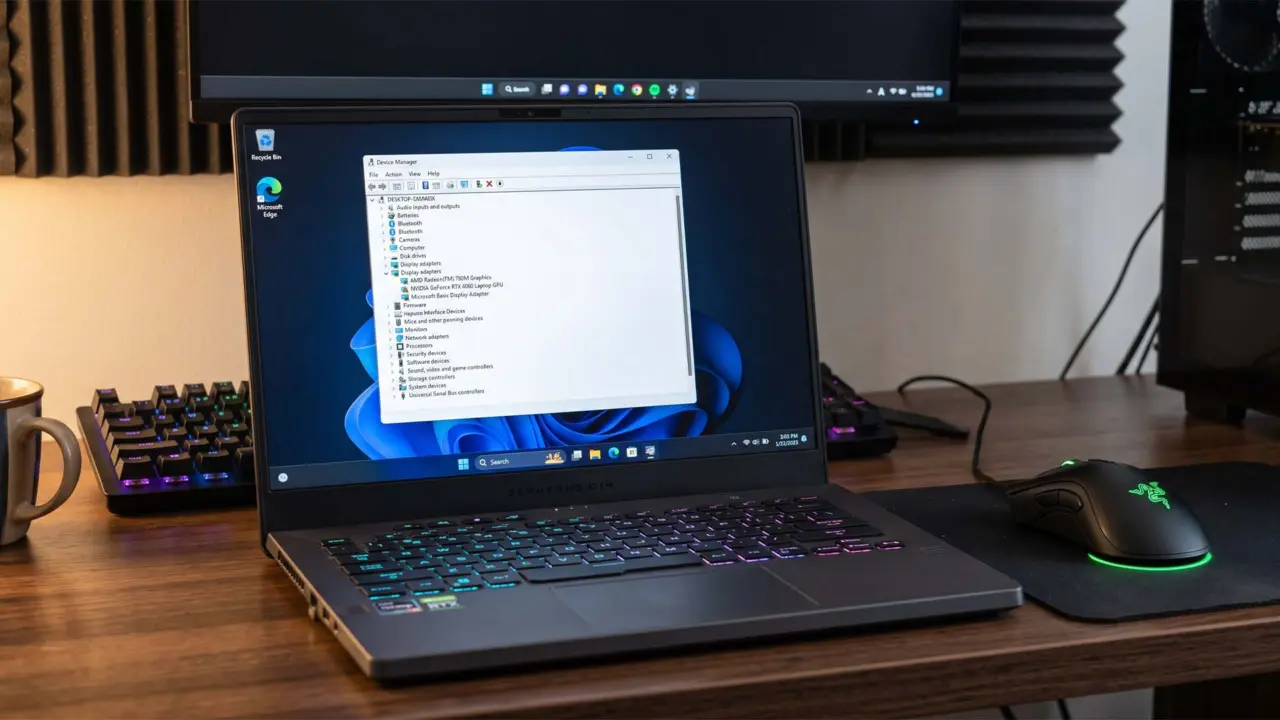
Windows 11 quietly removes discrete GPU drivers from gaming laptops when the system stays in Eco mode for a few weeks. This behavior forces users to reinstall drivers or switch back to the integrated GPU to restore graphics performance. The change matters because it breaks gaming workflows without warning or user consent.
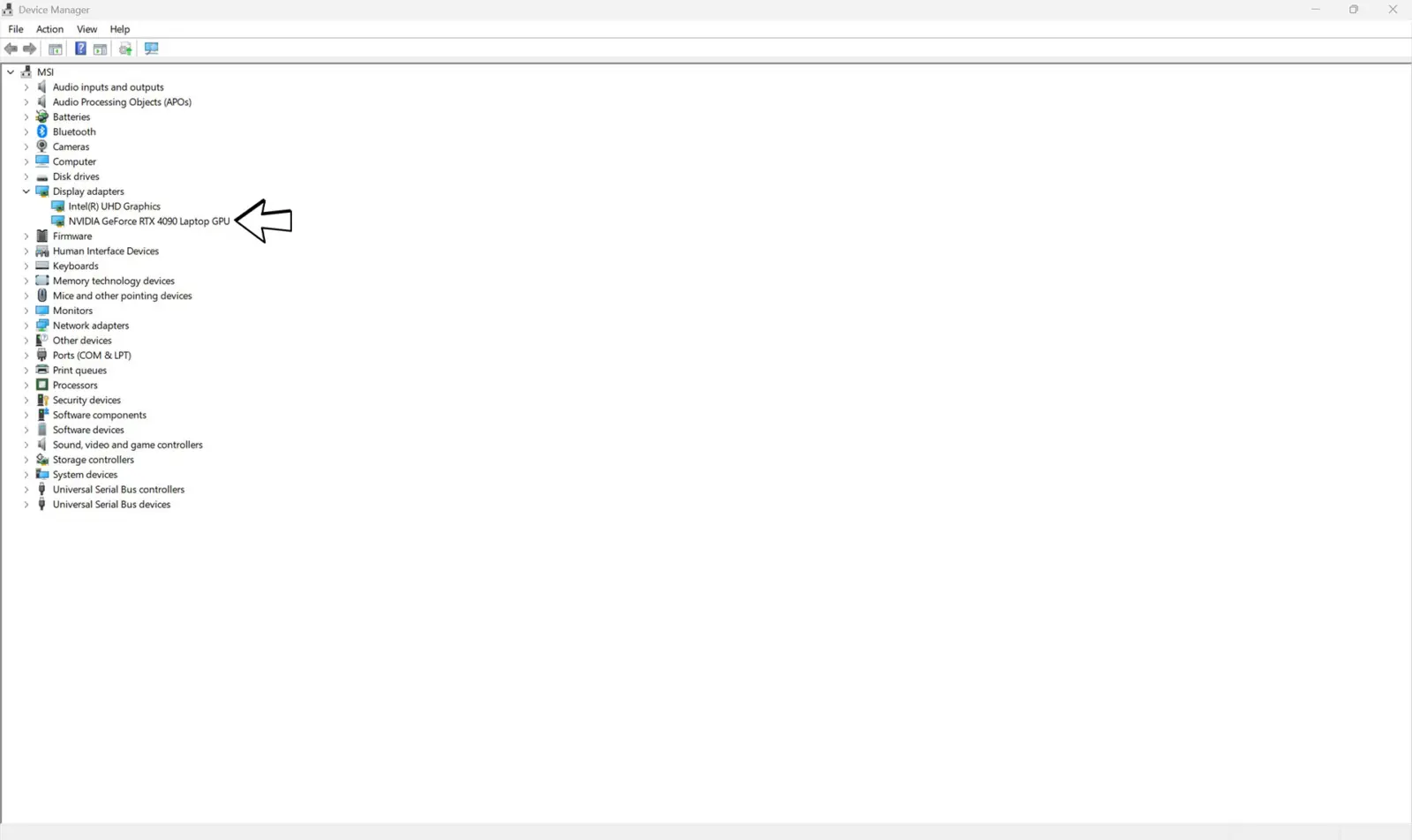
Gaming laptops lose discrete graphics performance without warning
The operating system treats an inactive discrete GPU like a disconnected USB device. A maintenance routine called pnpclean.dll triggers after 15 to 30 days of inactivity. This routine deletes the driver package to free up storage space.
Users can verify if their drivers were removed by checking system logs. A PowerShell command searching setupapi.dev*.log for vendor IDs VEN_10DE or VEN_1002 reveals removal entries. The default timeout is 30 days, though one ASUS ROG Zephyrus G14 user reported a 15-day window.
You can stop this automatic deletion by modifying the Windows Registry. Navigate to HKLM\SOFTWARE\Microsoft\Windows\CurrentVersion\Explorer\VolumeCaches\Device Driver Packages and set the Autorun DWORD value to 0. This setting prevents Windows from forcibly uninstalling the drivers.

Discussion
0 comments
Log in to join the thread with a thoughtful take, question, or correction.