
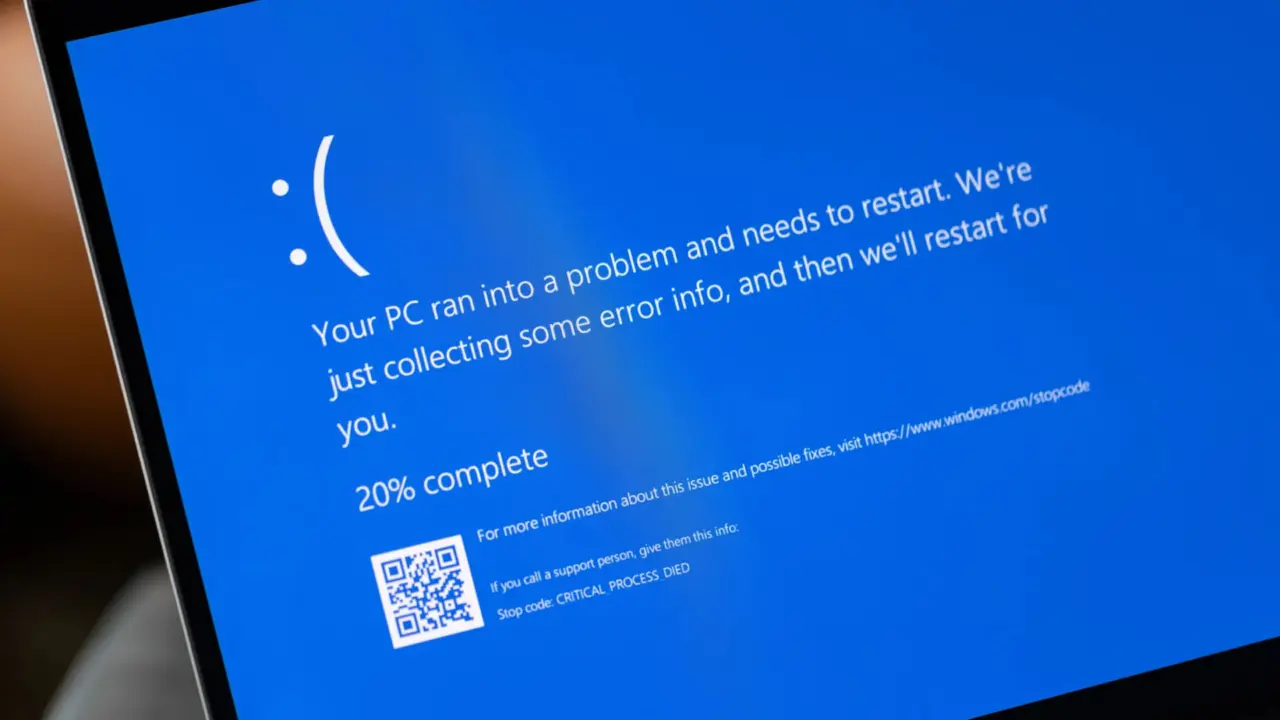
A recent Windows 10 update has introduced a stability issue that disrupts daily file management for many users. The problem stems from a licensing preparation package that inadvertently activates Microsoft Copilot during routine operations. This background activation causes File Explorer to crash repeatedly, creating a frustrating experience for anyone who relies on the file manager. Users should be aware that this specific patch is the root cause of the instability they may be experiencing.
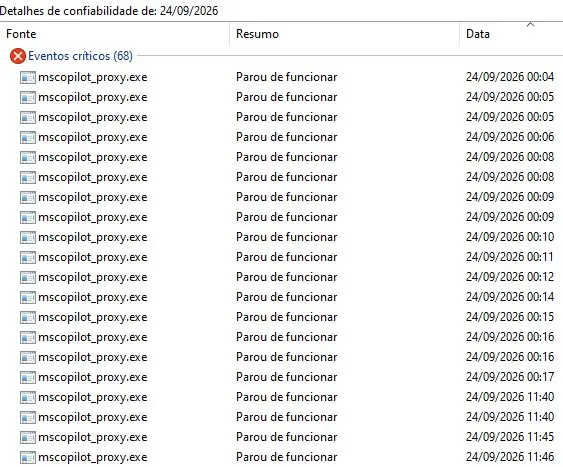
Patch KB5126256 activates Copilot on file clicks, crashing File Explorer and misattributing errors to Edge
The culprit is the update identified as KB5126256, which Microsoft designed to prepare systems for Extended Security Updates. Instead of remaining a silent background process, the update triggers Copilot to launch automatically whenever a user clicks on a file. This unexpected behavior contradicts the update's stated purpose and introduces significant friction into standard workflows. The conflict arises from the interaction between the new Copilot process and existing third-party system utilities.
Investigation into the crashes reveals a misleading error log that complicates troubleshooting. The Reliability Monitor incorrectly attributes the File Explorer crashes to Microsoft Edge. This false attribution obscures the true cause of the instability for users attempting to diagnose the issue. The actual faulting module is identified as ShellEh6055x64.dll, a component from the third-party utility 4t Tray Minimizer. This specific DLL conflicts with the background Copilot process initiated by the KB5126256 update.
The update notes for KB5126256 explicitly stated that the package should not have changed system behavior. This claim directly contradicts the observed instability and the automatic triggering of Copilot. Users experiencing these crashes are dealing with a bug that violates the update's documented scope. The issue highlights a conflict between new background services and legacy third-party tools on the Windows 10 platform.

Discussion
0 comments
Log in to join the thread with a thoughtful take, question, or correction.