
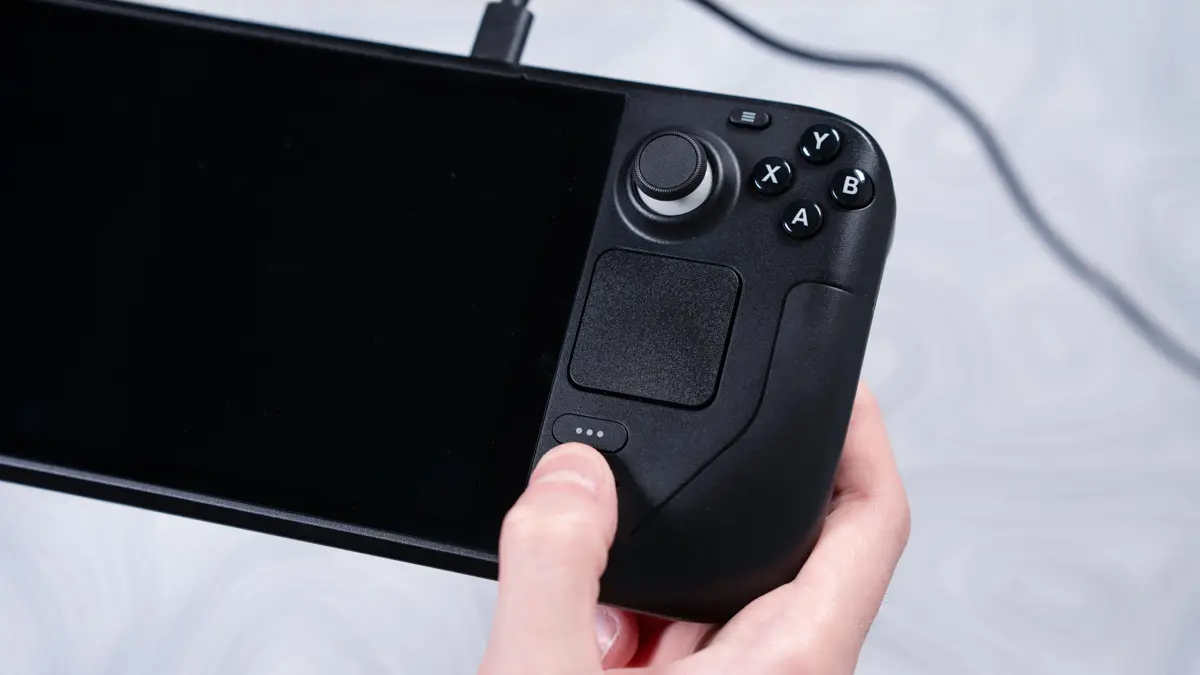
Valve has released a stable channel update for the Steam Deck that refines how the handheld handles display resolution. This change matters because players often struggle to match their game output to their screen's native capabilities. The update simplifies the settings menu and adds clearer visual feedback during game launches.
Valve moves resolution controls to main menu and adds native resolution warnings
The software update arrives with SteamOS 3.8, which Valve previously noted made the operating system compatible with a wider range of devices. This broader compatibility extends to Steam Machines, allowing the software to adjust more effectively to different hardware configurations. The stable channel release ensures these changes are ready for daily use without requiring beta testing.
Valve moved the Maximum Game Resolution setting from the advanced display menu to the main display settings page. The system now generates resolution options based on the current display's aspect ratio. On screens with non-standard aspect ratios, users will find additional options under a 'More options' menu. The resolution dropdown disappears entirely if all available options already match the display's native resolution.
The update adds a notification on the game launch progress screen to warn players if the game runs below native resolution. This feature helps users quickly identify when settings are limiting their visual quality. We looked at Valve Releases SteamOS 3.8.5 Beta Fixing in our earlier Valve coverage, which addressed separate audio issues for OLED models.
This release confirms Valve is actively refining the Steam Deck user interface to reduce confusion around resolution settings. The changes provide a more direct path for users to optimize their display output without navigating deep menus.

Discussion
0 comments
Log in to join the thread with a thoughtful take, question, or correction.