

Microsoft is changing how users access meeting history in Teams by introducing a dedicated Recap app. This shift moves recordings and summaries out of scattered chat threads and into a centralized hub. Users who struggle to find past meeting details will benefit from the cleaner organization. The change addresses a common friction point in enterprise communication workflows.
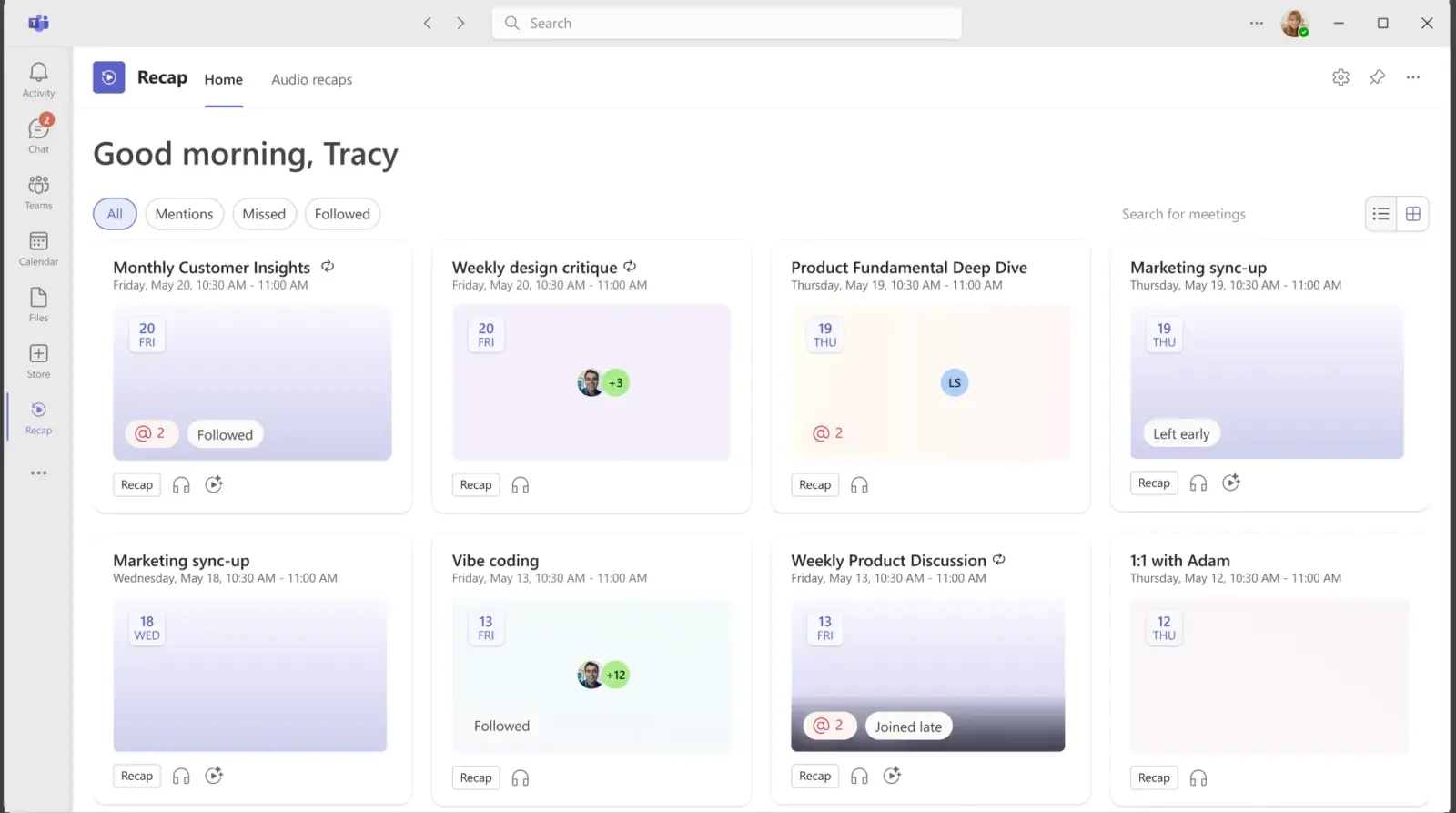
Dedicated hub consolidates recordings and AI summaries for Windows, Mac, and Web
The new Recap app sits inside the Microsoft Teams client as a pre-installed tool. It does not appear in the sidebar by default, so users must pin it from the Teams app store to access it quickly. The interface combines meeting recordings, transcripts, and AI-generated summaries into one view. This consolidation replaces the previous habit of searching through multiple chat channels for specific files.
The application allows users to search and filter content across multiple meetings. It can generate AI-powered podcast-style recaps from the audio of those sessions. These intelligent summaries and audio recaps are not free features. They require an active Microsoft 365 Copilot license to function. Without that license, users can still access basic recordings and transcripts.
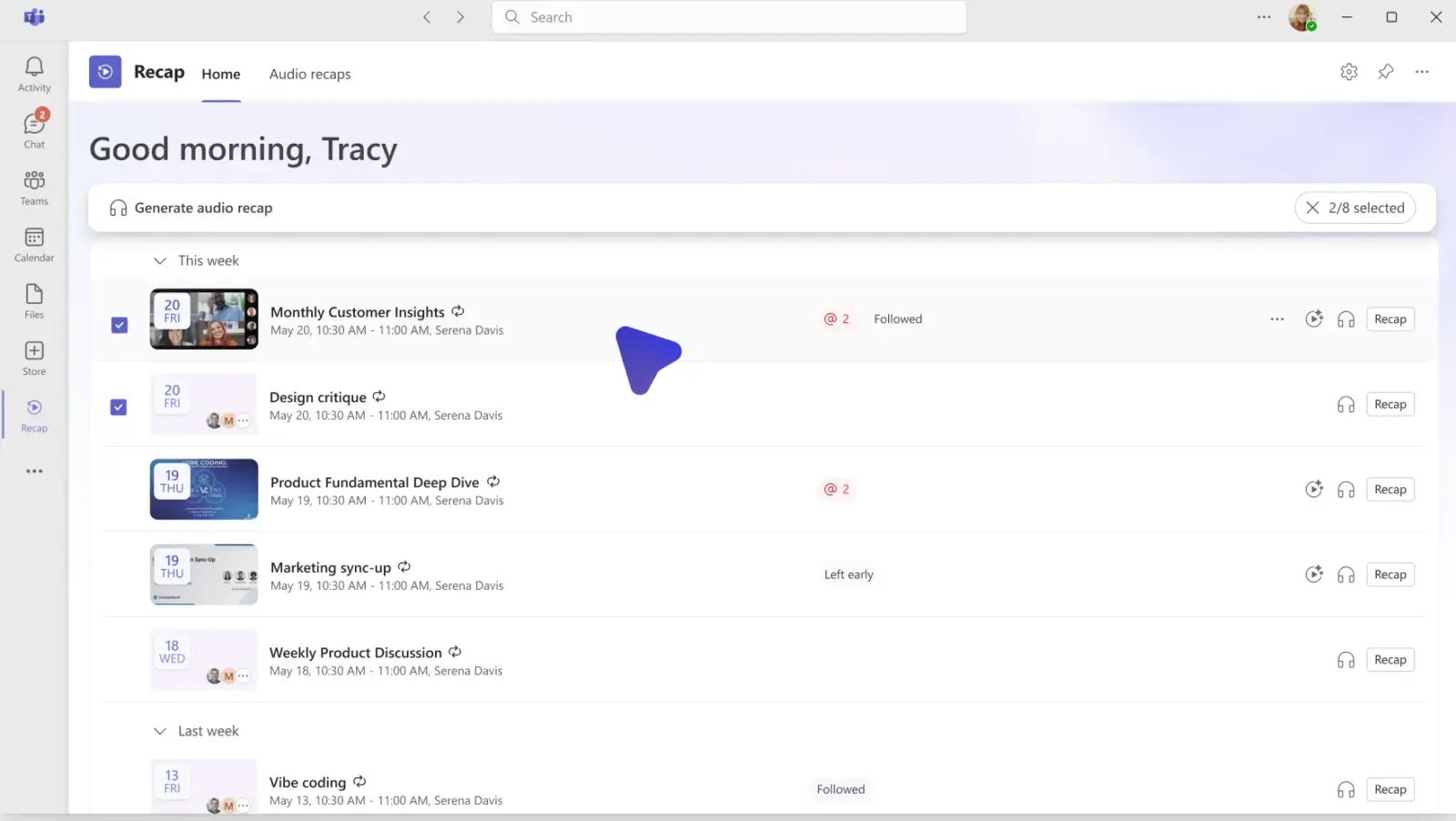
Microsoft has scheduled the general availability of the Recap app for Windows, Mac, and Web users. This rollout is set to complete by the end of next month. Support for mobile devices is also planned, though the company lists that release as coming soon. The update is currently limited to these specific platforms and does not yet extend to other operating systems.


Discussion
0 comments
Log in to join the thread with a thoughtful take, question, or correction.