

The Files file manager for Windows 11 received a software update to version 4.1.3. This release focuses on quality-of-life improvements and bug fixes rather than major new features.
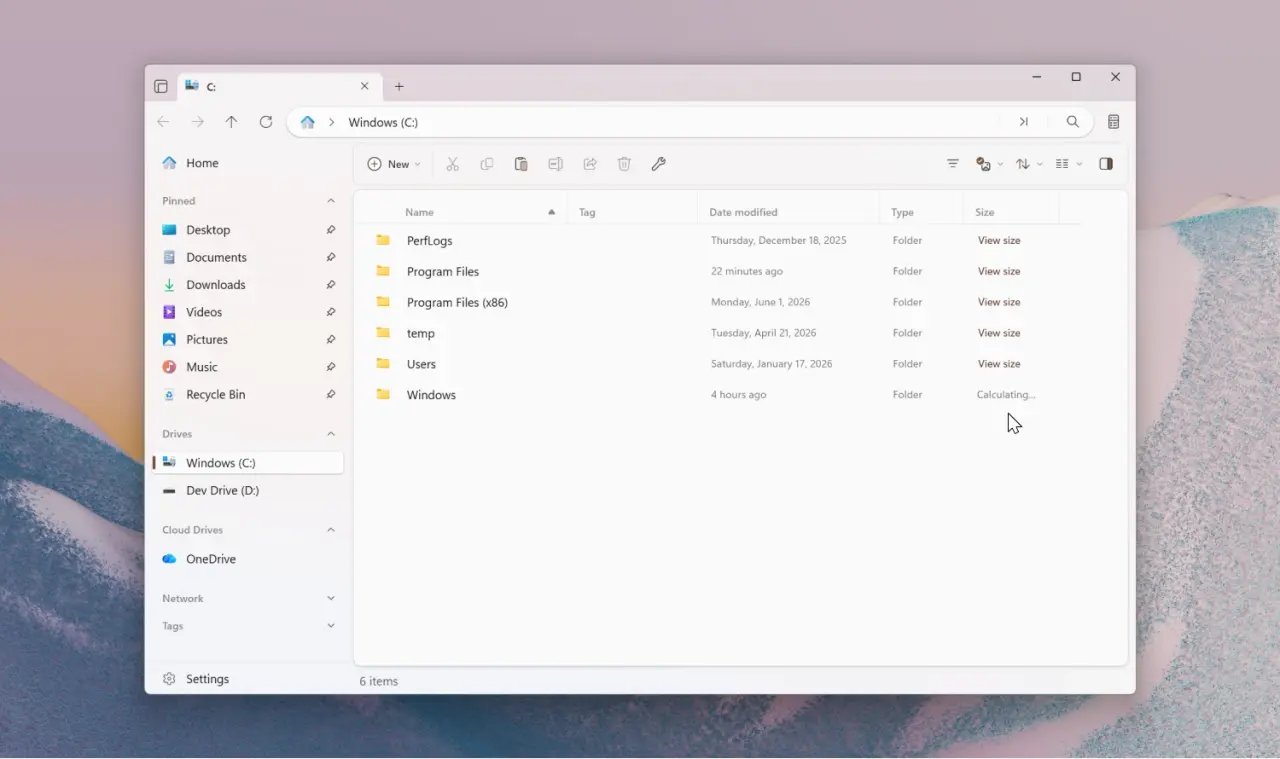
Version 4.1.3 improves tag removal methods, layout retention, and OneDrive icon handling.
Files is an open-source third-party application designed for Windows 11. The update introduces several interface adjustments that aim to streamline everyday file management tasks.
Users can now calculate folder sizes only when needed by using a dedicated View size button. This change improves performance when the Calculate folder sizes option remains disabled in settings.
The application retains selected files and folders when users switch between different view layouts. Tag removal also received multiple new methods, including options from the context menu, toolbar, and Command Palette.
Files now pulls its OneDrive icon directly from the OneDrive executable file to ensure the app always displays the latest version. Developers resolved several bugs involving tar extraction, Signatures page crashes, and BitLocker drive display issues.
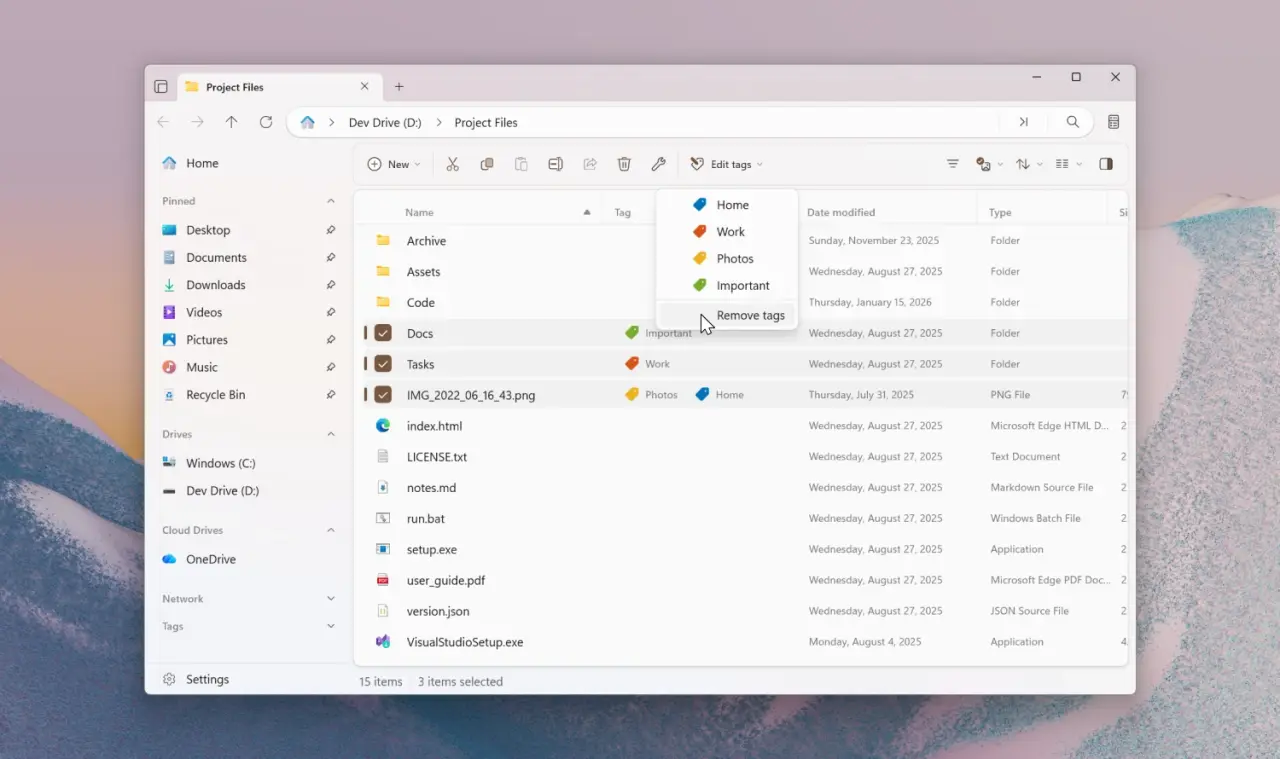
The update fixes a problem where Smart Extract placed archives in incorrect locations when users switched tabs. Tag search previously excluded folders during type grouping, and thumbnails sometimes failed to refresh after file modifications.
The development team intends to introduce a Tree View sidebar within the Files Preview channel during future releases. The software is available for download via the Microsoft Store or through its official website.
Discussion
0 comments
Log in to join the thread with a thoughtful take, question, or correction.