
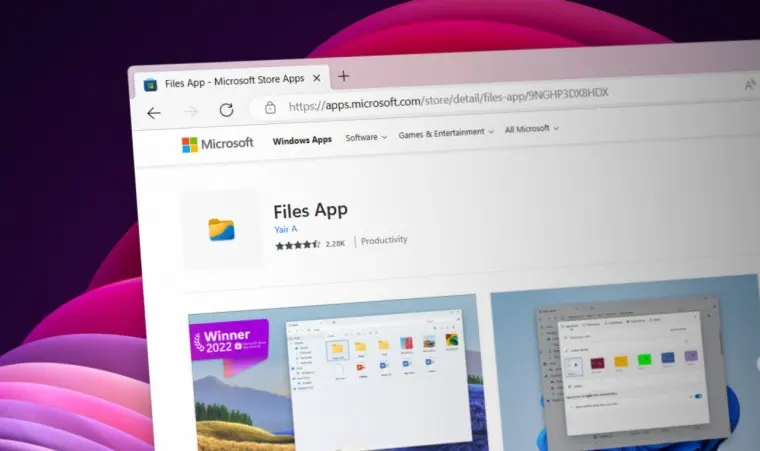
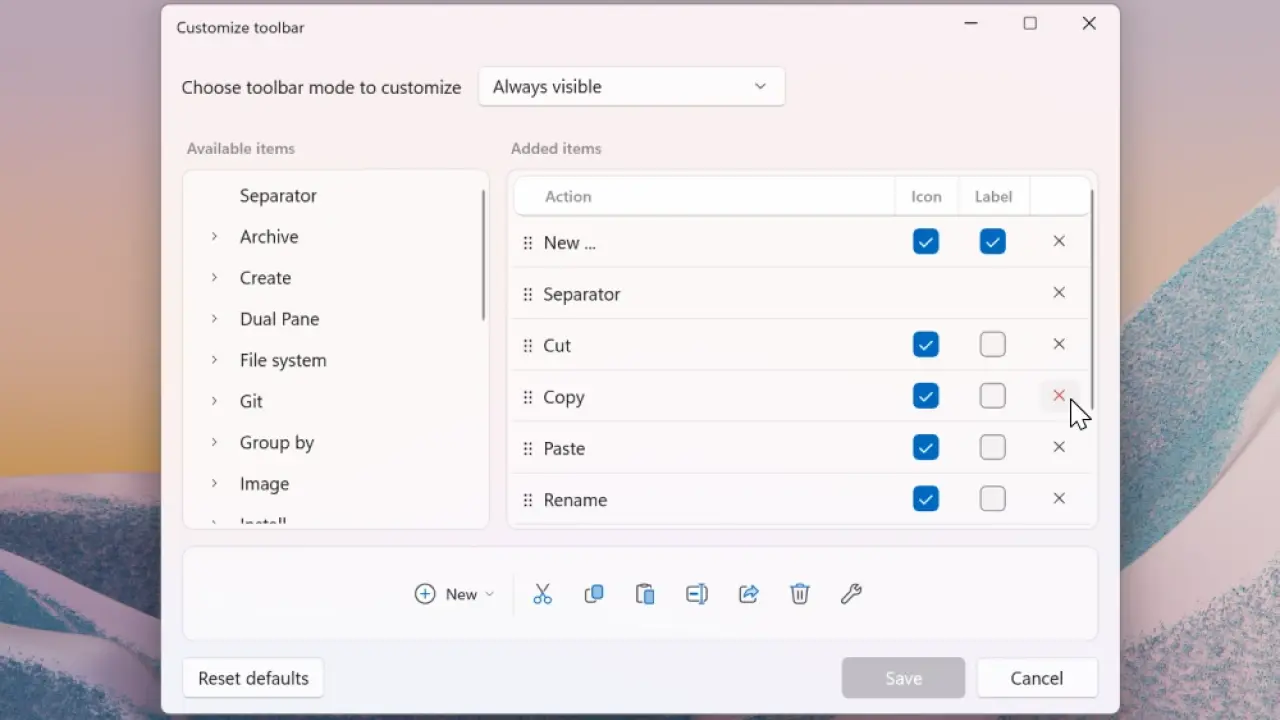
Files Community has released version 4.1 of its unofficial Windows 11 file manager, Files. The update introduces a redesigned customizable toolbar system.
Customizable toolbar and new settings
Users can right-click any toolbar item to customize it. The update also adds a new Edit Tags option for file tagging management. A dedicated Settings page replaces the previous dialog interface. Users can change the display font and terminal settings. Theme management now includes a keyboard shortcut: Ctrl+Alt+T toggles between light and dark modes.
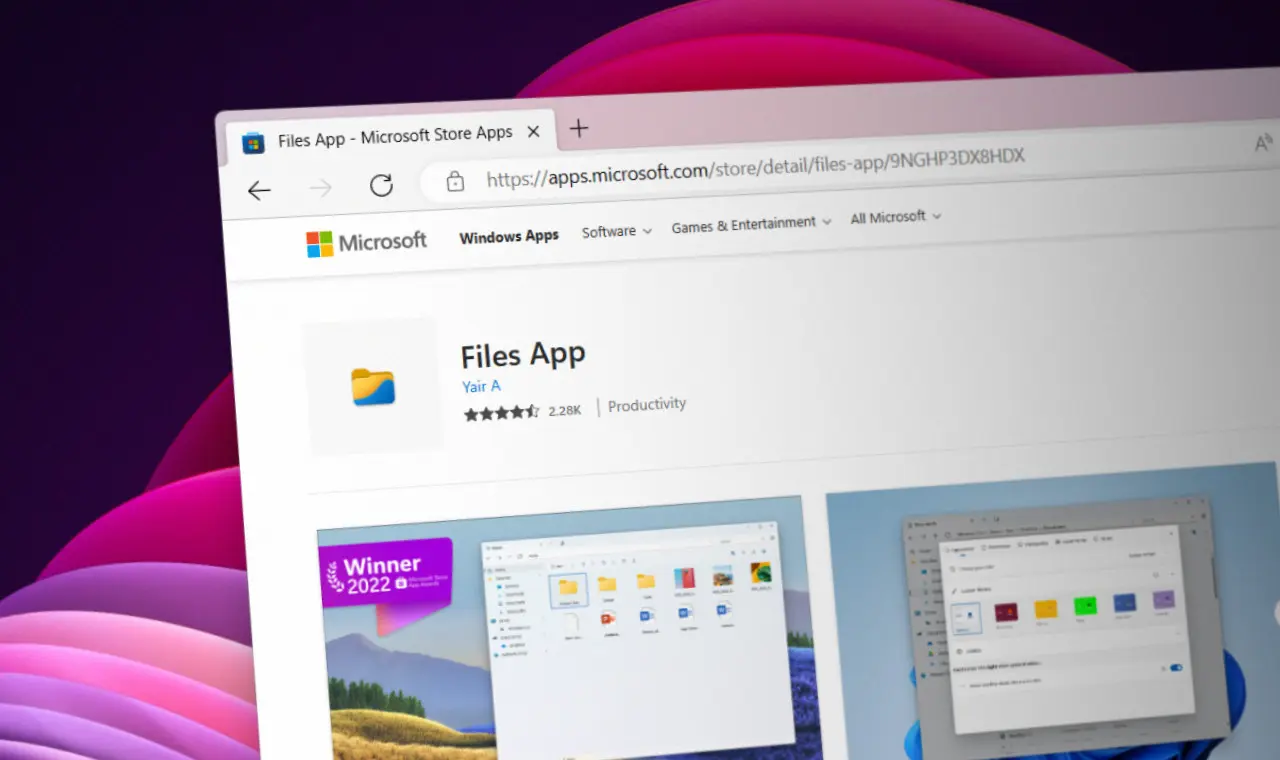
The Files 4.1 stable version is available for download from the official website and the Microsoft Store.
Bug fixes in this release include improvements to thumbnail refresh and PowerToys Peek detection, among others.

Discussion
0 comments
Log in to join the thread with a thoughtful take, question, or correction.