
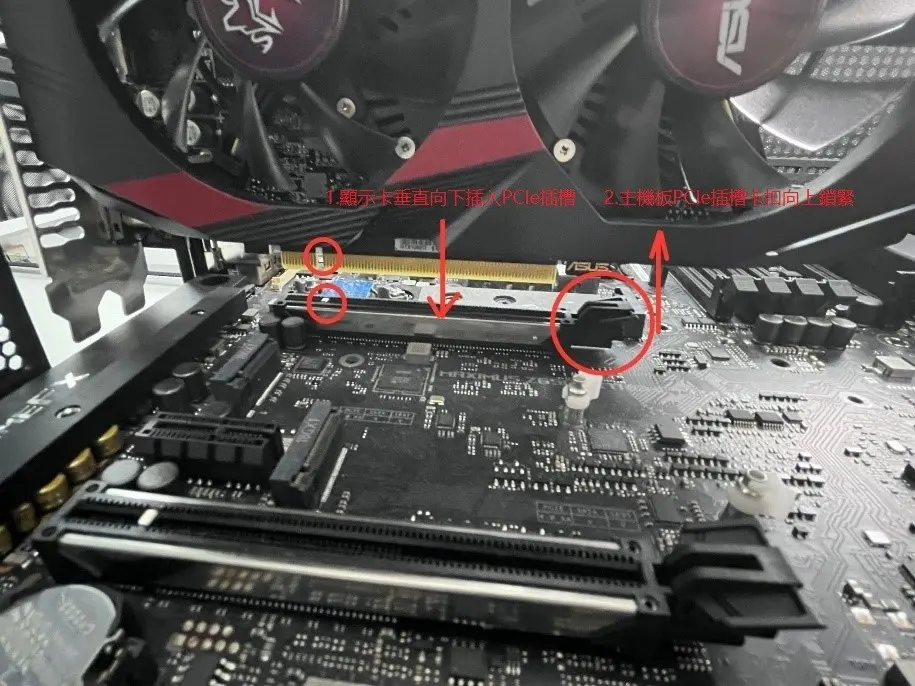
ASUS updated its official graphics card installation guide on October 4, 2024, to enforce stricter safety protocols for hardware handling. This change matters because improper installation or power connection can damage expensive components or create electrical hazards. We recommend reviewing these steps before touching any internal PC hardware to ensure your system remains safe.
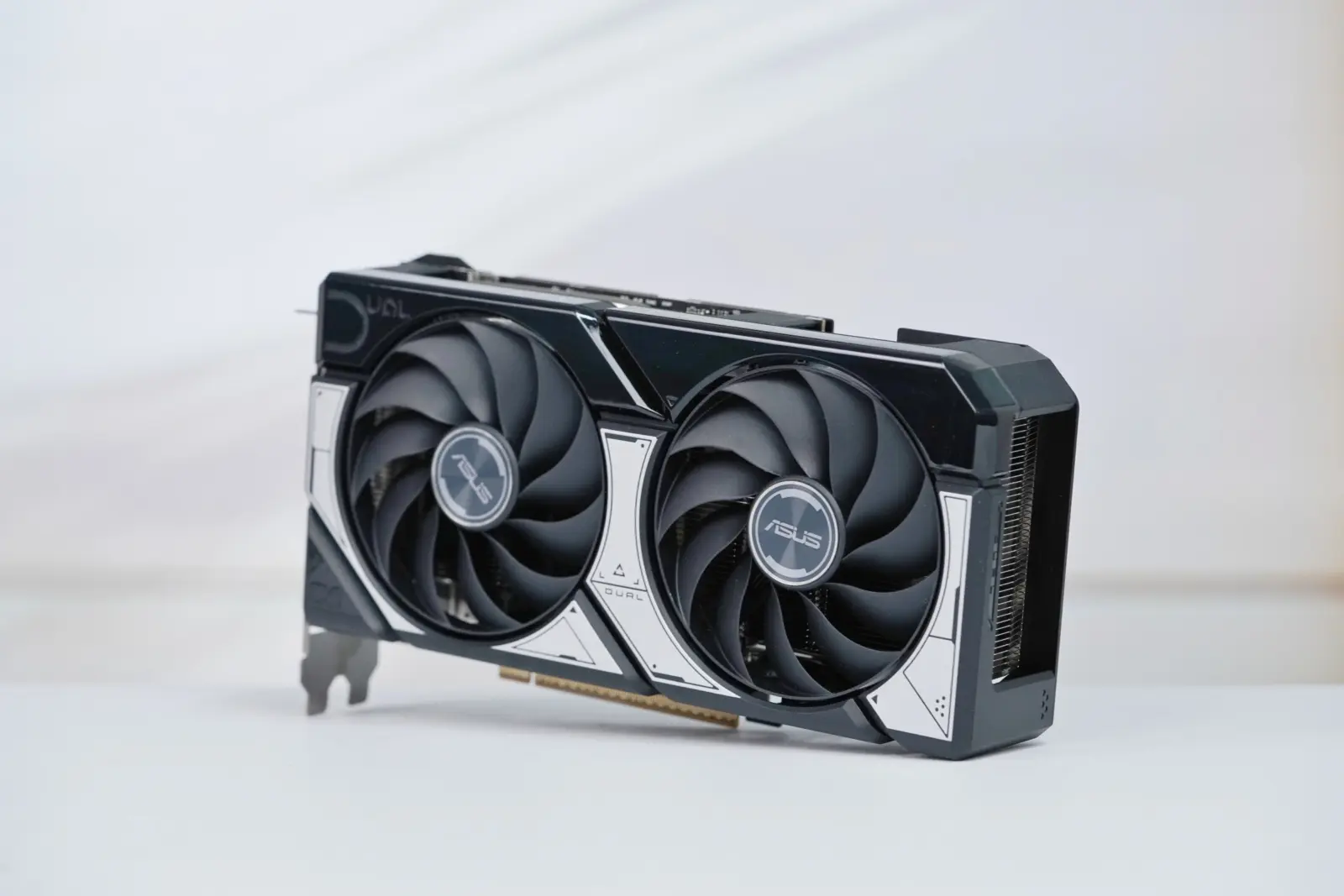
ASUS mandates power-off and unplug before GPU installation
The updated guide applies to all ASUS graphics cards and focuses on the physical installation and removal process. It emphasizes that users must power off their systems and unplug the power cord from the wall socket before starting. This basic step prevents live electrical contact while handling sensitive PCIe components inside the case.
Installation Safety
- Power off and unplug before installation
- Verify three latches: PSU, GPU, and adapter
- Use independent PSU ports for connectors
- Remove screws and press latch before extraction
The manual requires users to verify three specific latches on every power connector to ensure a secure connection. These latches are located at the power supply unit end, the graphics card end, and any adapter cable junction. The guide also mandates that multiple GPU power connectors must draw from independent system power ports on the PSU. Daisy-chaining cables from a single port is strictly prohibited to prevent power delivery failures.
Removing a graphics card requires a specific sequence to avoid damaging the motherboard slot or the card itself. Users must first unplug the PCIe power cables and remove the screws securing the card to the case. The final step involves pressing the motherboard PCIe slot latch and pulling the card vertically out of the slot. Following this exact order ensures safe removal without forcing the hardware.

Discussion
0 comments
Log in to join the thread with a thoughtful take, question, or correction.