
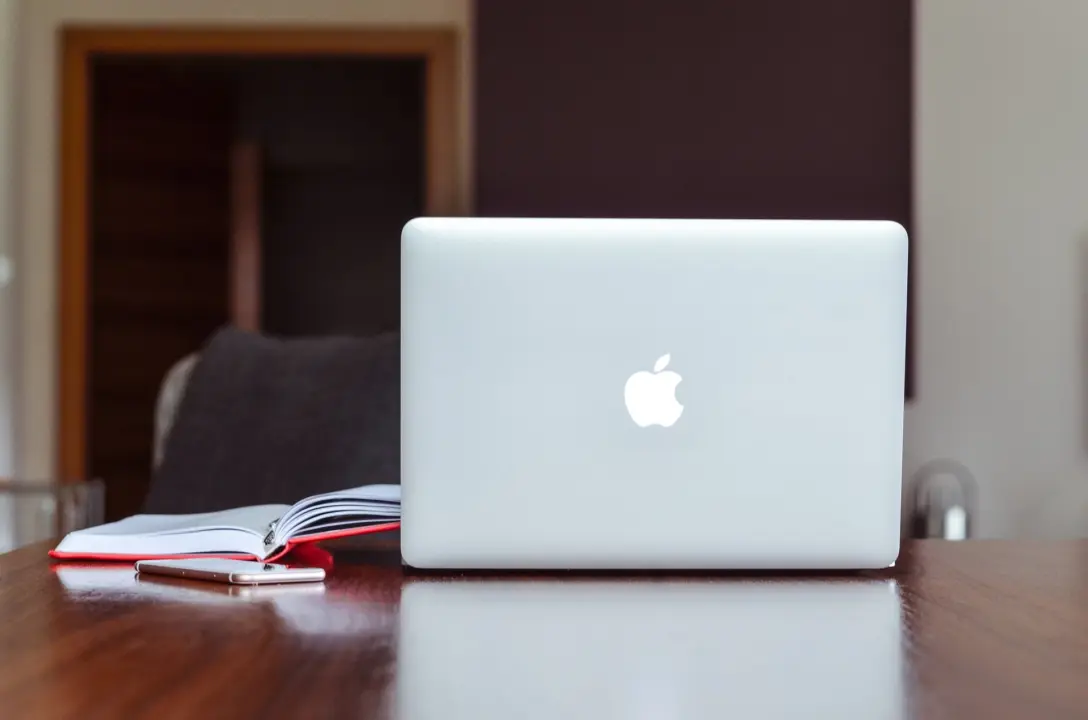
No speaker needed. For Apple Macbooks, there's an out-of-the-box way to listen to what you're reading.
Open-source nospeaker tool repurposes Force Touch motors for text-to-speech
And it works. Although it is very… very strange.
- Actuation Frequency: 4000 Hz
- Audio Frequency Range: 100Hz to 4kHz
- Compatibility (Apple Silicon): macOS 12+
- Compatibility (Intel): macOS 13+
- Hardware Requirement: Force Touch trackpad
Cody Collier has launched nospeaker on github which turns your trackpad into a speaker. This is a fully open-source tool which basically hacks the macOS audio stack to work as a runtime that makes your trackpad act like a speaker.
Instead of using actual speakers, the software uses the haptic motor from your trackpad (Force Touch) and sends vibrations at high frequencies through the trackpad glass (which is made of glass) that produces audible soundwaves. No external speakers or headphones needed.
And it's a cool alternative when you don't have any speakers or headphones handy. Like when you're in a very quiet environment or you want a discreet audio way to communicate something.
This is repurposing what you already have. No need to buy anything additional.
The only thing the tool is made for? Text to speech.
That's all. So forget about using this to listen to music or audio in videos.
It only does text-to-speech. The idea behind it is to push the trackpad's actuation frequency to 4000Hz.
That's a high vibration frequency which causes the glass (trackpad) to create sound between 100Hz and 4kHz. Best sound clarity seems to be at around 1kHz.
What you need for this to work? A Force Touch trackpad.
Apple started to implement that in Macbooks since 2015. It's also on the Magic Trackpad 2.
On what software do you need? For Apple Silicon, you need macOS 12+.
For Intel Macs, it's macOS 13+. This is known to work.
On modern hardware. But according to the source, it looks like they're using an M5 Max MacBook Pro.
Maybe they wrote M5 instead of the M-series chip which has been released. (M5 Max is not real.) Again. This is a way to listen to text only.
You won't be able to use this for entertainment. And the trackpad motor isn't designed for high quality audio.
So it's very low volume and very low frequency range compared to regular speakers. So yeah, this is pretty specialized software which you'd use for text-to-speech. But that's it.
Comments (0)