
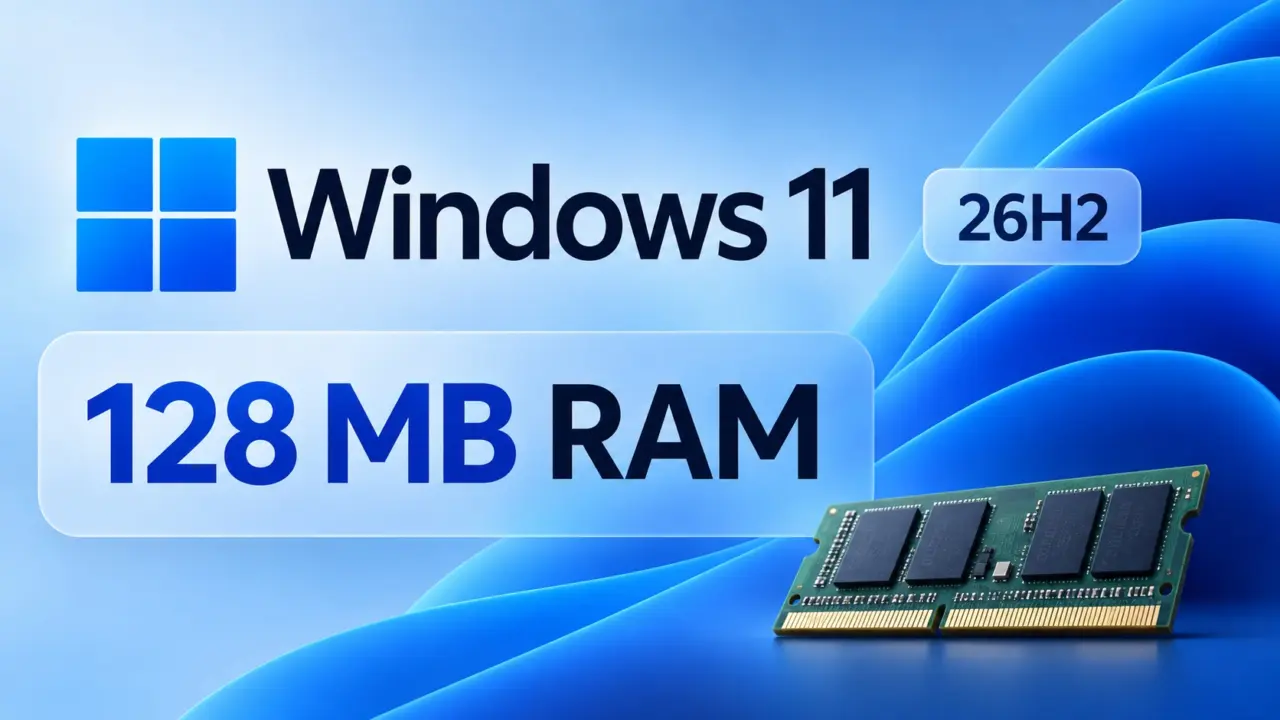
The official minimum RAM requirement for Windows 11 by Microsoft is set at 4GB but a developer has shown Windows 11 can run with as little as 128MB of RAM. That's a crazy low level that's only 3.125% of the official minimum required RAM to run the OS. It showcases how the technical theoretical minimum can be very different from the real-world practical daily requirements. As such, for anyone looking for a functional Windows 11 OS for a daily driver, this is not something you should try since it's not even remotely workable or useable for any real-world tasks.
NTDEV runs Windows 11 26H2 on 128MB RAM, just 3.125% of Microsoft's official minimum
The developer is using Windows 11 version 26H2 with a heavily minimized setup. The developer NTDEV was able to get to the desktop, launch File Explorer, show the Start menu and even run the classic Notepad app. Even with a minimum of 4GB of RAM that Microsoft requires for a stable OS, these key functionalities are still available.
For this setup, the developer used a minimum 128MB of RAM and 64GB of storage. That's 32x less RAM than the official 4GB minimum requirement. This follows on from other low RAM work we've seen like the 184MB Safe Mode test and the Pico11 project with a 699MB ISO.
The developer did state that the OS is really, really slow to run. So it's more of a test to show how far Windows 11 can go rather than a solution for older PCs.
We've been following along with Windows 11 updates and we shared news of how Microsoft is pushing out Windows 11 KB5127936 to address some missed performance crippling factors in normal builds. With this new test, we can see how far Windows 11 can go but it's clear that it's not a practical solution for anyone with an older PC. It's more of a technical curiosity and not a suggested upgrade for lower spec PCs.


3.125% of the minimum ram requirement. that is actually wild 😅
NTDEV got it to desktop but what about disk io latency with only 128mb ram? I need to know if the page file kills it instantly.
The article notes that Notepad and File Explorer launch successfully. This implies the system is using heavy swapping to storage rather than keeping data in volatile memory. It is not a practical daily driver setup for any real-world tasks.
The article mentions 64GB of storage for this test. That is plenty of space for a stripped down installation but the ram is the actual bottleneck here.
Running the kernel with that little cache is an exercise in patience. The paging algorithm must be working overtime to keep the UI from freezing completely.
Microsoft sets the 4GB minimum for a reason. This is just a technical curiosity that proves nothing about usability for average users.
If only we could get this kind of efficiency in the actual retail builds instead of bloating them with telemetry services.
It runs but it runs extremely slowly according to the dev notes.