
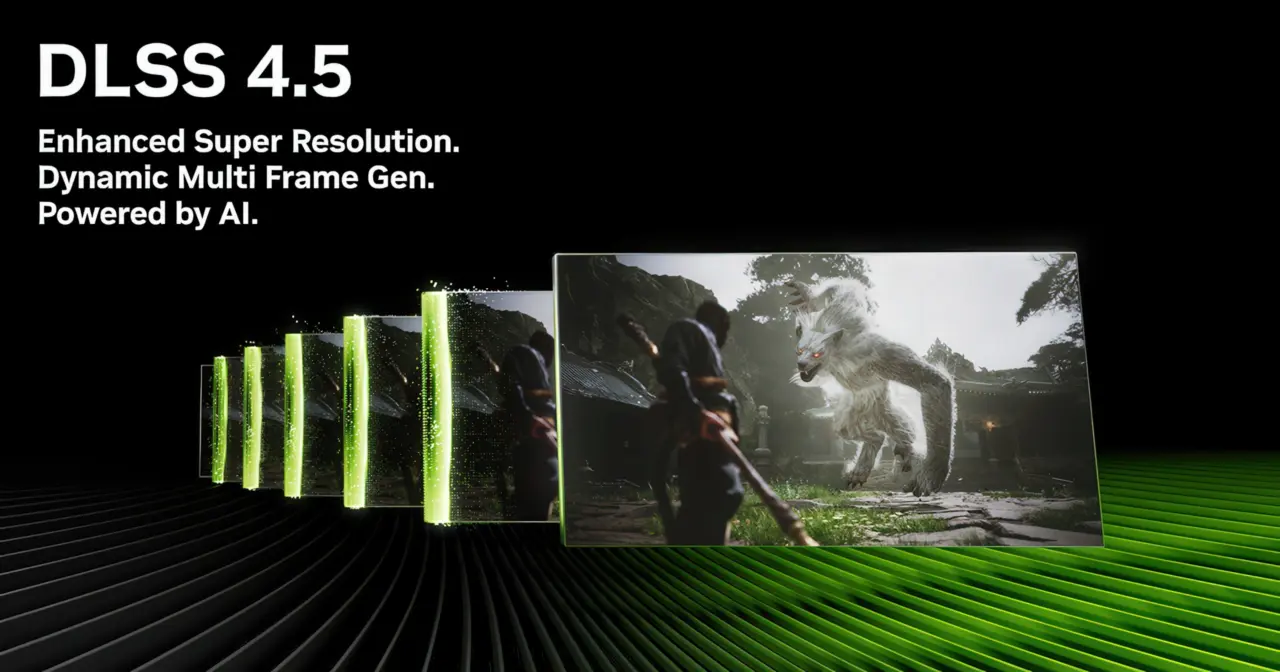
NVIDIA introduced a new frame generation preset called "Preset C" in its NVIDIA App, offering gamers a way to squeeze more performance out of their hardware. This update matters because it targets users who prioritize high frame rates over maximum visual fidelity, specifically boosting FPS by up to 35% compared to the existing performance mode. You should care about this change if you own an RTX 40 or RTX 50 series GPU and frequently play titles that support frame generation.
New experimental preset replaces AI model for faster frame processing
The core of this update is a new AI model designed to replace the second AI model used for optical flow calculations in previous versions. NVIDIA states that this newer model is both faster and lighter than its predecessor, which allows it to process frames more efficiently. The preset specifically targets the "Performance" mode for Multi-Frame Generation, Frame Generation, and Dynamic Frame Generation features.
To use this feature, users must opt into the beta or experimental features channel within the NVIDIA App settings. Once the beta update installs, you need to navigate to the Graphics section, select Driver Settings, and choose DLSS Override – Model Presets. From there, you can select Custom, open the Frame Generation drop-down menu, and choose Preset C before applying the changes to your supported games.
While the performance gains are significant, NVIDIA acknowledges that there are minor trade-offs in visual quality compared to the standard performance mode. This means that while you will see higher frame rates, some graphical artifacts or clarity issues may become more apparent during fast-paced gameplay. The feature is currently available as an experimental option, allowing users to test the balance between speed and image quality on their specific hardware.
We have seen similar themes of performance tuning in our coverage of the last NVIDIA App update, where stability and balance were key focuses. This new preset adds a specific performance-oriented tool to that ongoing evolution of driver software. The update is now available for download via the NVIDIA App or the official website for eligible GPU owners.

Discussion
0 comments
Log in to join the thread with a thoughtful take, question, or correction.