
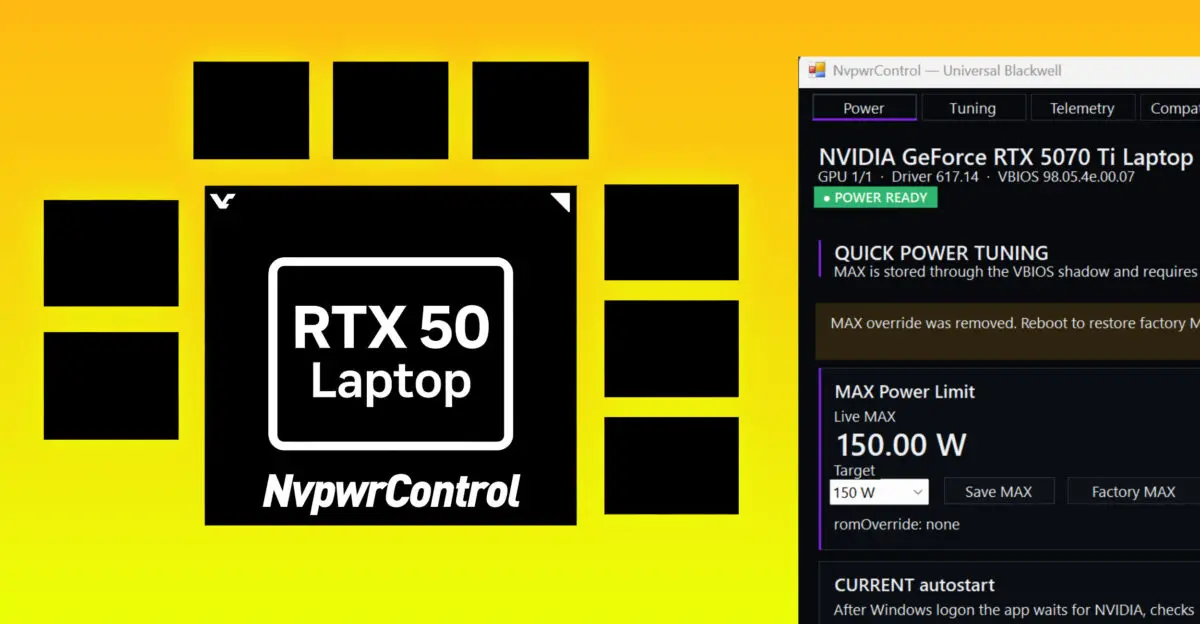
NvpwrControl v2.3.0 updates a utility that lets laptop users adjust GPU power limits, which matters because it removes the need for risky system-level driver installations. The new version expands support to cover the entire GeForce RTX 50 series laptop lineup, including the 5050 through 5090 models. This broadens the tool's reach for enthusiasts who want to tweak performance on newer hardware without complex setup procedures.
User-mode update removes kernel driver for RTX 50 series laptops
The software now operates entirely in user mode, which eliminates the requirement for the custom unsigned Nvpwr kernel driver that previous versions relied on. This architectural shift means users no longer need to disable Windows driver signature enforcement to run the tool. The change simplifies the installation process and reduces potential system instability associated with unsigned kernel modules.
- Supported GPUs: GeForce RTX 5050, 5060, 5070, 5070 Ti, 5080 and 5090 Laptop GPUs
- Version: v2.3.0
- Architecture Change: User-mode implementation (no custom unsigned kernel driver required)
- Previous Version: v1.8.0
NvpwrControl v2.3.0 targets the full range of RTX 50 Laptop GPUs, specifically listing support for the 5050, 5060, 5070, 5070 Ti, 5080, and 5090 variants. Validation has been confirmed on a Lenovo Legion Pro 5 equipped with an RTX 5070 Ti Laptop GPU. The tool remains in beta, indicating that it is intended for users comfortable with manual power limit adjustments and potential troubleshooting.
Compatibility is not universal and depends on the specific laptop manufacturer, VBIOS, subsystem ID, and the installed NVIDIA driver version. Users upgrading from version 1.8.0 will notice that the previous requirement to run the application as Administrator is no longer necessary for the kernel driver component. The update streamlines the workflow by removing these legacy constraints while maintaining the core power tuning functionality.



Discussion
0 comments
Log in to join the thread with a thoughtful take, question, or correction.