
Microsoft released an emergency Windows 11 hotfix to stop Dell laptops from crashing or overheating after a recent system update. This patch matters because the previous cumulative update caused unexpected shutdowns and abnormal battery drain on specific Dell hardware. Users with these models should apply the fix immediately to restore system stability and prevent hardware stress.
Emergency update resolves thermal issues on specific Dell hardware
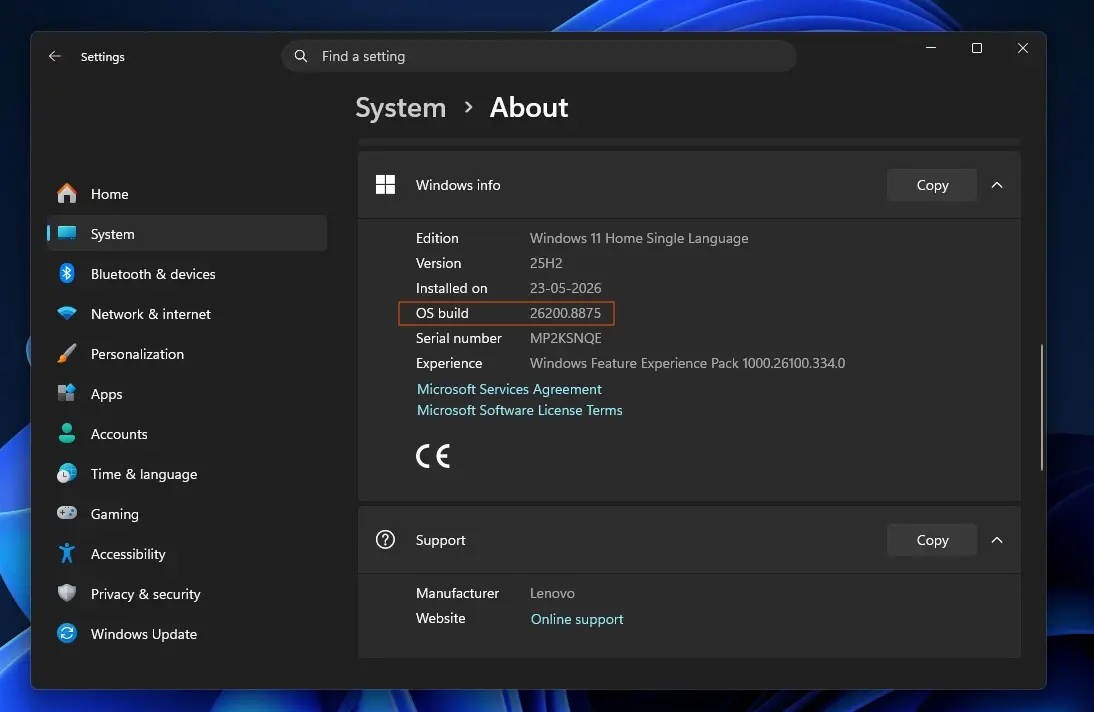
The update is version KB5121767, which replaces the July 2026 cumulative update for Windows 11 build 26200.8894. Microsoft identified the root cause as a conflict between new USB-C connection manager interface changes and Intel Innovation Platform Framework drivers. This incompatibility triggered performance degradation and thermal issues on affected Dell devices.
The fix targets a specific list of Dell machines that experienced the instability. Affected models include the Dell Pro Max 14 Premium (MA14250) and Dell Pro Max 16 Premium (MA16250). The patch also covers Dell Pro Precision 7 14 (PW714260) and Dell Pro Precision 7 16 (PW716260) workstations. Additional supported models are the Precision 5470, Precision 5480, Precision 5490, and Precision 5770. The list extends to the XPS 17 9720 and XPS 17 9730 laptops.
Microsoft recommends this update primarily for the affected Dell models listed above. The patch may also auto-install on other laptop brands if users have enabled automatic update settings. We looked at the last Windows 11 update earlier while tracking similar stability themes across the platform.
This hotfix resolves the immediate stability risks for Dell users running the affected Windows 11 builds. The update addresses the specific driver conflict without requiring hardware changes. Users should verify their system version and install KB5121767 to ensure safe operation.



Discussion
0 comments
Log in to join the thread with a thoughtful take, question, or correction.