
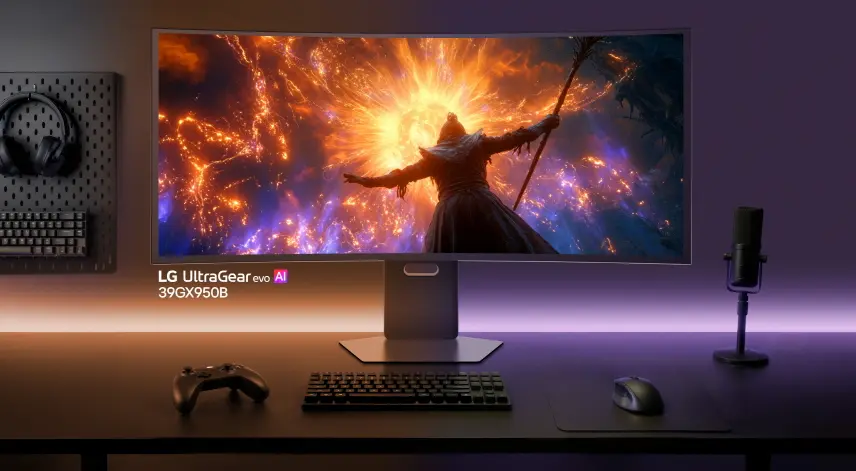
Buying a new LG monitor now carries a hidden cost in the form of unwanted software. The Microsoft Store automatically installs the ‘LG Monitor App Installer’ the moment you connect the display to a PC. This behavior turns a simple hardware setup into an immediate ad experience, with McAfee promotions appearing before you even open the monitor’s menu. Users who prefer clean system environments should be aware of this automatic trigger.
Users can stop automatic software installs and ads via group policy
The software in question is the LG Monitor App Installer, which launches at startup and pushes third-party advertisements. While LG is the latest vendor in this practice, it is not an isolated incident. Reports indicate that Alienware and Samsung monitors engage in similar automatic software installations. This pattern suggests a broader industry trend rather than a unique flaw in LG’s product line.
The automatic installation mechanism relies on system-level Microsoft Store policies rather than traditional driver installations. This process occurs even on debloated versions of Windows, indicating that the trigger is deeply integrated into the operating system’s hardware detection routines. The behavior persists regardless of whether the user manually accepts the installation or not. The system treats the monitor connection as a signal to deploy associated applications.
Users have a straightforward method to stop this automatic behavior without removing the hardware. You can block the installation and subsequent ads by adjusting local group policy settings on your Windows machine. This workaround allows you to keep the monitor while preventing the unwanted software from running. It is a necessary step for anyone who wants to maintain full control over their system’s startup processes.
Discussion
0 comments
Log in to join the thread with a thoughtful take, question, or correction.