
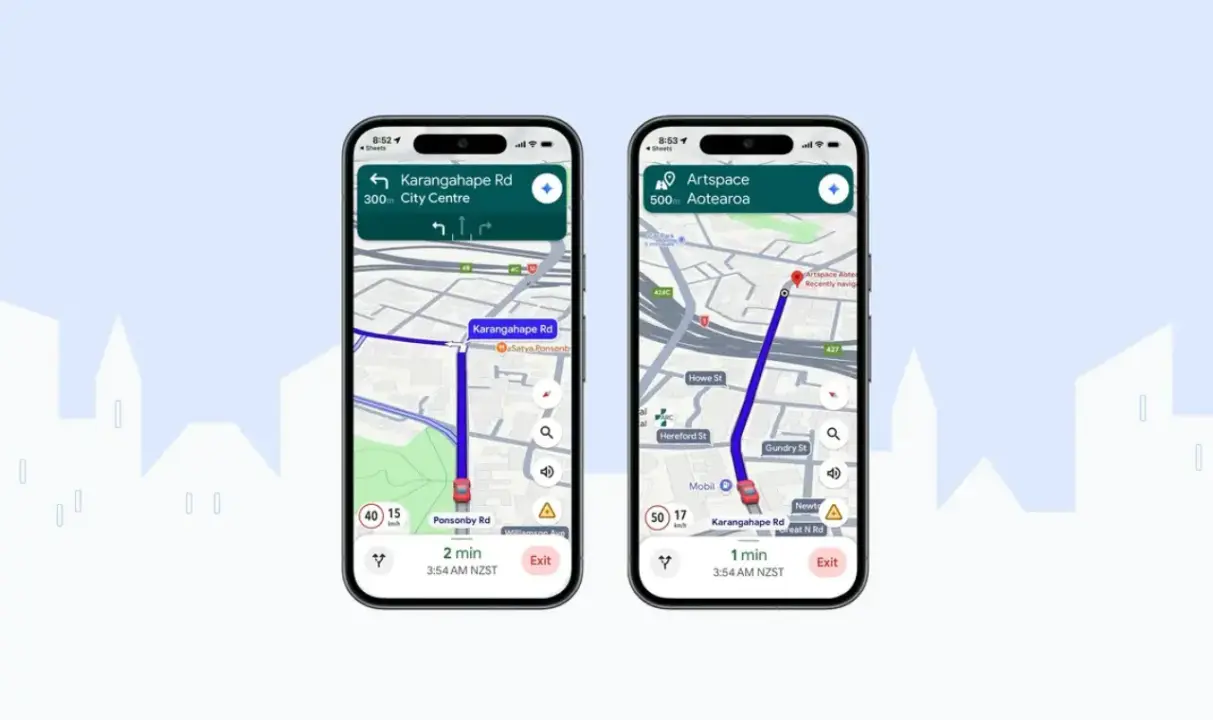
Google Maps has added an AI-powered text-to-speech voice for New Zealand users, bringing a distinct Kiwi accent to spoken directions. This change matters because it aims to make navigation audio sound more natural and culturally accurate for local drivers. The update specifically addresses the pronunciation of te reo Māori place names, which often cause confusion in standard automated voices.
New AI voice features Kiwi accent and accurate Maori pronunciation
The new voice feature relies on collaboration between Google and Te Taura Whiri, the Māori Language Commission. Google used data from the New Zealand Geographic Board to ensure the pronunciation aligns with local standards. Te Taura Whiri acts as the guardian of the lexicon, ensuring the project respects Māori data sovereignty throughout the development process.
The system is designed to read English with a New Zealand accent while accurately handling Māori place names. Ngahiwi Apanui-Barr, chief executive of Te Taura Whiri, stated: "Māori place names carry stories that connect us to our histories, people and achievements. The first step to unlocking those stories is correct pronunciation. If we can hear the words said correctly, we can say the words correctly." This technical implementation ensures that the spoken directions reflect the cultural significance of the locations.
The feature is rolling out globally on Android, iOS, Android Auto, and Apple CarPlay. Users can access the new voice by setting their Google Maps language to English (New Zealand). This availability allows drivers in New Zealand to experience the updated audio immediately, while users in other regions can enable the setting if their device supports the regional language pack.



Discussion
0 comments
Log in to join the thread with a thoughtful take, question, or correction.