
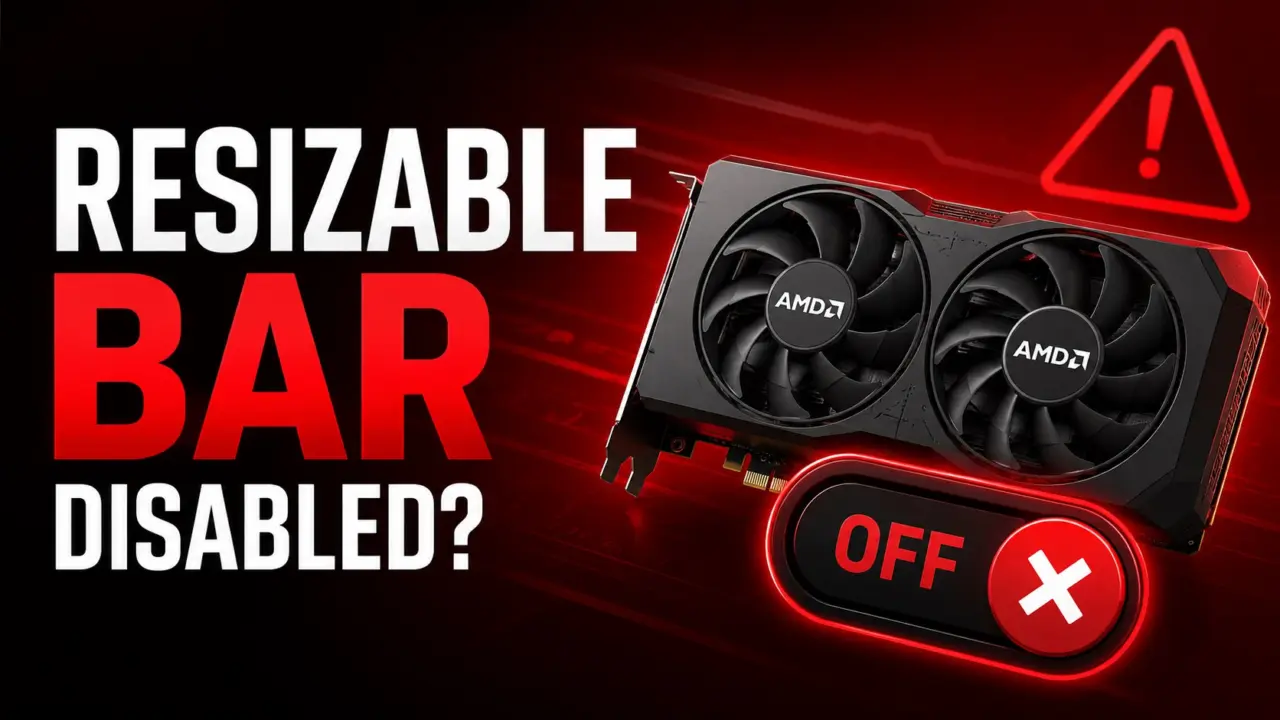
Windows 10 gamers using AMD graphics cards are facing silent performance drops and system crashes caused by a driver defect. The issue silently disables Smart Access Memory, a feature that boosts gaming speeds by allowing the CPU to access the GPU's full video memory. This matters because users may experience stuttering or lower frame rates without any obvious error messages to explain the slowdown. System instability can also occur, making the problem difficult to diagnose for average users.
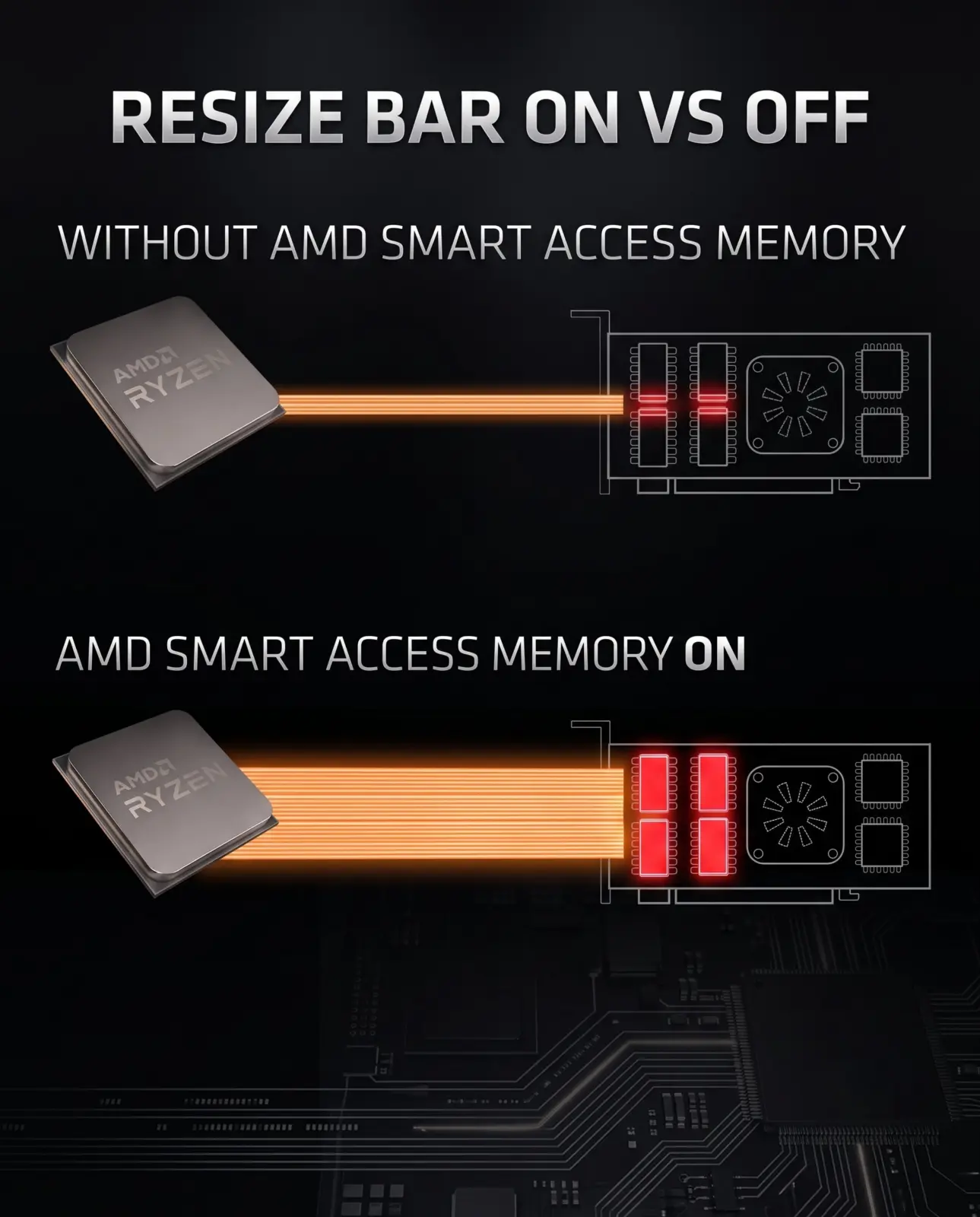
Workarounds include verifying refresh rates and re-enabling VRR
The bug affects the Radeon Graphics Drivers on Windows 10 systems. It specifically targets configurations where Smart Access Memory or Resizable Bar is enabled in the BIOS. The problem persists even when the motherboard settings for Resizable Bar and Above 4G Decoding are correctly configured. This means the issue lies within the driver software rather than the hardware configuration itself.
AMD has identified the defect in its driver updates. Users can try several workarounds to restore functionality. Verifying the monitor refresh rate settings may help stabilize the connection. Re-enabling Variable Refresh Rate has also been reported as a potential fix. Some users found that performing multiple system reboots temporarily resolved the disablement of the memory feature.
This incident follows a previous hotfix released by AMD. The company previously issued driver version 26.6.3 to address a different Windows 10 compatibility issue. That earlier update fixed a yellow bang error that prevented RX 7000 series cards from installing correctly on Windows 10. The current bug represents a separate software defect affecting performance features rather than installation.
We touched on AMD Releases 26.6.3 Hotfix to Fix in our earlier Amd coverage. The company continues to patch Windows 10 compatibility issues for its latest hardware. Users should monitor driver updates for a permanent fix to the Smart Access Memory disablement bug. Until then, manual workarounds remain the only way to maintain full GPU performance.


Discussion
0 comments
Log in to join the thread with a thoughtful take, question, or correction.