
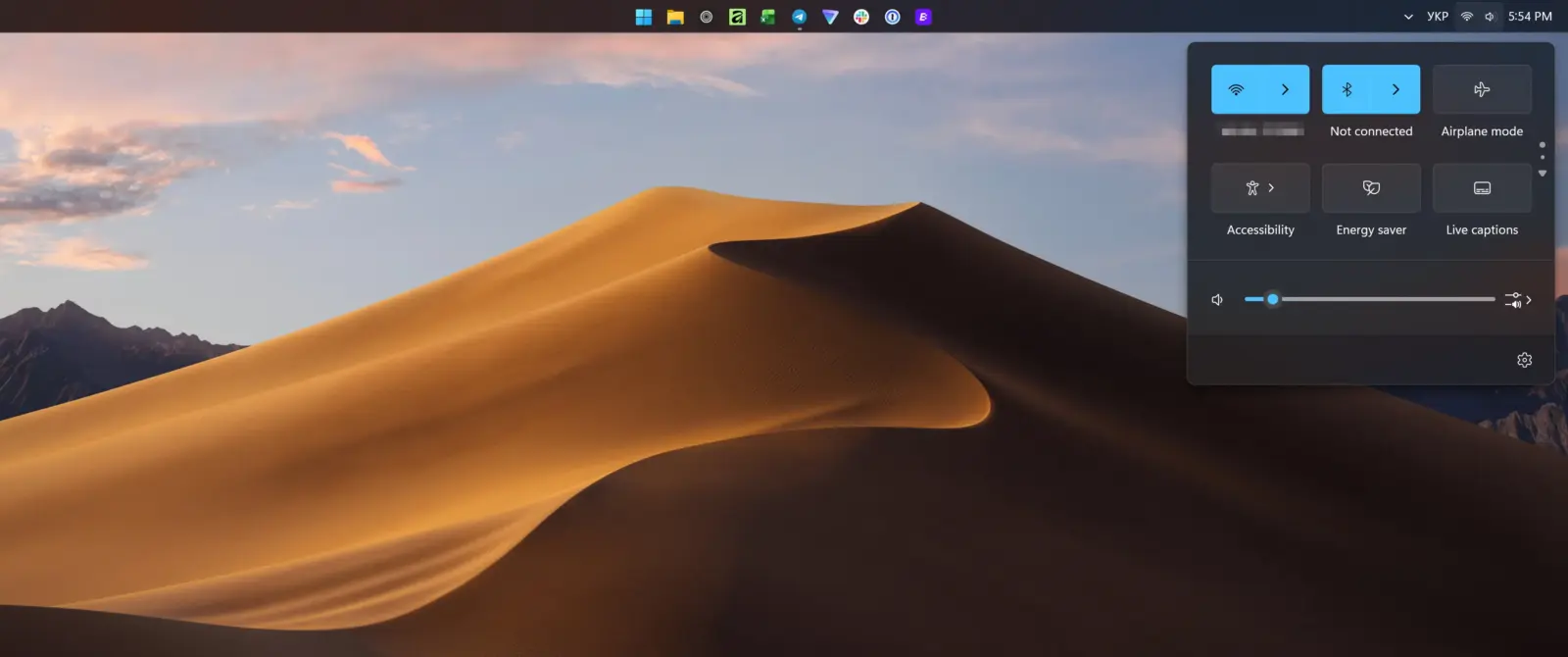
Microsoft has introduced a new preview build of Windows 11 that allows users to move the taskbar to any edge of the screen. The taskbar can now be placed at the top, left, or right side, in addition to the traditional bottom position.
Compact mode reduces taskbar size
The update also adds a compact taskbar mode that reduces vertical space and shrinks app icons. In compact mode, the date is hidden from the system clock. The taskbar automatically switches to compact mode when it becomes full.
The preview build is available now in the Experimental channel. Microsoft has not announced when the updated taskbar will be generally available for all users.
Some features are still broken in this build. The calendar flyout and notifications remain tied to the bottom-right corner, though fixes are planned. The touch-optimized taskbar, gestures, and auto-hide animation are currently not working. The Win+X menu is also broken in compact mode.
Discussion
0 comments
Log in to join the thread with a thoughtful take, question, or correction.