
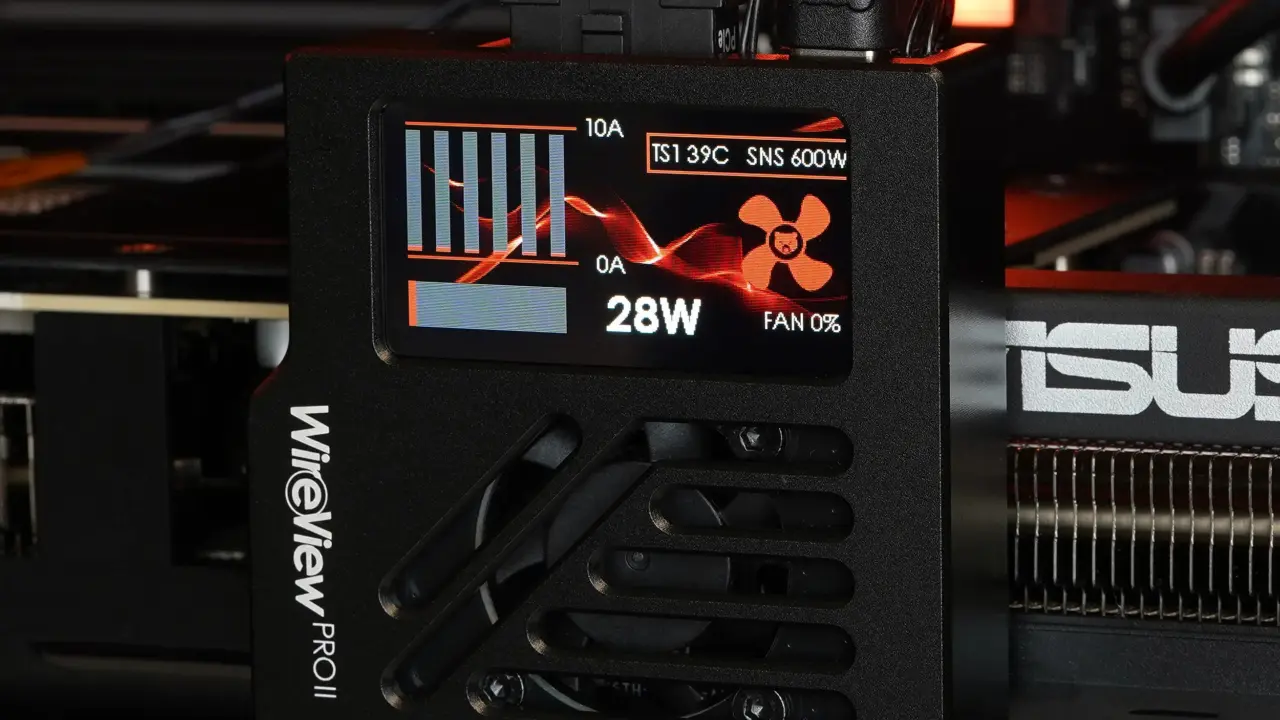
RTX 5090 power consumption is 575W, which is very close to 600W limit of power connector. There’s a dangerous proximity. It exposes high-end users to potential connector melting.
New open-source tool monitors pin current and triggers shutdowns to prevent connector melting
What if there’s a sudden surge? New free tool RTX Lens lets you monitor RTX 5090 power consumption in real-time. We need that.
It’s important. It’s dangerous and you need to be careful.
RTX Lens is a free open source application for Windows. Released by Codeh4ck. RTX Lens was developed due to “double paranoia” of 12VHPWR connector melting. “I have 2 5090s.” There are three types of specific hardware that are read:
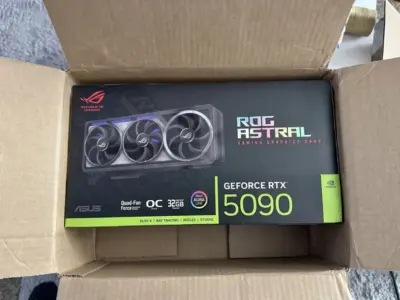
Asus ROG Astral RTX 5080, RTX 5090 Thermal Grizzly WireView Pro II monitoring device MSI MPG Ai1300TS, Ai1600TS power supply The software is designed to monitor per pin current for potential danger. 12V-2×6 connector has six 12V pins that have ~9A current rating. Asus has 9.2A warning limit. If you’ll exceed it RTX Lens might initiate automatic shutdown of PC.
It can notify your mobile phone. According to project README you can “See GPU power, pin current, and temps at a glance.”
Right now RTX Lens is available in beta. It gets updated super fast. The developer mentions that soon there will be a Google Play Store and App Store release.
It’s subject to Google, Apple approval. In the meantime there are mobile versions for Android and iOS available to be sideloaded or use TestFlight. We’ve been following RTX Lens.
In particular after manufacturing defects which lead to uneven pin load for those connectors. Check our previous article (MSI RTX 5090 RMA shows manufacturing defects) to understand why monitoring is important.
RTX Lens is a good protective measure for RTX 5080, 5090 owners. It converts power data into useful alerts. You can now shutdown your system or receive notification to your phone.
Avoid potential connector melting. Free open source software. Precise software solution for specific hardware issue.

Comments (0)