
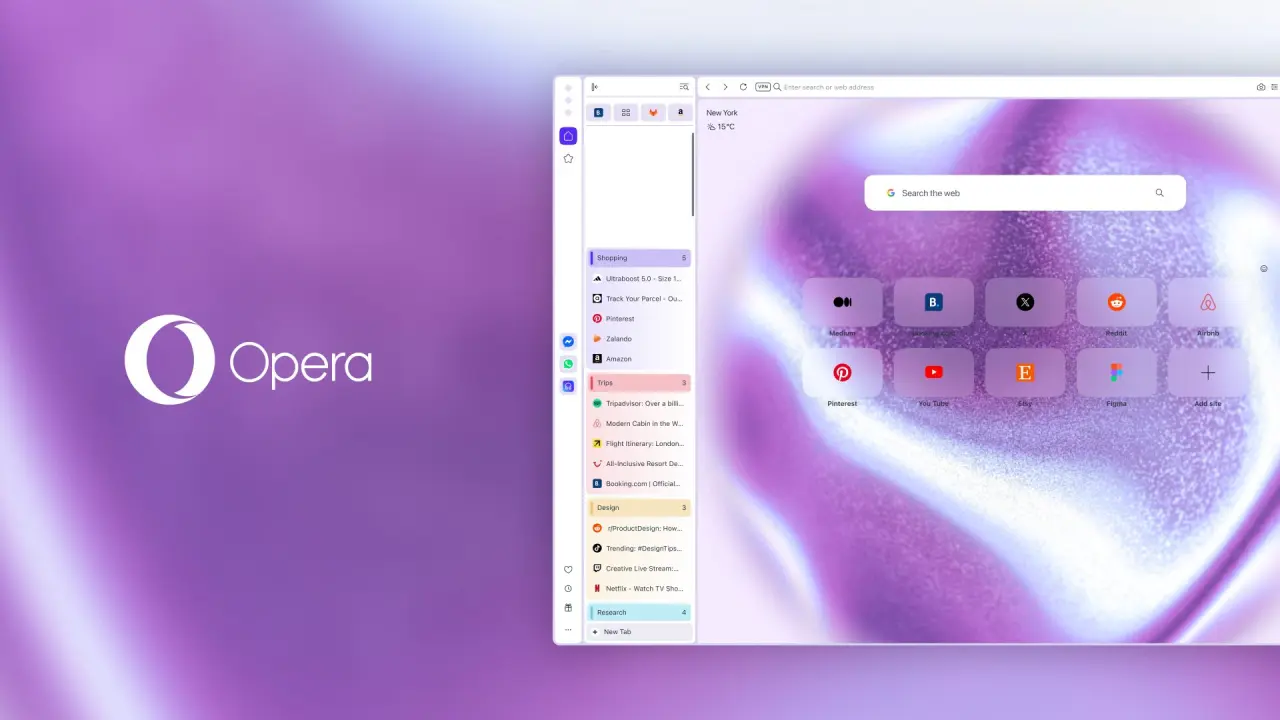
Opera One updates its interface with vertical tabs, giving users a cleaner way to manage open windows. This change matters because it lets you see more of your page content instead of wasting screen space on narrow horizontal strips. You can now keep dozens of tabs visible in a single column without scrolling endlessly.
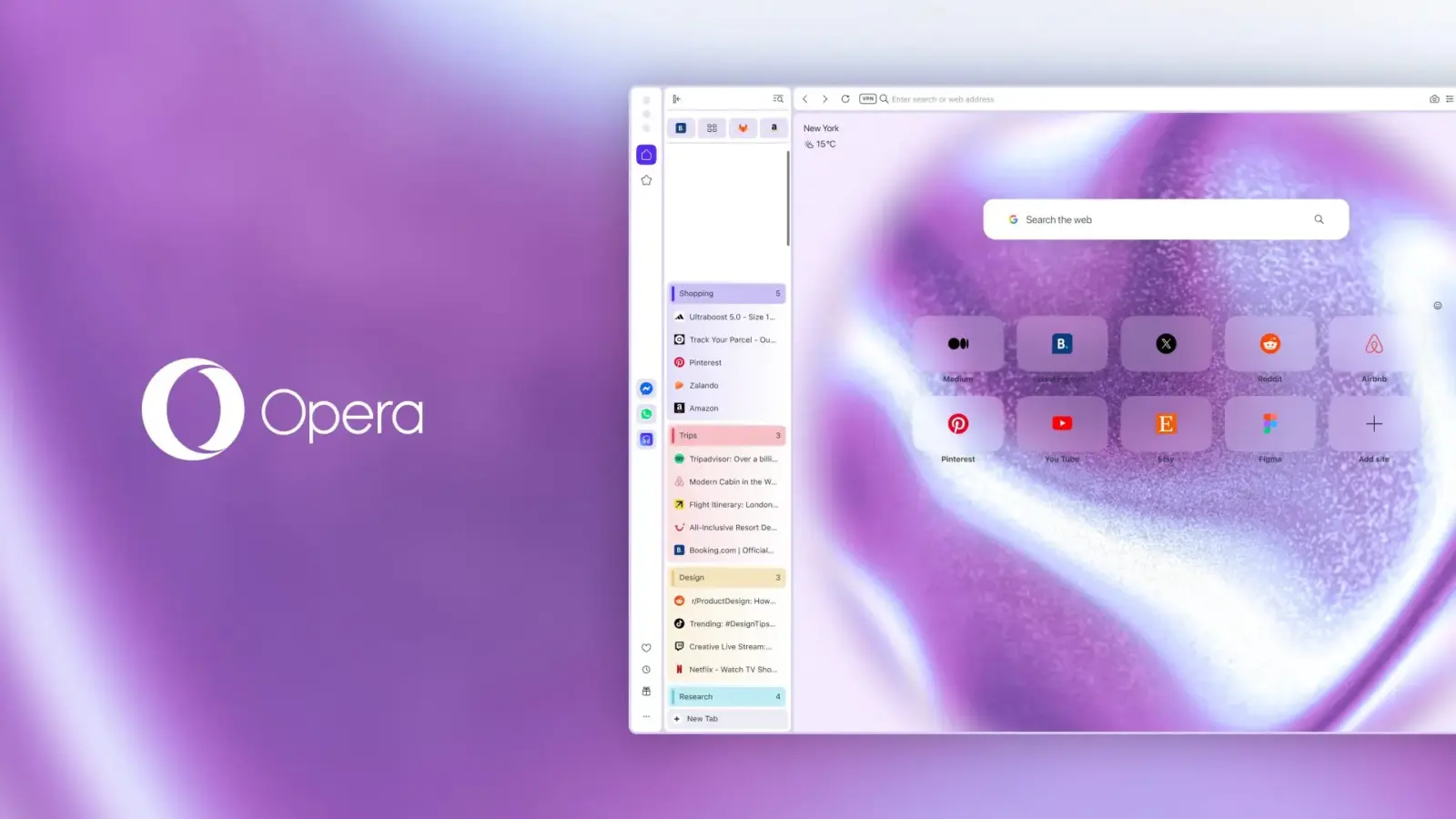
Vertical tabs stack in a resizable panel to save screen space
The browser handles these new tabs in a resizable panel on the left side of the window. You can turn on vertical tabs by right-clicking the tab bar, using the Easy Setup menu, or going to Settings > Browser > Tabs. Users can revert to the standard horizontal tab arrangement if they prefer that layout.
Vertical mode now includes Tab Islands that show the number of open tabs in each group. The browser automatically names these groups, such as 'Tab Island One', and lets you change their colors with lighter gradients. Grouping related tabs visually allows users to identify connections between sites quickly.
Opera One also improves Google Lens integration on the start page with a new search icon in the search bar. You can now upload local files or paste images from your clipboard to search for similar items online. The enhanced Google Lens integration allows users to search for products or information using local images or clipboard content.

Discussion
0 comments
Log in to join the thread with a thoughtful take, question, or correction.