
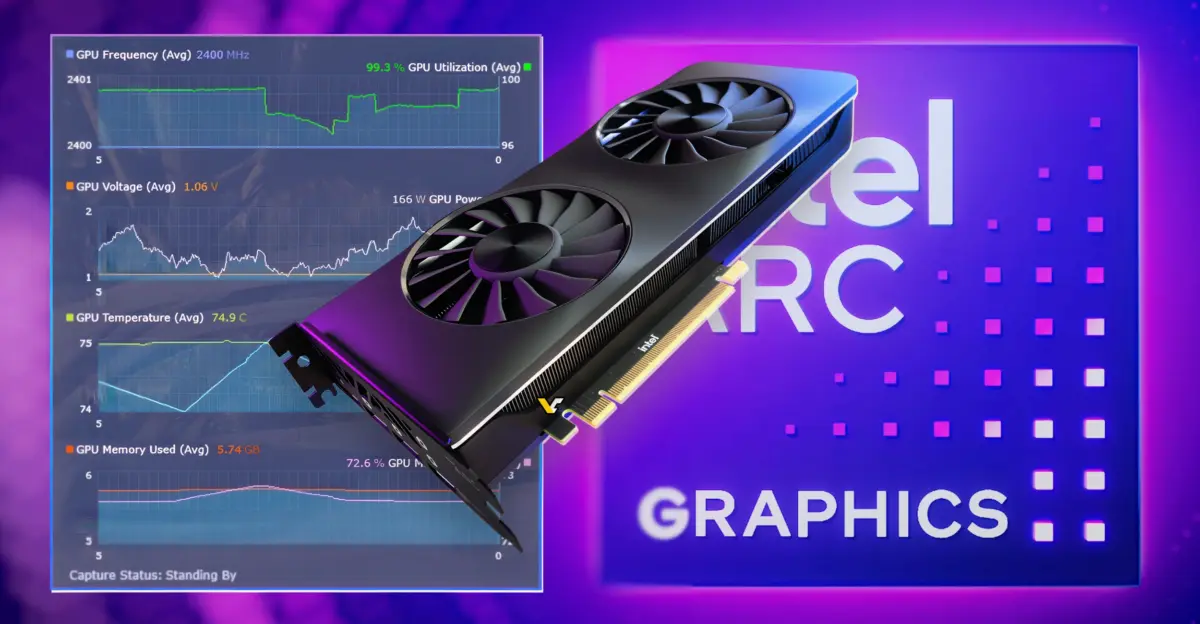
Intel released PresentMon 2.6.0 on September 21, a significant update to its free performance monitoring tool for Windows games. This release matters to PC builders and gamers because the new version drastically cuts the CPU overhead that the monitoring software itself creates during gameplay. Users can now track performance metrics with minimal impact on system resources, ensuring that benchmark data reflects actual game performance rather than tool interference.
Intel reduces diagnostic logging impact to near-zero idle usage
The core improvement in this update addresses the CPU overhead caused by the tool's diagnostic logging. Intel states that the new version reduces CPU use under load by 78% compared to previous versions. This reduction comes from less aggressive Event Tracing for Windows (ETW) flushing, which previously consumed more processing power than necessary. The update also drops idle CPU usage from diagnostic log flushing from 0.003% to effectively 0.000%.
PresentMon 2.6.0 introduces a new Game Experience overlay designed to focus on motion and animation quality. The tool now supports tracking DirectX 12 PSO compilation metrics and adds newer Windows DDI flip events. It maintains compatibility with DirectX 9, DirectX 11, DirectX 12, OpenGL, and Vulkan applications on Windows 10 and Windows 11. The update also improves the AMD ADL interface for dedicated VRAM usage reporting.
Intel released PresentMon 2.6.0, bringing a fairly large update to its free performance monitoring tool. The new version reduces the CPU overhead caused by PresentMon itself and adds a new Game Experience overlay focused on motion and animation quality. The software is available globally for Windows 10 and Windows 11 systems. Users can download the update to monitor their games with lower system impact and more detailed motion metrics.



Discussion
0 comments
Log in to join the thread with a thoughtful take, question, or correction.