
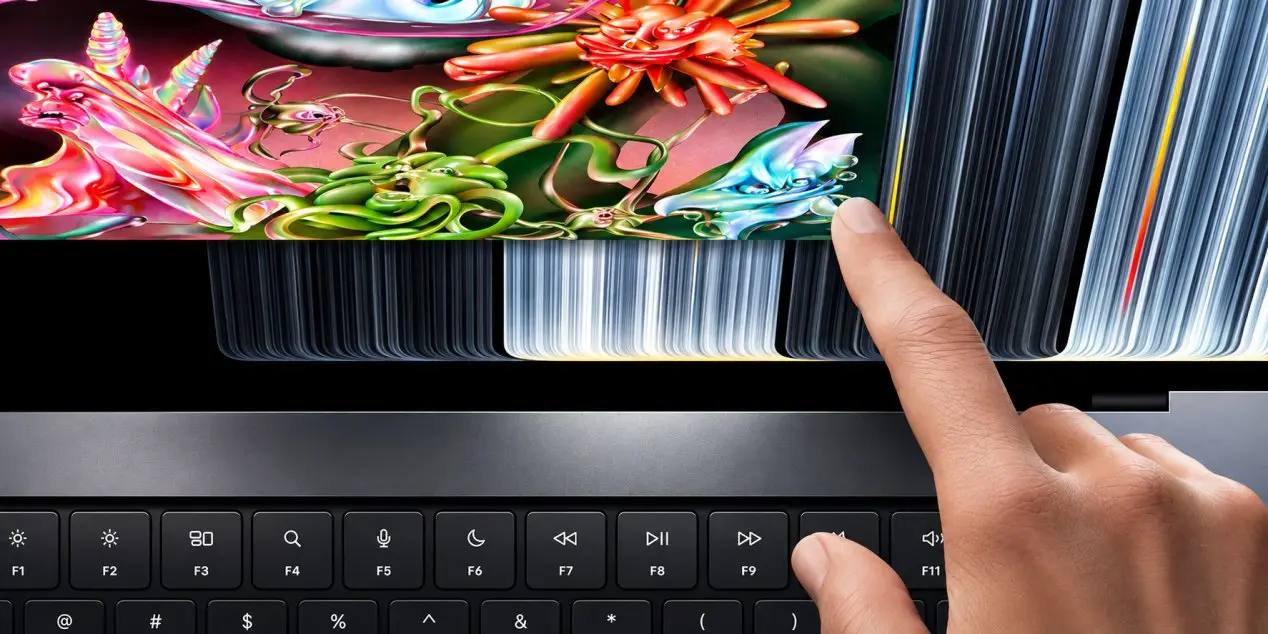
Recent macOS versions had one strange window dragging phenomena that annoys many of its users and gives a new trend of hardware change. MacOS 26 Tahoe is the first version that add a pretty large corner radius for windows that affects the normal click action. Actually, this is not a bug, but rather a setting for the new MacBook Pro with their round physical screen. As you drag your windows to the corners at the bottom, you will have a visual experience when the window corner smoothly transition itself to the new hardware screen display.

Dynamic corner radius transition solves macOS 26 Tahoe window dragging issues
MacOS 26 Tahoe was the version that initially set a default corner radius with 20 points. The result is that, in corners, the window will create a 19×19 pixels of detection area. As we test it out, we found out that 62% of this hitbox area intersect with non rounded windows.
Whereas for rounded corners, it has 75% of out of window areas. Because of people complaints about difficulty in dragging windows, Apple decided to revert this design.
However, MacOS 27 Golden Gate comes with a remedy that bring back the visual effect we expected with a dynamic UI transition. So from 20 points corner radius windows, we will have a smooth increase in the radius as we drag our window to screen corner. The animation effect is to make sure the window corner is perfect to the new MacBook Pro physical screen edges. The transition is pretty smooth and subtle that people who observe it feel like hardly notice the radius increase as it moves.
When we look into this effect from a industry observer, Michael Simon from Macworld did a analysis and found it very smooth visually. Michael Simon said he could not confirm if the last radius number is actually 26 points, but he says it looks stunning. After he watched it for 20 times, he found that when the windows reach the corner, the corners look perfectly match to the edges of the screen. This dynamic changing can solve the hitbox issue from previous version and still keep the new hardware looking aesthetic.
With this change, we can clearly see that previous UI is actually a step towards the new round screen display. Apple is simply making their software window interaction coincide with the physical of the new MacBook Pro model. This will make sure their users will have the same visual experiences with their new hardware. This will be a very good transition from normal flat screen to new curved screens.
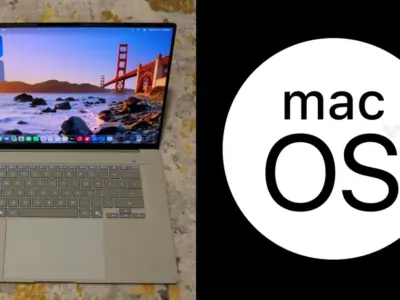
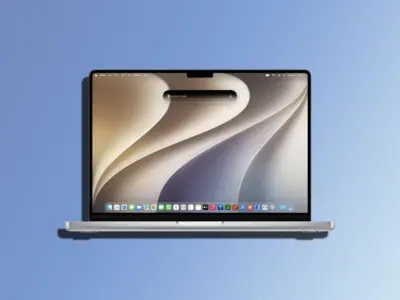

The 19×19 pixel hitbox was a mess for standard windows. At least the dynamic radius in Golden Gate fixes the usability.
It is not a fix but a compromise. Apple delayed the actual rounded screen hardware just to make the software look good for now.