
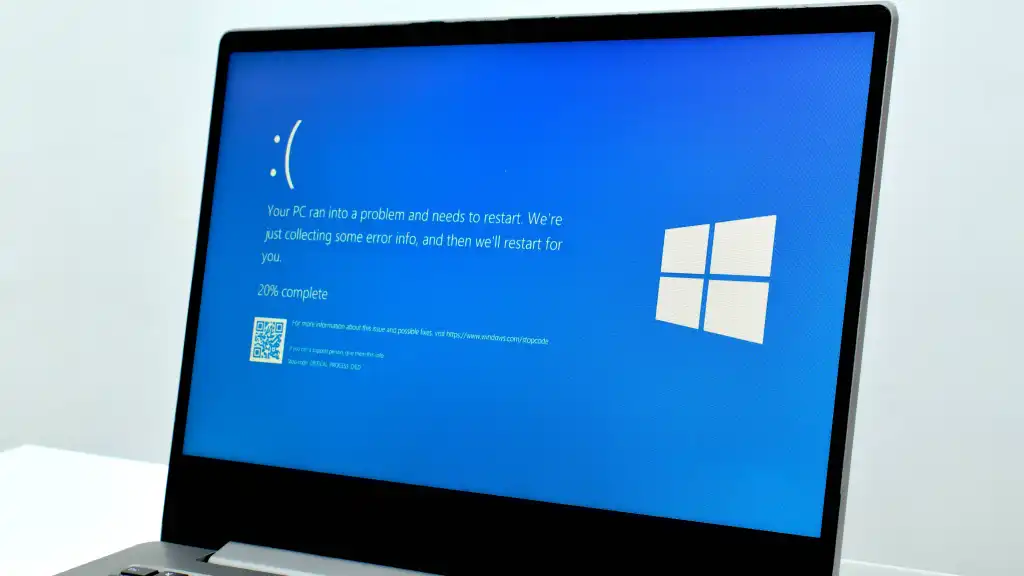
Microsoft has issued a warning regarding a critical software update for Windows 11 that is causing widespread system failures. The problematic patch, identified as the April Security Update KB5083769 with build number 26200.8246, triggers severe instability on specific hardware configurations. Users report that the update leads to immediate system crashes and graphical corruption upon installation or during normal operation.
Users report mosaic graphics and boot loops after installing the update
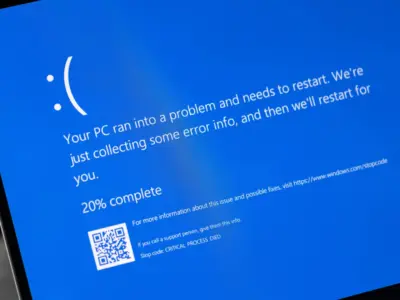
The issues primarily affect HP and Dell laptops and desktops equipped with NVIDIA GTX 1080 Ti graphics cards. Affected models include the HP Pavilion 590 p0044. The symptoms range from black screens and boot loops to blue screen of death errors displaying the kernel_security_check_failure code. Users also describe visual artifacts that appear as distorted, mosaic-like graphics on the display.
Affected users have found that uninstalling the update or hiding it through Windows Update settings provides a temporary workaround. One user reported that their computer functioned normally before the update but crashed immediately after installation. Another user noted that the system entered an automatic repair loop and failed to boot into Windows 11 Pro after the update completed.
Industry sources suspect that Dell Support Assist software may be a contributing factor to these crashes, though this remains unconfirmed. Microsoft has not yet added these specific issues to its official list of known problems. The company has not provided a timeline for a fix or a new patch to resolve the conflict between the security update and the affected hardware.

Discussion
0 comments
Log in to join the thread with a thoughtful take, question, or correction.