
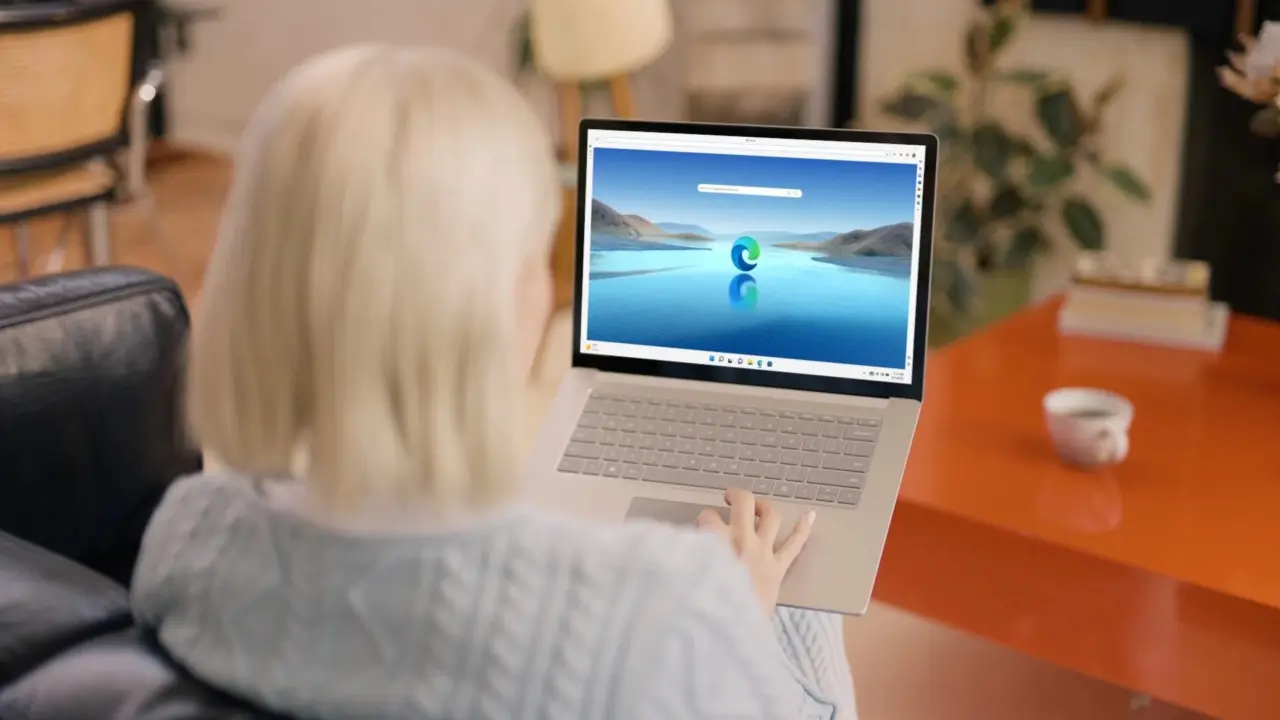
Microsoft offers IT Enterprise a new tool to manage Windows startup experience. This development offers IT the possibility to have Microsoft Edge launch automatically on login. This changes the default browser experience for managed devices, without manual staff setup.
New administrative setting forces browser launch at login
Microsoft Edge browser in Windows OS context is affected by this update. It's an administrative setting, and not a consumer setting. This will help to make sure end-users won't be able to easily turn it off, if implemented.
This update introduces the ability to automatically launch Edge browser on Windows system start. Administrators will have the option to manage this via organizational policies. It's integrated with the browser config management for enterprise.
This will help to establish a uniform browser experience in corporate machines. It will also streamline the initial setup experience on new/re-imaged machines. This update also seems to follow the trends of stability improvement we've been seeing with recent Edge updates.
Microsoft confirms that this feature is now ready for organizational deployment. This update delivers a standardized approach to enforce a browser preference on login. IT departments now have the ability to automate browser launch during the system startup process.

This administrative setting is a standard GPO configuration for managed environments. It ensures a consistent browser experience across all corporate endpoints.
corporate surveillance level increased 😂
Does this policy integrate with the existing Edge configuration management schema or does it require a separate registry key injection for the startup task?
It is integrated directly with the browser config management for enterprise. This allows IT to enforce the launch preference without manual script deployment on each machine.
I prefer having control over what launches at boot. Forcing a browser open every time I log in is unnecessary telemetry and resource waste.
This is strictly an enterprise feature. Consumer editions of Windows do not receive this administrative setting as it requires organizational policy management.
finally a stable update that doesn’t break the sync
We have been using similar scripts for years. This just makes it easier to manage without third party tools.
at this rate we will need a startup manager to manage the startup manager