
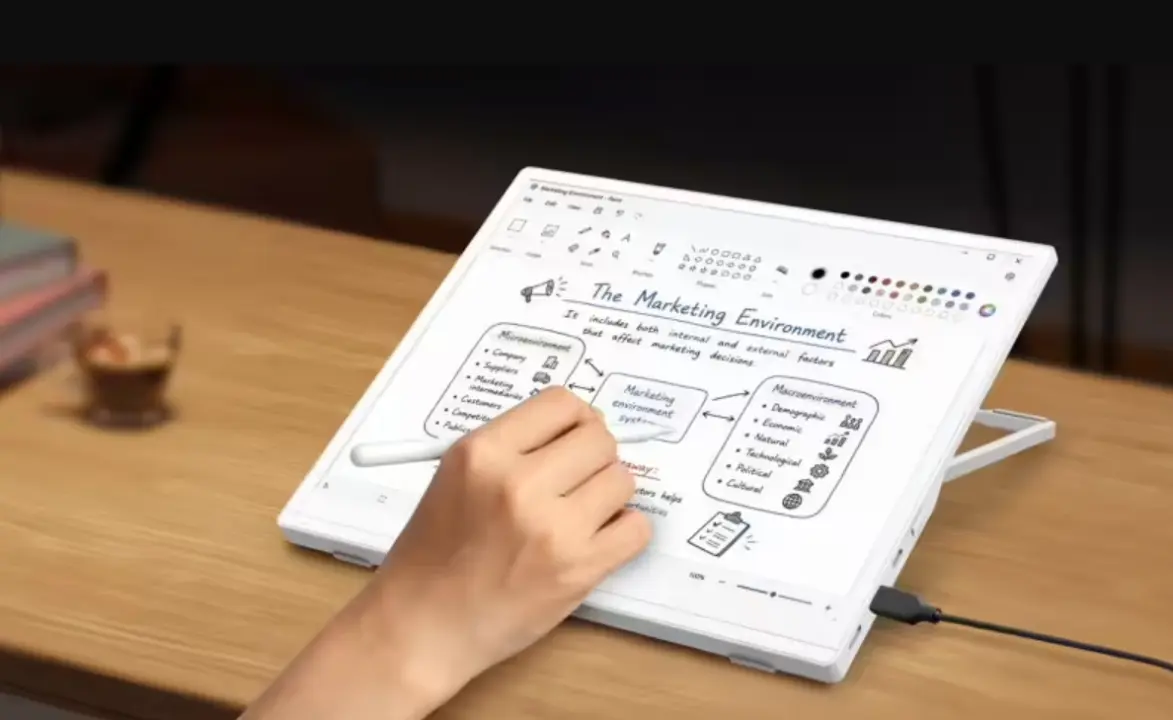
Acer introduced the EP130K, a portable e-ink monitor designed for users who need a secondary screen without the eye strain of traditional LCDs. This device targets professionals and travelers who prioritize battery life and visual comfort over high refresh rates. The 13.3-inch display offers a unique alternative for reading, coding, or writing in low-power environments.
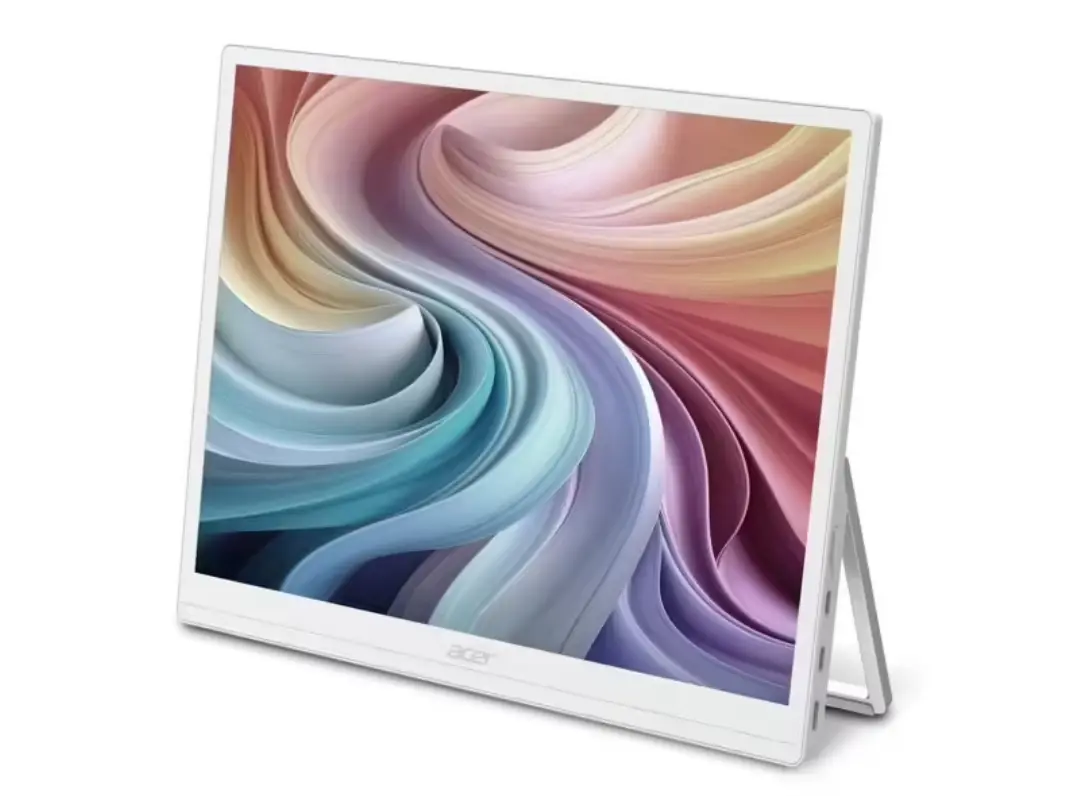
Portable display adds touch, pen input, and audio for low-power workflows
The EP130K runs on E-ink technology and supports both black-and-white and color modes. In grayscale, the screen delivers a sharp 3200 x 2400 resolution at 60Hz. When switching to color, the resolution drops to 1600 x 1200, supporting 4096 colors with a 20ms grayscale response time. This dual-mode approach allows users to choose between crisp text and basic color imagery.
Specifications
- Screen Size: 13.3 inches
- Technology: E-ink
- Resolution (B&W): 3200 x 2400
- Refresh Rate: 60Hz
- Resolution (Color): 1600 x 1200
Connectivity options include a Mini HDMI port and two USB-C ports, with one port providing power delivery. The monitor also features an audio jack and two built-in 1W speakers. Input methods support both touch interaction and digital pen input, making it suitable for note-taking or drawing.
Acer also announced the PD163Q P3, a triple 15.6-inch FHD external screen setup. This separate product targets users needing high-resolution multi-monitor configurations. The EP130K remains distinct as a portable, low-power e-ink solution. Both products expand Acer's portfolio of external display options for different use cases.
Discussion
0 comments
Log in to join the thread with a thoughtful take, question, or correction.