
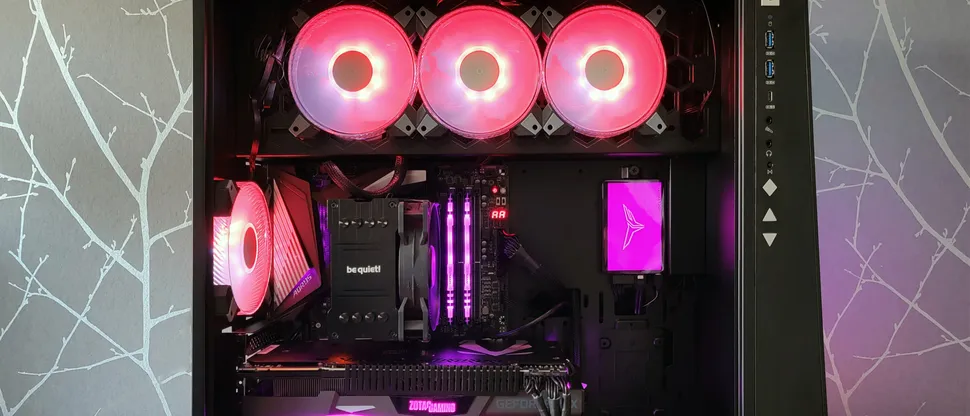
Gamers running Windows 11 face a sudden stability crisis that forces a choice between colorful peripherals and playable games. The operating system now crashes with blue screens when certain RGB lighting software interacts with modern multiplayer titles. This issue disrupts the experience for players who rely on synchronized lighting effects while gaming.
Microsoft identifies RGB peripheral drivers as the cause of kernel conflicts and blue screens in Windows 11
Microsoft identified the root cause as a conflict between RGB peripheral drivers and game anti-cheat systems. The instability appears in the Windows 11 monthly update KB5121003 and affects the upcoming 25H2 version. Drivers that use files like inpoutx64 trigger the problem by confusing the anti-cheat software.
The conflict causes kernel-mode driver issues that result in EXCEPTION_ACCESS_VIOLATION errors and system restarts. Games such as Arc Raiders, Marvel Tokon: Fighting Souls, and The Finals are among the most affected. Microsoft has not fully detailed the technical mechanism behind this specific kernel conflict.
Users can temporarily resolve the issue by manually disabling the problematic RGB driver through the registry editor. This workaround allows gamers to restore stability without removing their hardware. We looked at Windows 11 August Update Causes Game earlier while tracking these stability reports.
Microsoft confirmed that RGB software is the source of the crashes but left the exact technical details unexplained. The immediate fix requires manual registry changes to disable the conflicting drivers. Gamers must weigh the visual benefits of RGB software against system stability until a permanent patch arrives.
Discussion
0 comments
Log in to join the thread with a thoughtful take, question, or correction.