
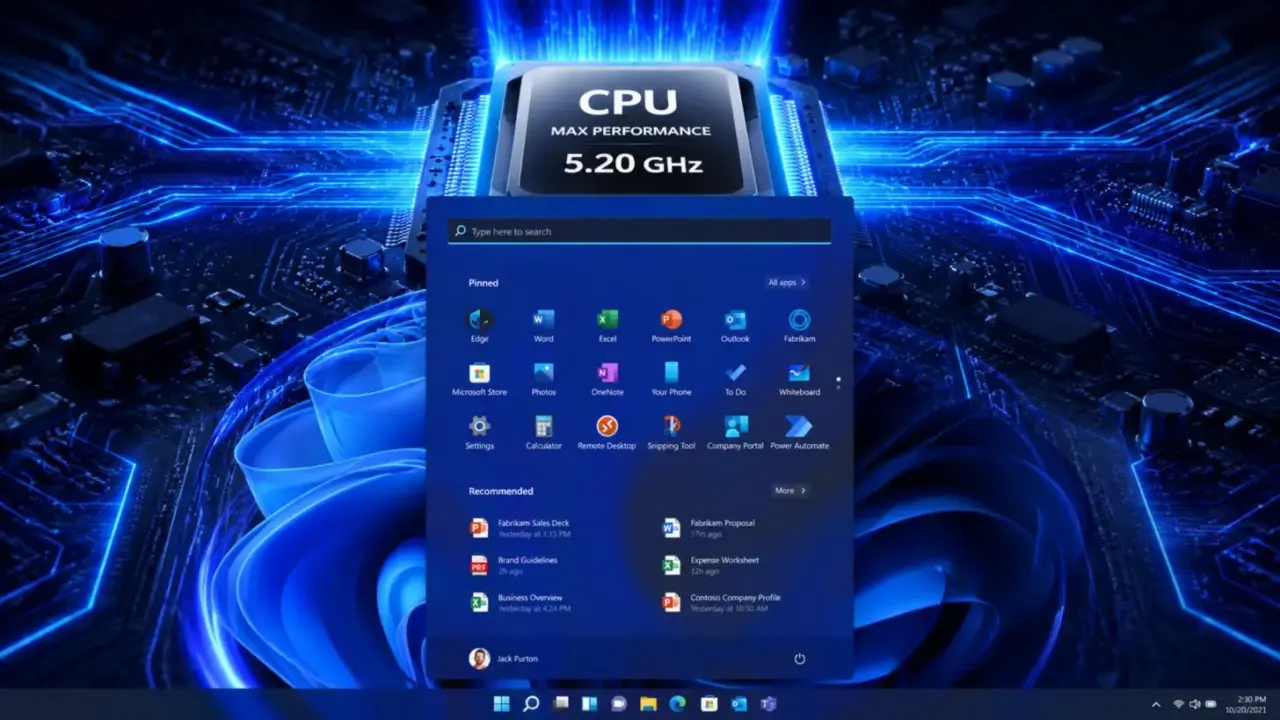
Microsoft is developing a new feature for Windows 11 called the Low Latency Profile. It temporarily pushes the CPU to its maximum clock frequency for one to three seconds when opening apps or shell interfaces. The goal is to boost application and UI performance.
Feature already available in Windows Insider program
The feature is already available in the Windows Insider program. Early tests show CPU clock spikes lasting one to three seconds. According to Windows Central, performance improvements include up to 40 percent faster launch for Edge and Outlook, and up to 70 percent faster for the Start Menu and context menus. The Low Latency Profile is part of Microsoft's 'K2' project aimed at improving user experience.
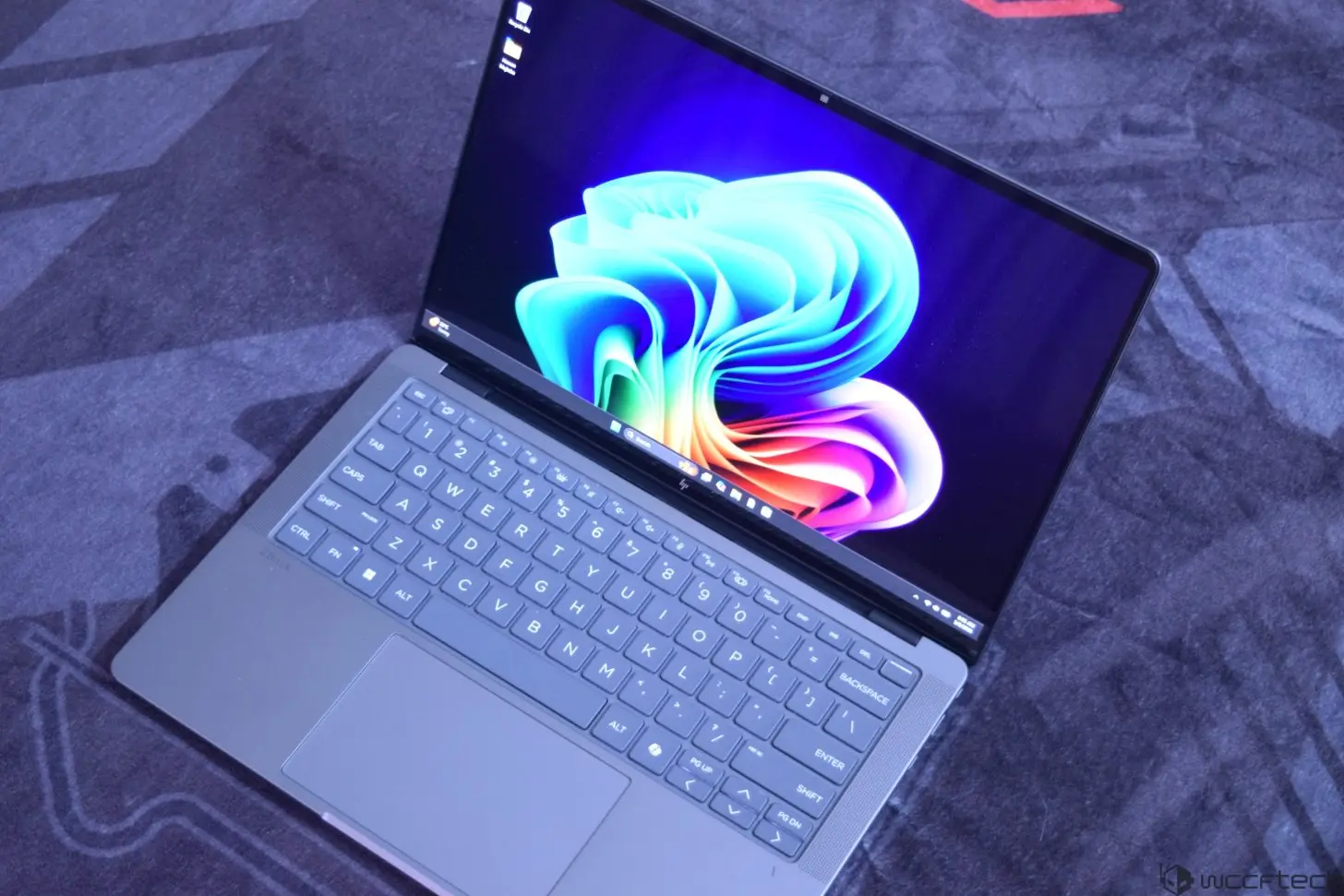
Microsoft has not announced a general availability date for the Low Latency Profile. The feature is currently being tested with Windows Insiders, but when it will roll out to all users remains unclear.
The Low Latency Profile is designed to make Windows 11 feel more responsive by briefly maximizing CPU performance during common interactions. This approach targets the moments when users are most likely to notice lag, such as launching applications or opening menus. The feature is part of a broader effort by Microsoft to refine the Windows 11 experience.

Discussion
0 comments
Log in to join the thread with a thoughtful take, question, or correction.