
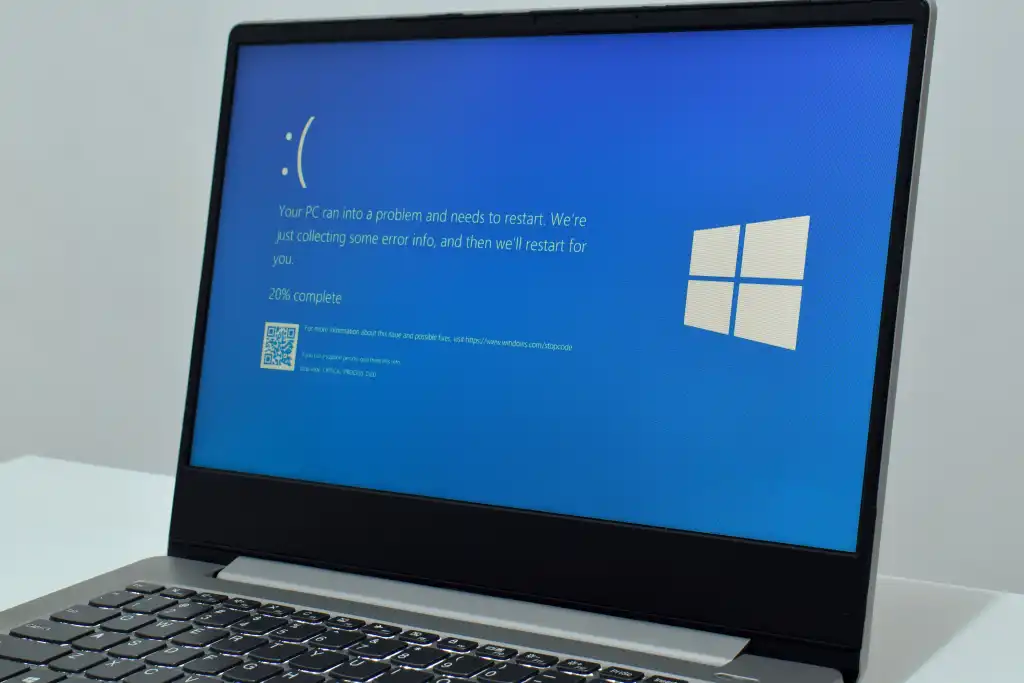
Microsoft’s August security update for Windows 11 is causing significant instability for PC users. The patch, identified as KB5121003, introduces crashes in popular games and disrupts basic system functions like login and display settings. Gamers and daily users alike are facing black screens and corrupted PINs, which forces many to roll back the update immediately.
August security patch breaks games and display settings
The core issue stems from a conflict between the new security patch and a specific driver file named inpoutx64.sys. This driver is often used by hardware peripherals and emulation tools, but its interaction with the update triggers crashes in titles such as ARC Raiders and The Finals. The problem also extends to Windows Hello, where users report that their PIN authentication data becomes corrupted after installation.
Display performance takes a heavy hit alongside the application crashes. Users have reported black screens, reduced refresh rates, and failures in High Dynamic Range (HDR) modes. These visual glitches suggest the update interferes with how Windows 11 manages graphics output when the conflicting driver is present. The instability affects both gaming sessions and general desktop usage.
Embark Games, the developer behind ARC Raiders, is currently working on a permanent fix for their software. In the meantime, users can attempt a temporary workaround by stopping and deleting the inpoutx64.sys service and file. This manual removal stops the crashes but leaves the system exposed to over 400 known security vulnerabilities that the update was meant to patch. We looked at the last Windows 11 update earlier while tracking similar stability themes, and this recurrence highlights ongoing balance issues in Microsoft's release cycle.
The situation presents a difficult choice for Windows 11 users. Removing the update restores stability but compromises system security. Keeping the update breaks games and display settings until developers release compatible patches. Users must weigh the risk of security flaws against the immediate loss of functionality.
Discussion
0 comments
Log in to join the thread with a thoughtful take, question, or correction.