
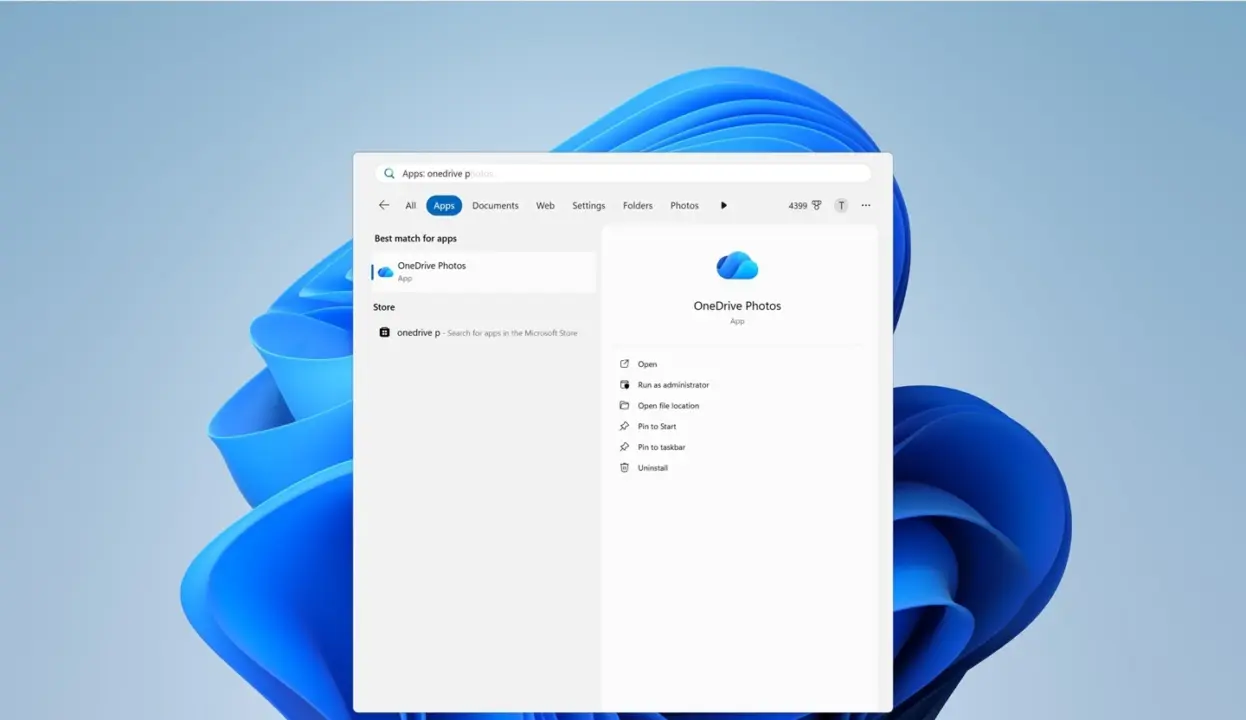
Microsoft is changing how users manage the OneDrive Photos app on Windows, giving people the ability to remove it without deleting their entire cloud storage suite. This shift matters because previous versions forced a binary choice: keep the app or uninstall the whole OneDrive service, which often disrupted file synchronization for users who only wanted to clear up desktop clutter. We now have a granular control option that separates the photo viewer from the core sync engine.
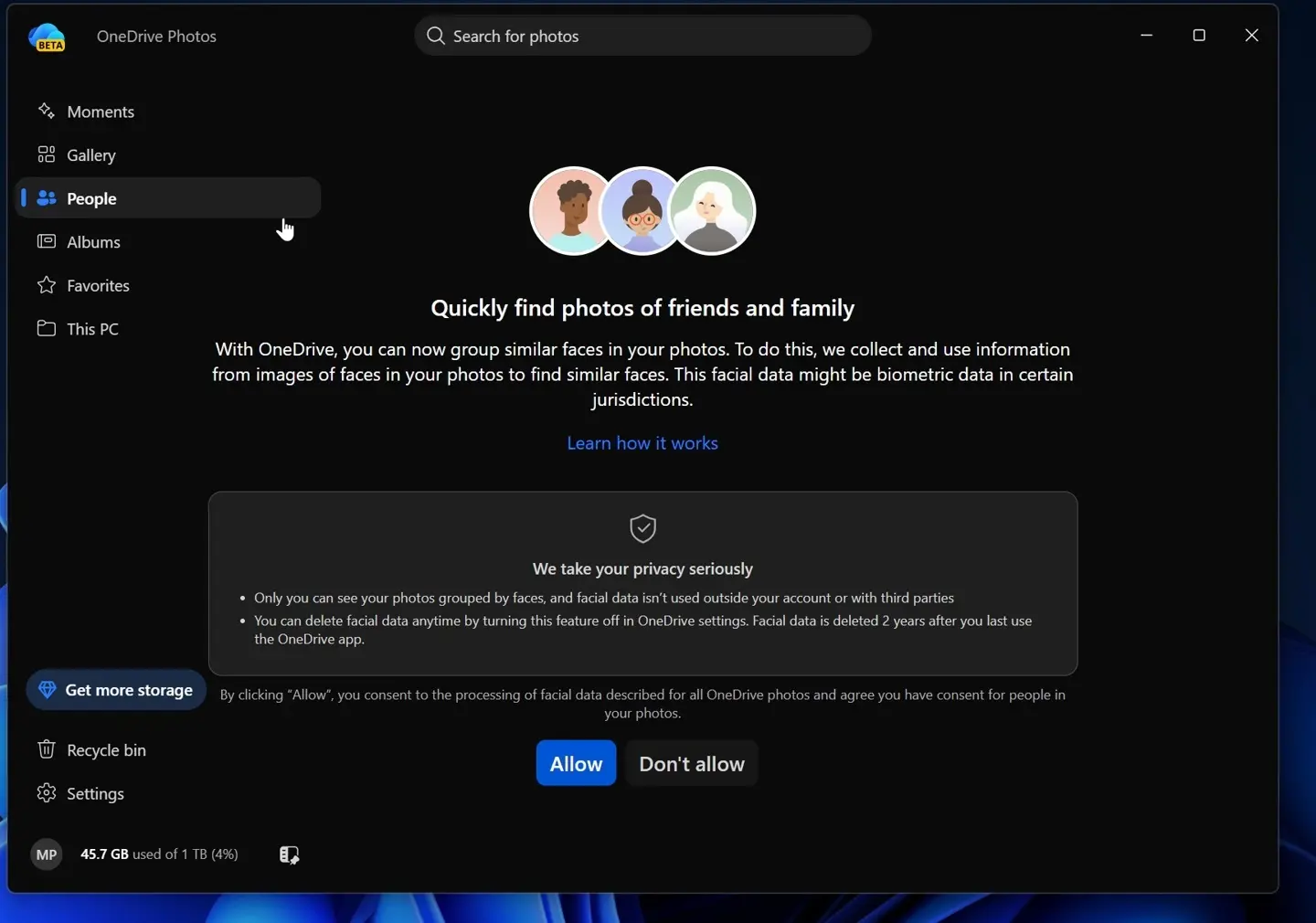
Standalone removal option arrives in September 2024
The update targets the standalone OneDrive Photos application, which has long been a point of friction for Windows users who prefer a cleaner desktop environment. Previously, the only way to hide the app was to delete the entire OneDrive client, a move that triggered automatic re-installation of the Photos component the next time the system checked for updates. This new policy breaks that cycle by treating the Photos app as an independent module within the broader OneDrive ecosystem.
IT administrators gain new management capabilities starting in August 2024, allowing them to restrict employee access to OneDrive Photos on corporate devices. This enterprise control layer ensures that organizations can enforce stricter data governance policies without impacting the primary file synchronization functions that employees rely on for daily work. The separation allows for targeted policy enforcement rather than a blanket restriction on all cloud storage activities.
Regular users can begin removing the OneDrive Photos app independently starting in September 2024, with the change rolling out globally. The removal process is designed to be safe, meaning that deleting the Photos service will not delete any photos or files, nor will it stop file synchronization. This ensures that users can customize their Windows experience without risking data loss or breaking their connection to the cloud.
We can confirm that Microsoft is implementing these changes to address long-standing user complaints about forced installations and lack of control. The update provides a clear path for users who want to declutter their systems while maintaining full access to OneDrive file storage and sync features. This separation marks a practical improvement in how Microsoft manages pre-installed software components on Windows devices.

Discussion
0 comments
Log in to join the thread with a thoughtful take, question, or correction.