

Microsoft plans to add a new privacy option in Windows 11 that lets users remove Bing web search results from local search. The update addresses user feedback regarding the integration of web results within local search functions. Users will be able to toggle this behavior directly within the settings menu.

New privacy setting allows users to exclude web results from local file searches
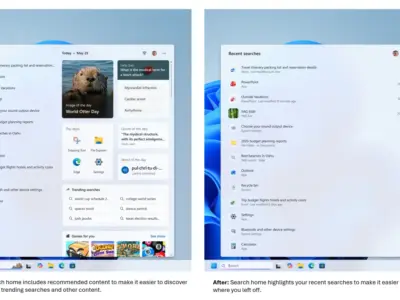
The update focuses on the Windows 11 search interface and its integration with Microsoft services. This functionality is integrated into the default Windows 11 interface responsible for managing files and applications. This modification targets the default search box that appears in the taskbar and start menu.
Key technical adjustments include a new privacy and security setting to exclude Microsoft Store apps from search results. File explorer shell enhancements are expected to deliver significant improvements to local search performance. Batch deletion operations have already achieved a thirty percent speed boost in internal Windows builds according to development reports.
These changes affect how the operating system handles queries across different content types. The new configuration allows users to separate web-based lookups from device-specific file searches. This separation gives users more control over which services appear when they type into the search bar.
Microsoft has not announced a release date or confirmed when the changes will be available to users. Privacy settings are generally distributed via regular system updates instead of separate installation files. The new settings will likely become available with the next scheduled system maintenance release.
The proposed changes respond to long-standing requests for clearer distinctions between offline files and online content. While earlier versions enhanced local search performance, web result integration has been mandatory by default. The upcoming change addresses the core friction point by making web search opt-in rather than mandatory.


Discussion
0 comments
Log in to join the thread with a thoughtful take, question, or correction.