
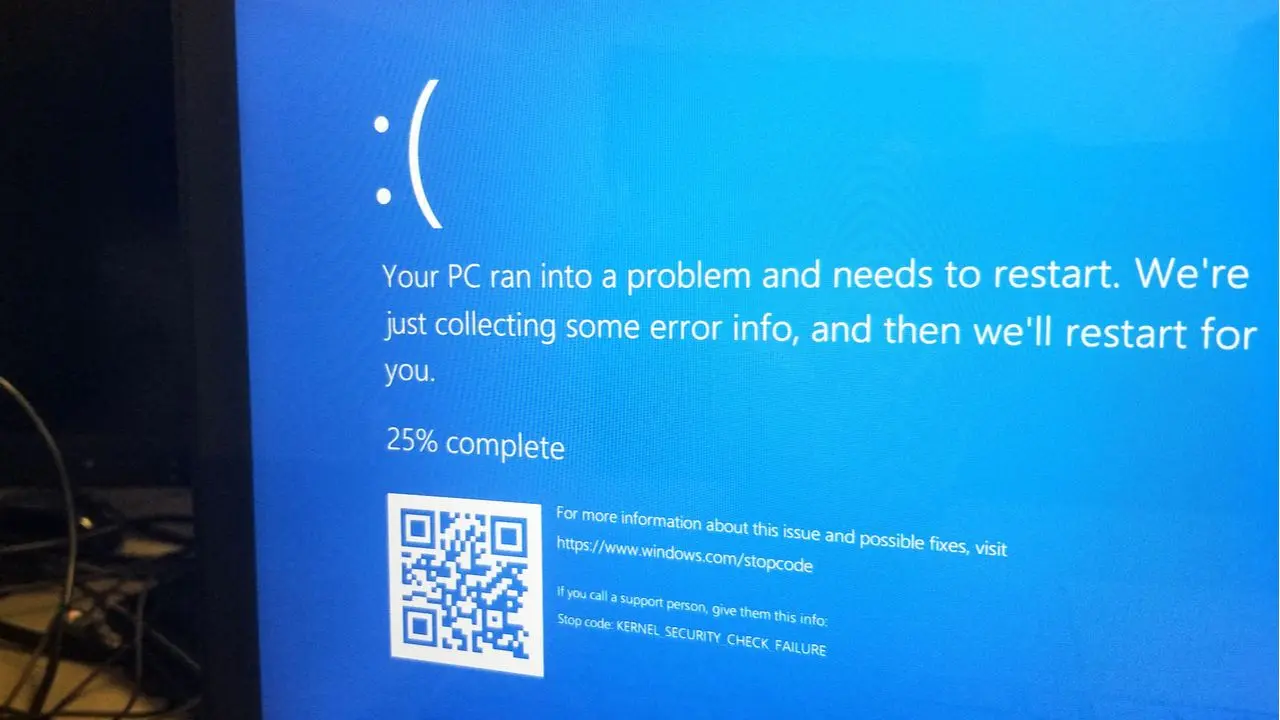
Dell has released an update for its SupportAssist Remediation software that is causing critical system instability on several laptop models. The update, identified as version 5.5.16.0, triggers blue screens and continuous reboot loops on affected devices. Users report that the issue stems from a boot service designed to assist with system recovery rather than improve it.
Faulting process identified as DellSupportAssistRemedationService.exe causing critical system instability
Crash dumps collected from impacted systems point to a specific faulting process named DellSupportAssistRemedationService.exe. The bugcheck code recorded in these dumps is 0xEF, which corresponds to the CRITICAL_PROCESS_DIED error. This indicates that the operating system terminated a critical process unexpectedly, leading to the system crash.
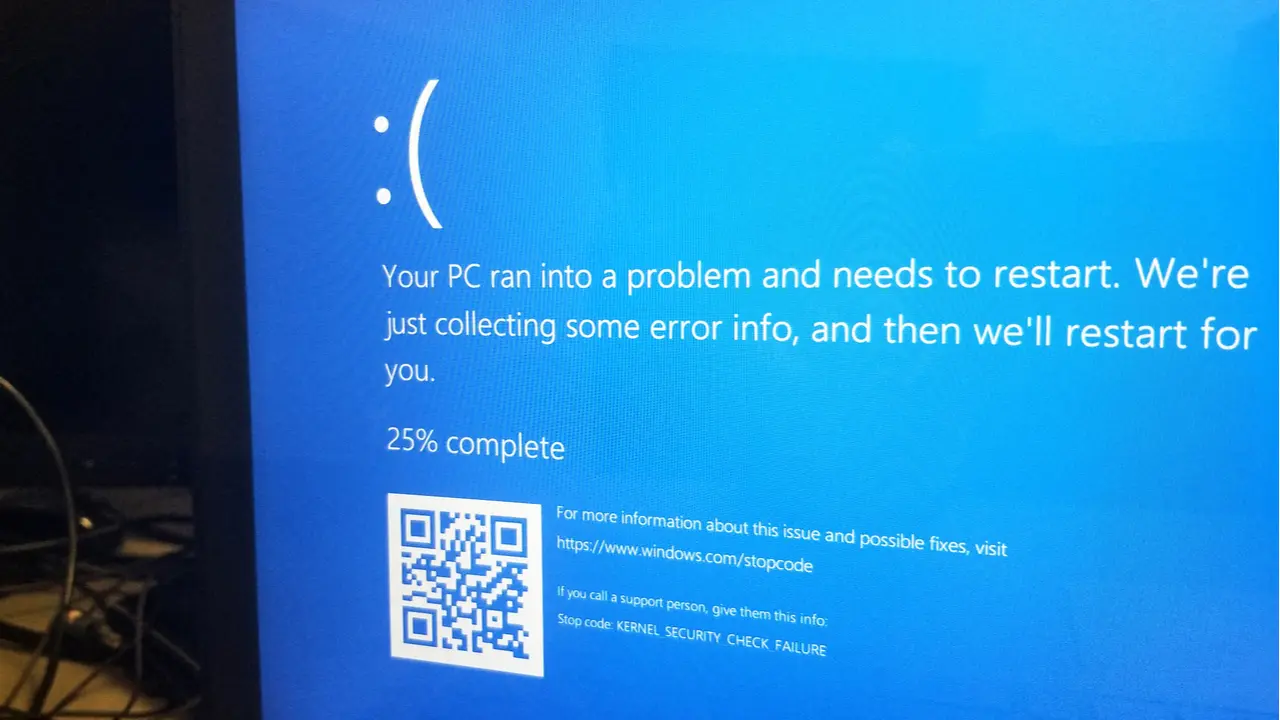
The instability has been confirmed across multiple Dell product lines, including the XPS 15 9530 and the Dell Pro Plus 14. Reports also confirm the same behavior on the Dell Precision 3571 workstation. All affected systems are running Windows 11, which appears to be the common operating environment for this software failure.
Users can resolve the immediate instability by disabling the problematic service through the command line. Running the command sc.exe config "Dell SupportAssist Remediation" start= disabled prevents the service from launching at startup. Alternatively, uninstalling the software entirely removes the source of the crash and restores normal system operation.
Dell has not yet acknowledged the issue or released an official fix for the defective update. The company has not confirmed a timeline for when a patch will become available to the public. Users experiencing these crashes must rely on manual workarounds until the vendor addresses the root cause.



Discussion
0 comments
Log in to join the thread with a thoughtful take, question, or correction.