
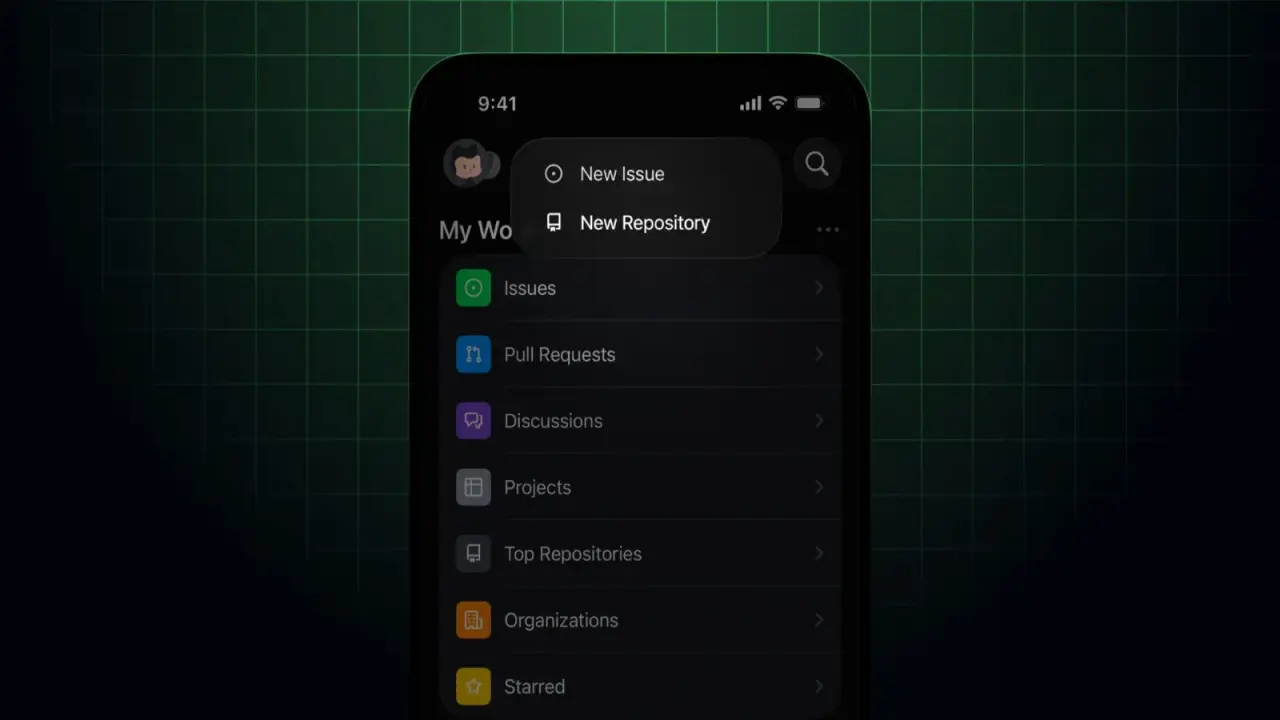
GitHub has introduced a significant update to its mobile application, allowing developers to create new repositories directly from their smartphones. The feature, announced on May 17, 2026, brings core project initialization capabilities to iOS and Android devices. This marks the first time the mobile app supports repository creation, a function previously restricted to the web interface.
Users can choose between template-based or manual setup options
Users can now build new projects on the fly using two distinct methods. The first option involves selecting a pre-built template to streamline the setup process. The second option allows for manual configuration with granular controls. Developers can set repository visibility to public or private, add a README file, include a .gitignore file, and select a license.
The workflow differs slightly between operating systems. On iOS, users start from either the Home screen or their Profile and tap the plus button to choose Create repository. Android users can initiate the process from the Home screen or the Repositories section of their Profile. In both cases, the app prompts for a repository name and allows the user to add an optional description.
This update shifts the mobile app from a passive viewing tool to an active development instrument. It enables developers to manage project structures without needing access to a desktop computer. The change supports faster iteration cycles for developers who work primarily on mobile devices.
GitHub has not confirmed specific details regarding future feature rollouts or platform support expansions beyond the current iOS and Android releases.



Discussion
0 comments
Log in to join the thread with a thoughtful take, question, or correction.