
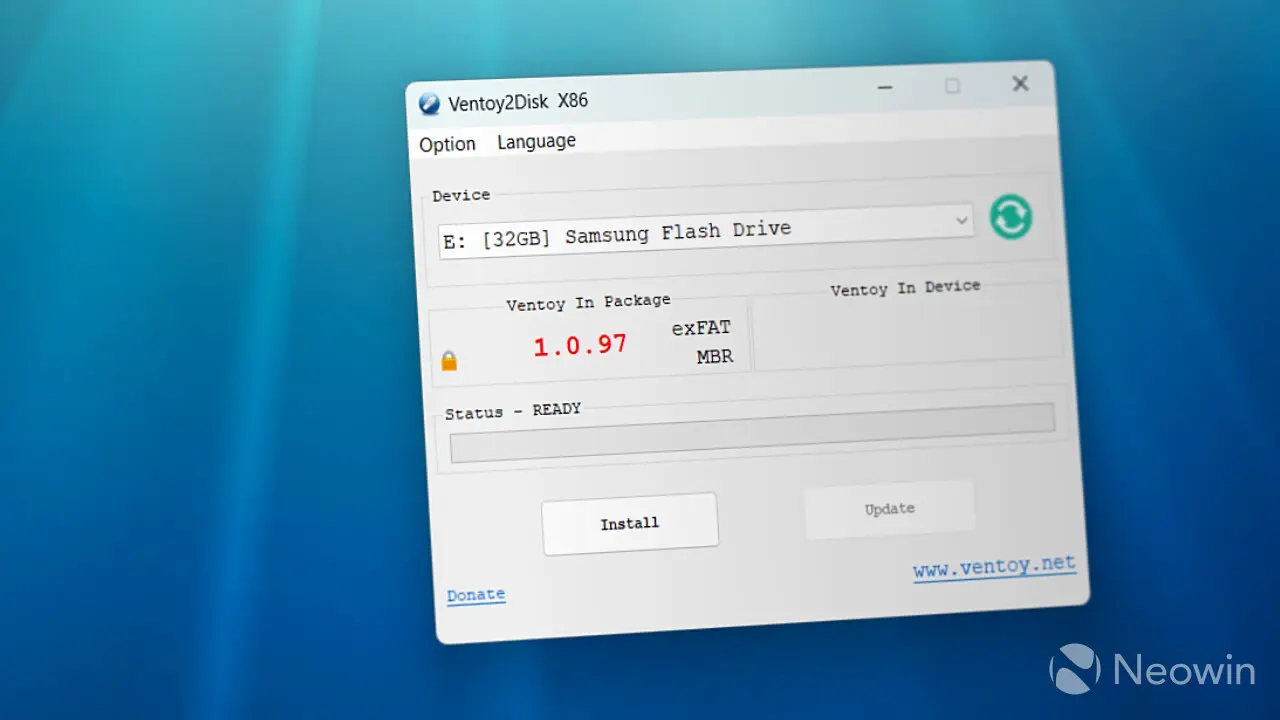
Ventoy released an update that improves Linux platform support and adds recovery functionality for SteamOS. This matters because users who build bootable USB drives for Linux systems or SteamOS devices can now rely on a more stable and capable alternative to Rufus. The tool continues to serve as a practical option for system administrators and enthusiasts who need to manage multiple operating systems on a single drive.
New release targets SteamOS users with specific recovery tools
Ventoy is a utility software designed to create bootable USB drives. The latest release focuses on enhancing compatibility and stability for Linux-based environments. It positions itself as a direct alternative to the popular Rufus utility, offering users a different approach to disk imaging and boot configuration.
The update introduces specific recovery functionality tailored for SteamOS. This addition targets users who need to maintain or repair SteamOS installations on USB media. The release also includes broader improvements to the Linux platform support, ensuring better interaction with various Linux distributions.
This release follows the previous update that optimized Secure Boot for Windows 11 compatibility. When we covered the last Ventoy update, several of the same balance and stability themes came up. The current release continues that trend by focusing on platform-specific enhancements rather than introducing entirely new features.
Ventoy is a free and open-source utility designed for creating bootable USB drives. The latest update adds SteamOS recovery and improves Linux support. Users can download the updated version to improve their system management capabilities.

Discussion
0 comments
Log in to join the thread with a thoughtful take, question, or correction.