
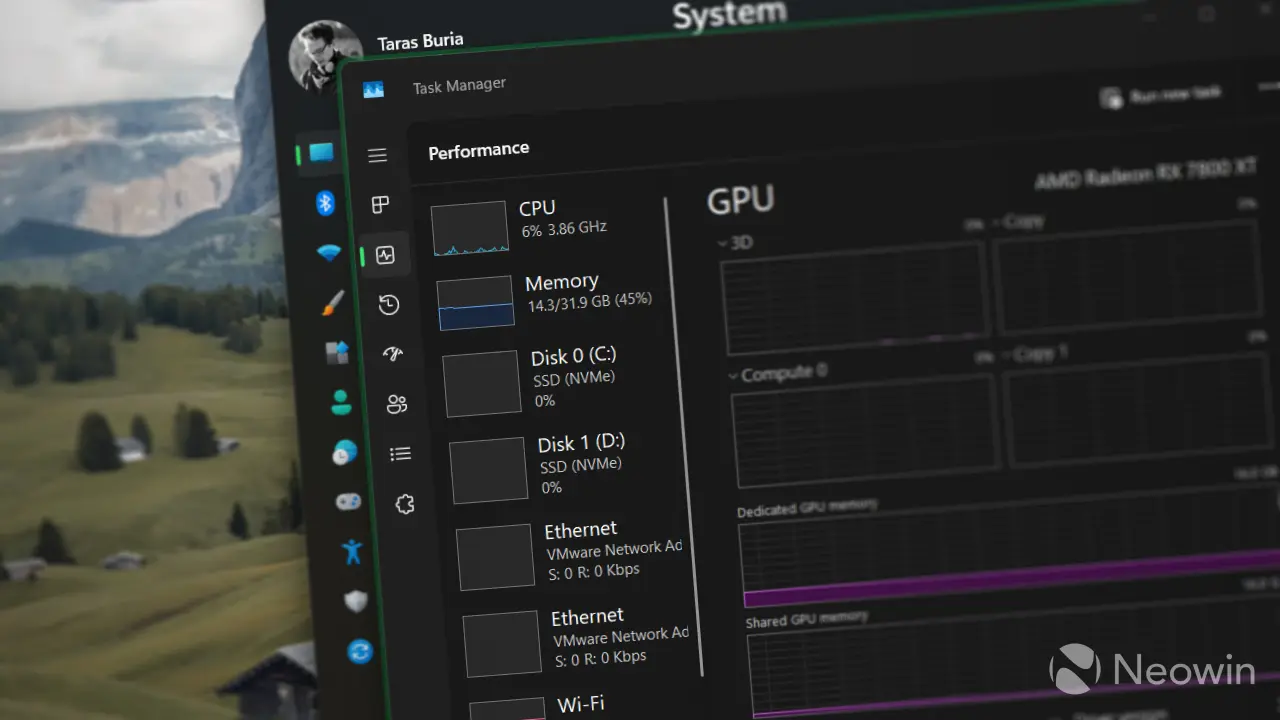
Microsoft has updated the Windows 11 Task Manager to help users monitor AI hardware usage more effectively. This change matters because it gives buyers a clear view of whether applications are using dedicated neural processing units or falling back to slower CPU processing. You can now see exactly which processes are driving your system's AI capabilities.
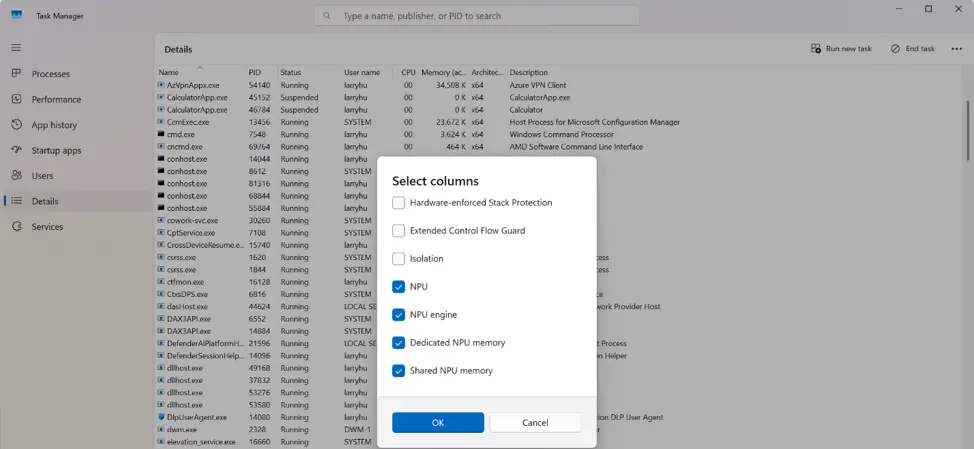
New optional columns track dedicated AI hardware usage across processes
The update adds optional columns for NPU and NPU Engine data across the Processes, Users, and Details pages. Microsoft also expanded visibility to the Performance page, where neural engines built into GPUs now appear alongside standard metrics. These additions target users who need to verify hardware acceleration for AI workloads.
The new indicators distinguish between different types of AI activity. The NPU engine column shows either NPU – Compute or NPU – Neural for optimized programs. Applications using dedicated AI hardware on a GPU will display GPU – Neural under the GPU engine column. This level of detail helps identify specific hardware utilization.
These updates allow users to confirm if applications are properly leveraging dedicated AI hardware. The changes provide practical insight into system resource allocation for modern software. We looked at the last Task Manager update earlier while tracking similar process control improvements. The update is available as part of the current Windows 11 software cycle.

Discussion
0 comments
Log in to join the thread with a thoughtful take, question, or correction.