
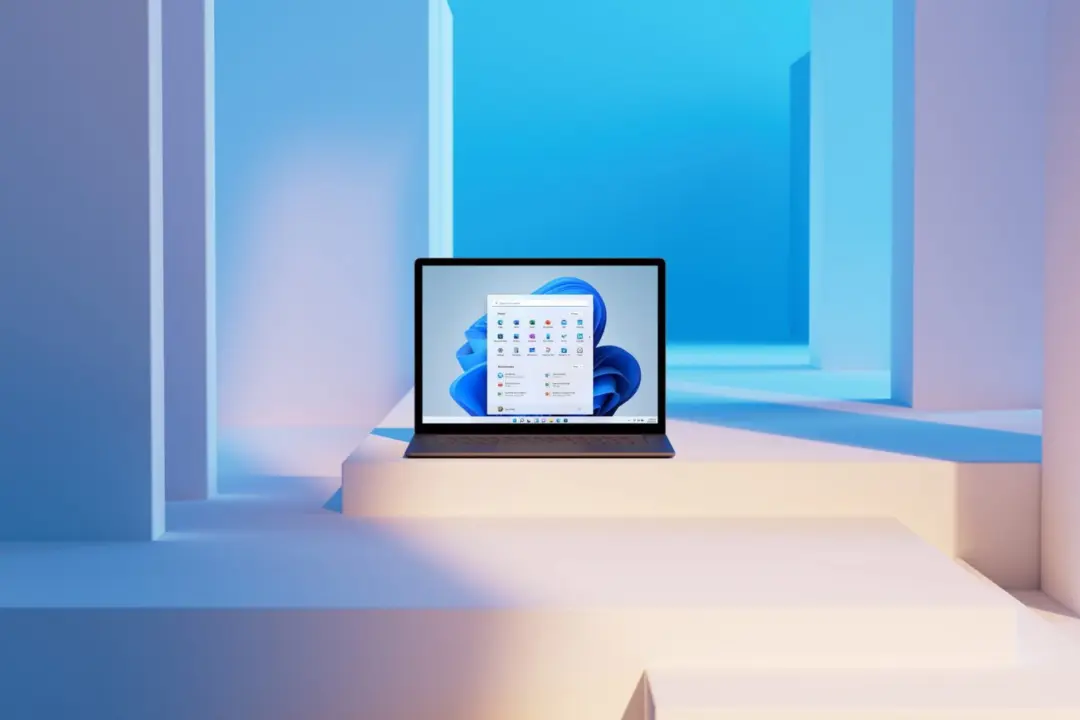
Microsoft’s July 20 Windows 11 cumulative update, KB5101650, is causing display failures for users with high refresh rate monitors. Gamers and professionals relying on 360Hz or 400Hz screens are seeing their displays go black every few seconds or enter a constant reconnection loop. This bug effectively disables the high-speed visual experience that these monitors are designed to provide.
Microsoft investigates driver conflicts after massive security patch breaks high refresh rate displays
The update in question is a massive security patch that addresses 570 vulnerabilities in the operating system. Despite the significant security improvements, the release has triggered instability in the display stack. User reports indicate that the issue is widespread among those running monitors at refresh rates of 400Hz, 360Hz, or 300Hz.
The root of the problem appears to be a conflict between the new update and graphics drivers, with AMD GPU users reporting the issue at a higher ratio. When monitors are set to their maximum refresh rates, the screen may black out every one to two seconds. This behavior disrupts normal usage and makes the displays unusable at their advertised speeds.
Microsoft has acknowledged the feedback and is currently investigating whether the driver conflicts are directly linked to KB5101650. Users experiencing these black screens can temporarily resolve the issue by lowering their monitor's refresh rate to 240Hz. This adjustment stabilizes the display, though it sacrifices the higher frame rates that many gamers prefer.
The company is working to confirm the exact cause of the instability while users apply the refresh rate workaround. Until a permanent fix is released, high refresh rate monitor owners must manage their display settings manually. The update remains available, but it carries a significant compatibility risk for high-performance gaming setups.
Discussion
0 comments
Log in to join the thread with a thoughtful take, question, or correction.